VISUALISE Day AS x, Month AS y, Temp AS fill FROM ggsql:airquality
  DRAW tile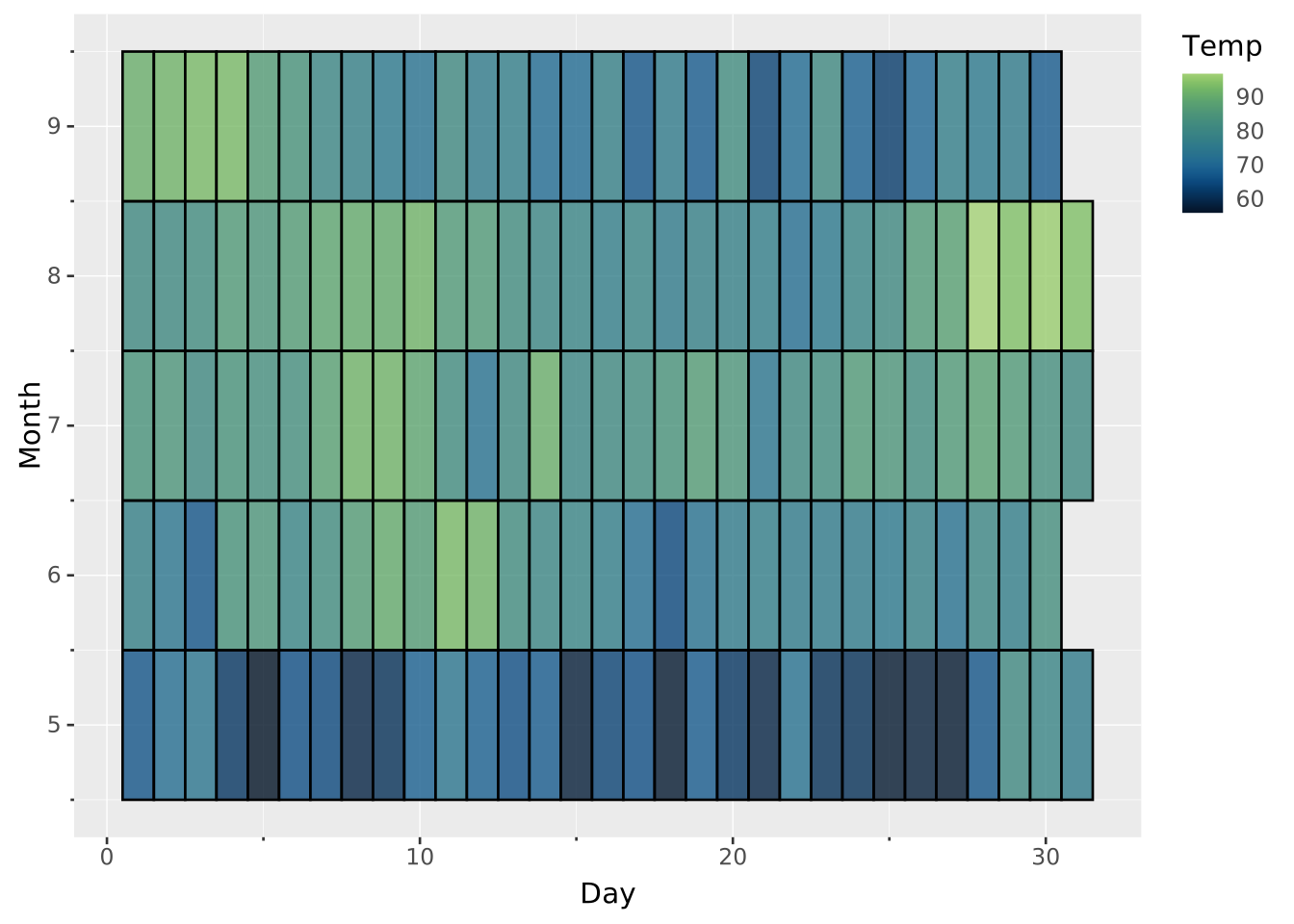
A heatmap visusalised data values as colors in a grid layout. It makes it easy to see patterns and relationships through color intensity. It works best with discrete or ordinal arrangements.
VISUALISE Day AS x, Month AS y, Temp AS fill FROM ggsql:airquality
DRAW tile
VISUALISE ... FROM ggsql:airquality loads the built-in air quality dataset.Day AS x, Month AS y defines a 2D grid ‘map’. The default width and height of each cell is 1. Because these variables are contiguous whole numbers, this creates a grid.Temp AS fill declares the ‘heat’ variable to display as colour intensity.DRAW tile gives instructions to draw a tile layer.As a stylistic choice, you can set the cells to be opaque without borders.
VISUALISE Month AS y, Day AS x, Temp AS fill FROM ggsql:airquality
  DRAW tile
    SETTING stroke => null, opacity => 1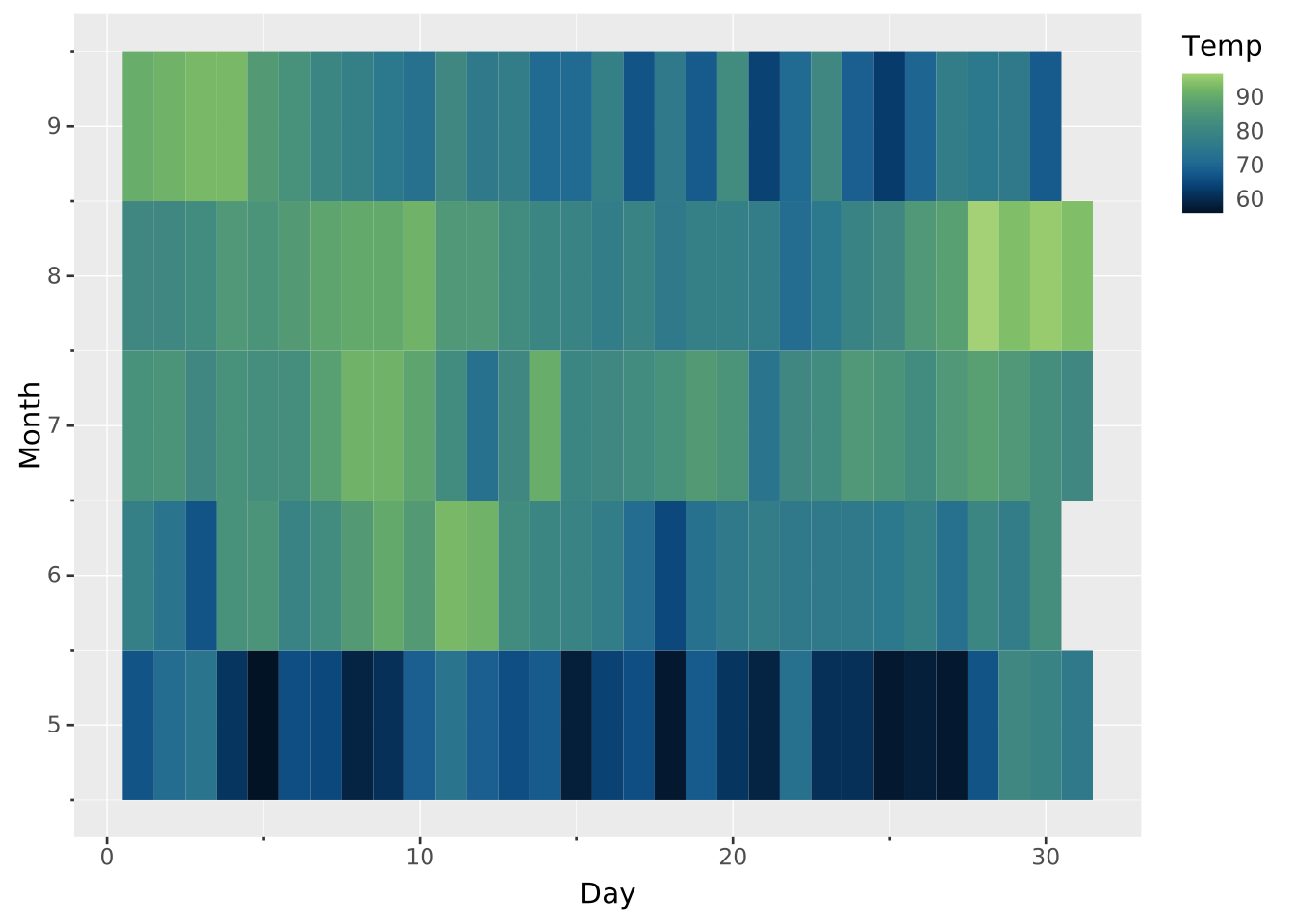
You can change the color by adapting the scale.
VISUALISE Month AS y, Day AS x, Temp AS fill FROM ggsql:airquality
  DRAW tile
  SCALE fill TO magma
    SETTING reverse => true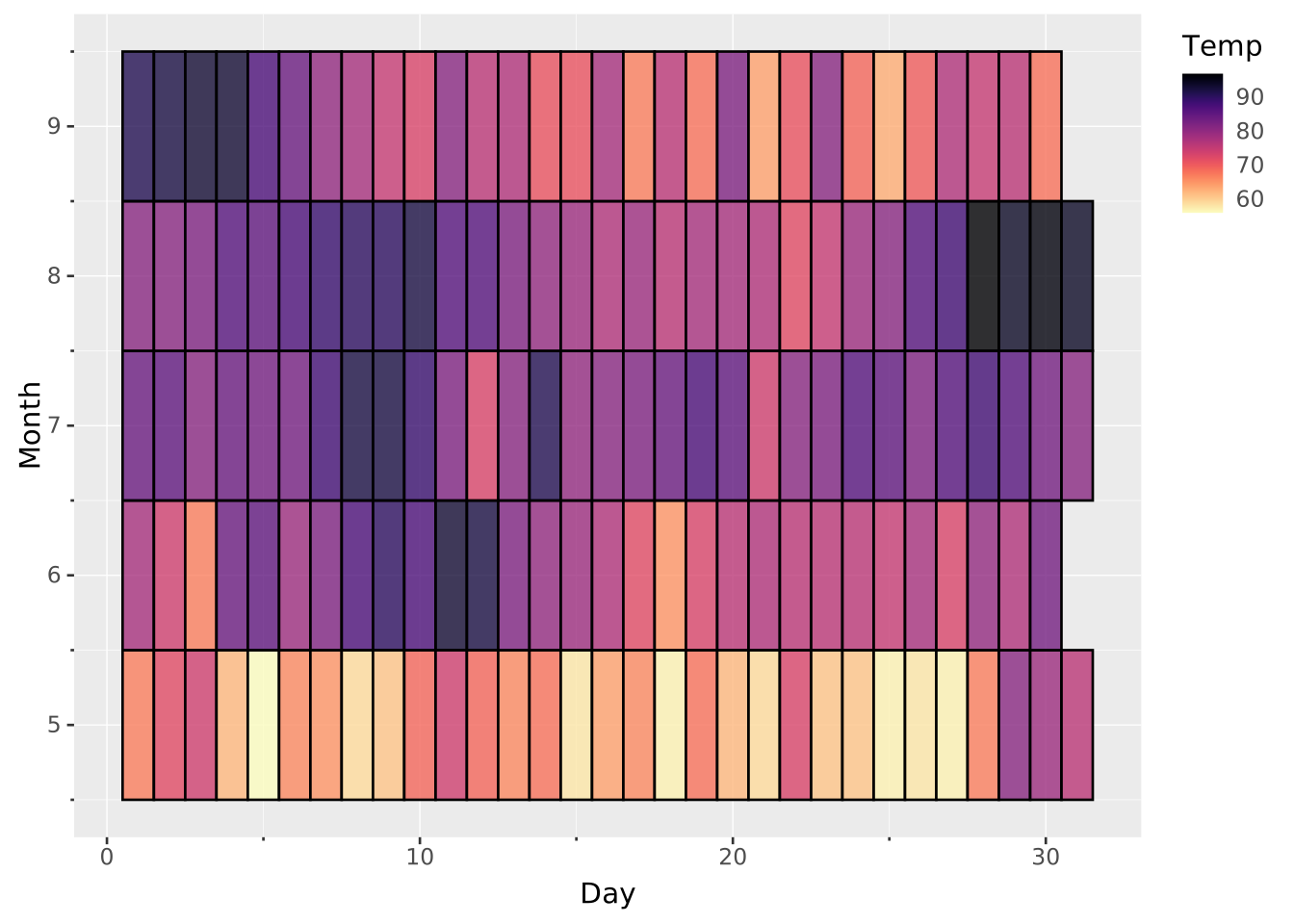
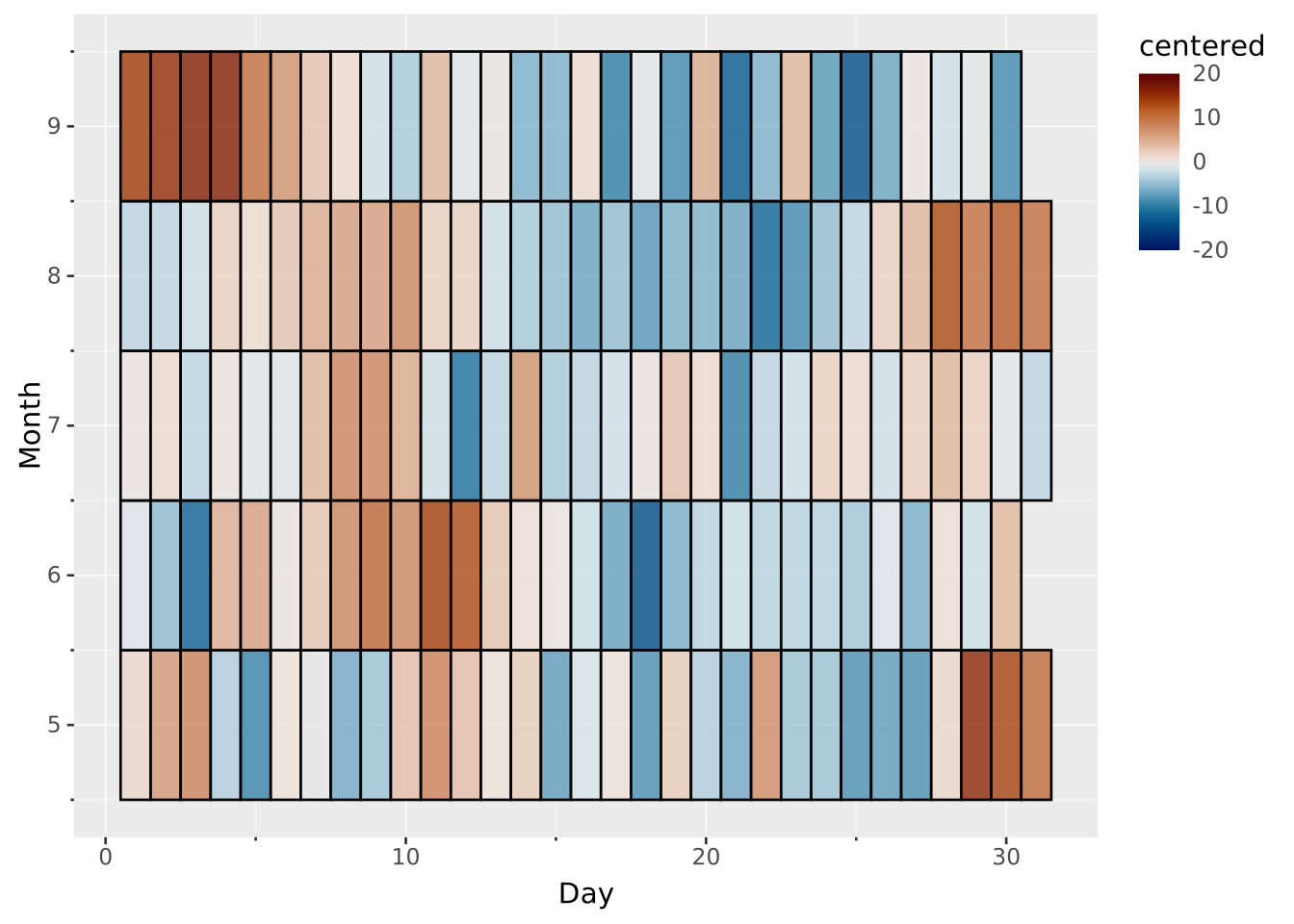
If you have centered data, you may want to use a divergent colour scale. It is important to the two extremes in FROM symmetrically around the midpoint.
SELECT *,
  Temp * 1.0 - AVG(Temp) OVER (PARTITION BY Month) AS centered
FROM ggsql:airquality

VISUALISE Month AS y, Day AS x, centered AS fill
  DRAW tile
  SCALE fill FROM (-20, 20) TO vik