VISUALISE island AS fill FROM ggsql:penguins
  DRAW bar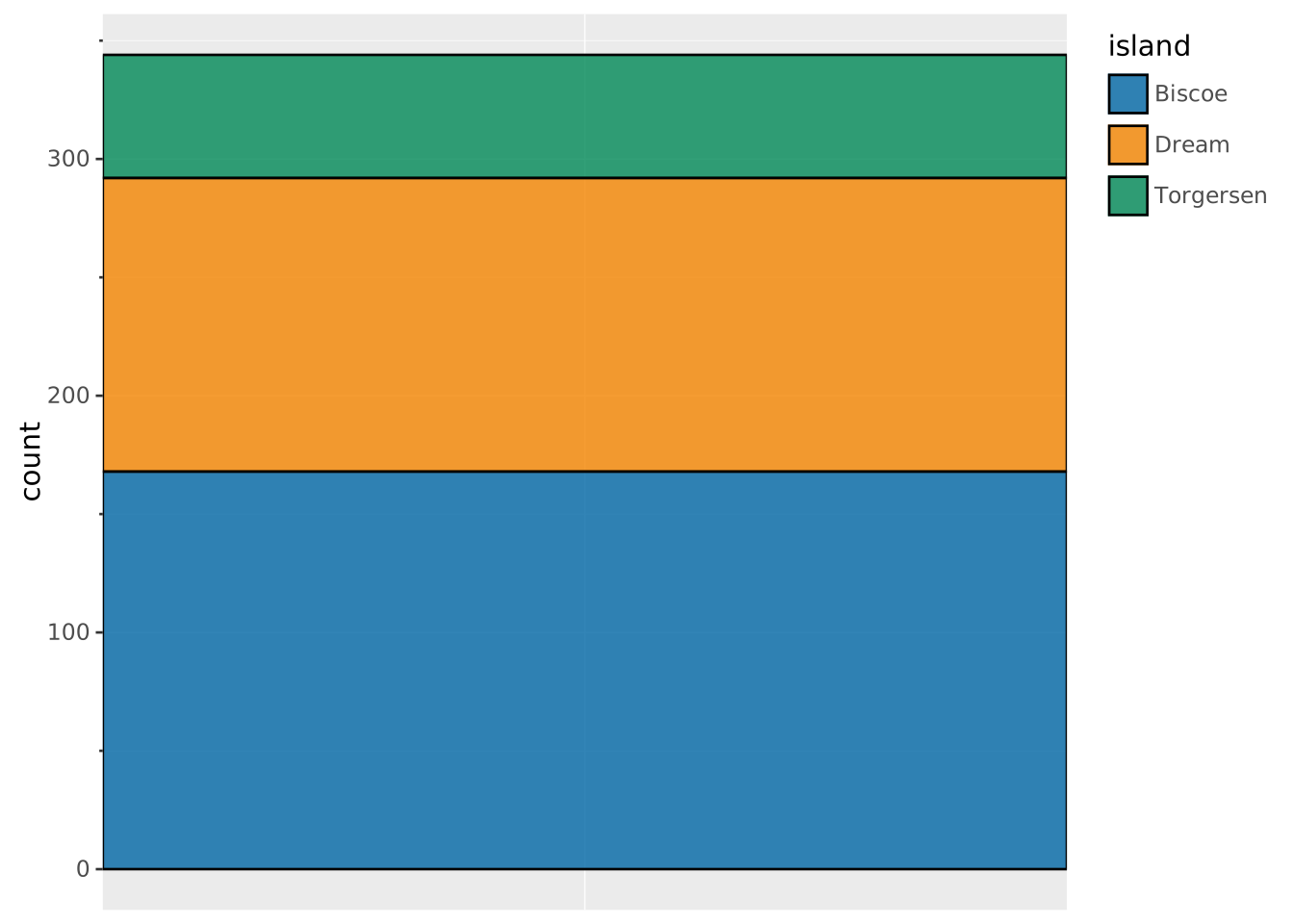
Pie charts are a popular but less effective way to display proportions of groups. No special syntax exists to create pie charts. In the Grammar of Graphics, pie charts are stacked bar charts displayed in a polar coordinate system.
It makes sense to construct pie charts first in a Cartesian coordinate system, which makes it easier to diagnose any potential problems. We start out with a stacked bar chart. The bar layer does not need x or y because if absent, it will count the number of observations per group. Stacking is the default position adjustment for the bar layer.
VISUALISE island AS fill FROM ggsql:penguins
DRAW bar
Now we need to add the polar coordinate system to make a pie chart.
VISUALISE island AS fill FROM ggsql:penguins
  DRAW bar
  PROJECT TO polar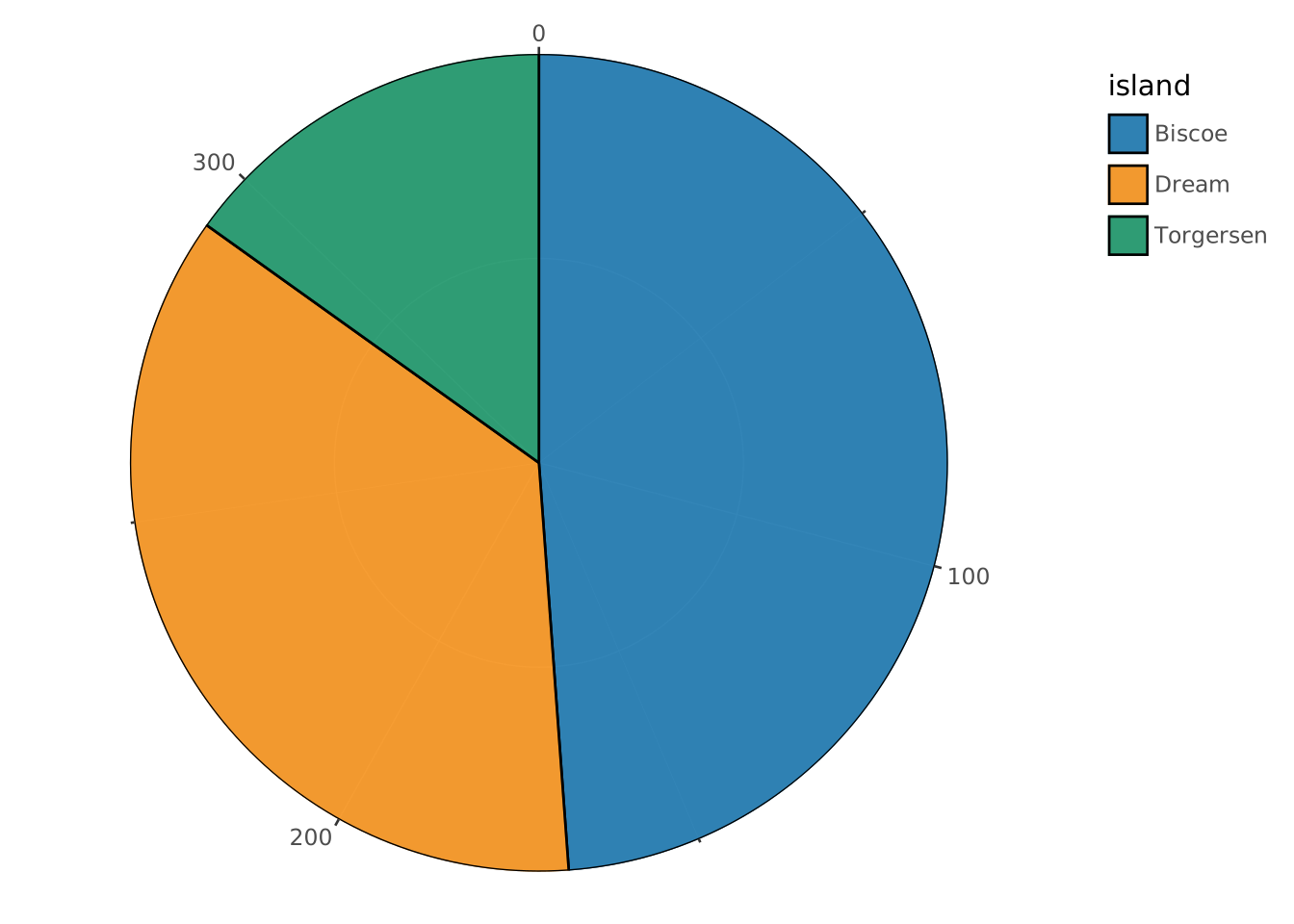
VISUALISE ... FROM ggsql:penguins loads the built-in penguins dataset.island AS fill gives the instruction to colour by island. Groups are implicitly defined by this too.DRAW bar instructs to use a bar layer. Because we have no x or y, but we do have fill-based groups, this will be counted.PROJECT TO polar sets the polar coordinate system that uses the radius and angle instead of x/y-coordinates.
SETTINGs.angle and radius aesthetics, polar coordinates are implied automatically.x and y aesthetics, we need to use PROJECT y, x TO polar instead. This is easiest when swapping between Cartesian and polar coordinates.If we’ve pre-computed proportions or counts, we can build a pie chart by mapping to the angle and radius aesthetics. Going for a classic pie chart, you may have to define a dummy radius aesthetic, because the default behaviour would otherwise be to count the number of every n.
WITH count_data AS (
  SELECT
    COUNT(*) AS n,
    species
  FROM ggsql:penguins
  GROUP BY species
)

VISUALISE n AS angle, 'dummy' AS radius, species AS fill FROM count_data
  DRAW bar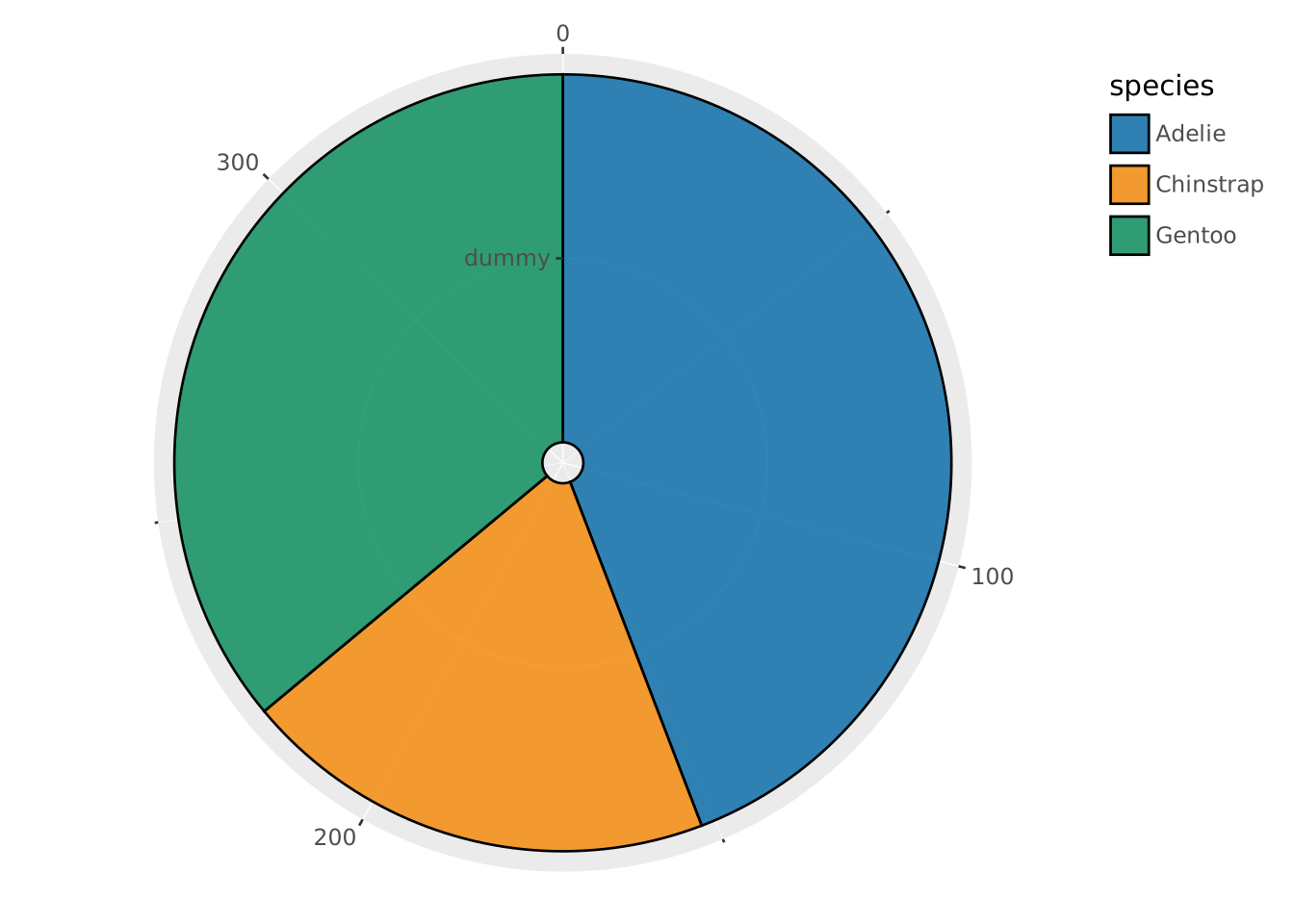
Note that because we’re using angle and radius, we no longer need to specify PROJECT TO polar because it is inferred from the aesthetic names.
radius for pie chartsYou could in theory also use a non-dummy variable for radius, but you may need to use SETTING total to fill in each ring. We must warn sternly that this is a bad idea though. We tend to judge pie charts by area, and the more central rings are allocated less area than the outer rings. This could mislead one into thinking that the ‘Adelie’ species makes up the vast majority of the observations by eyeballing the cart below. In reality, the ‘Adelie’ species makes up ~44% of the dataset: a narrow plurality.
VISUALISE island AS radius, species AS fill FROM ggsql:penguins
  DRAW bar SETTING total => 100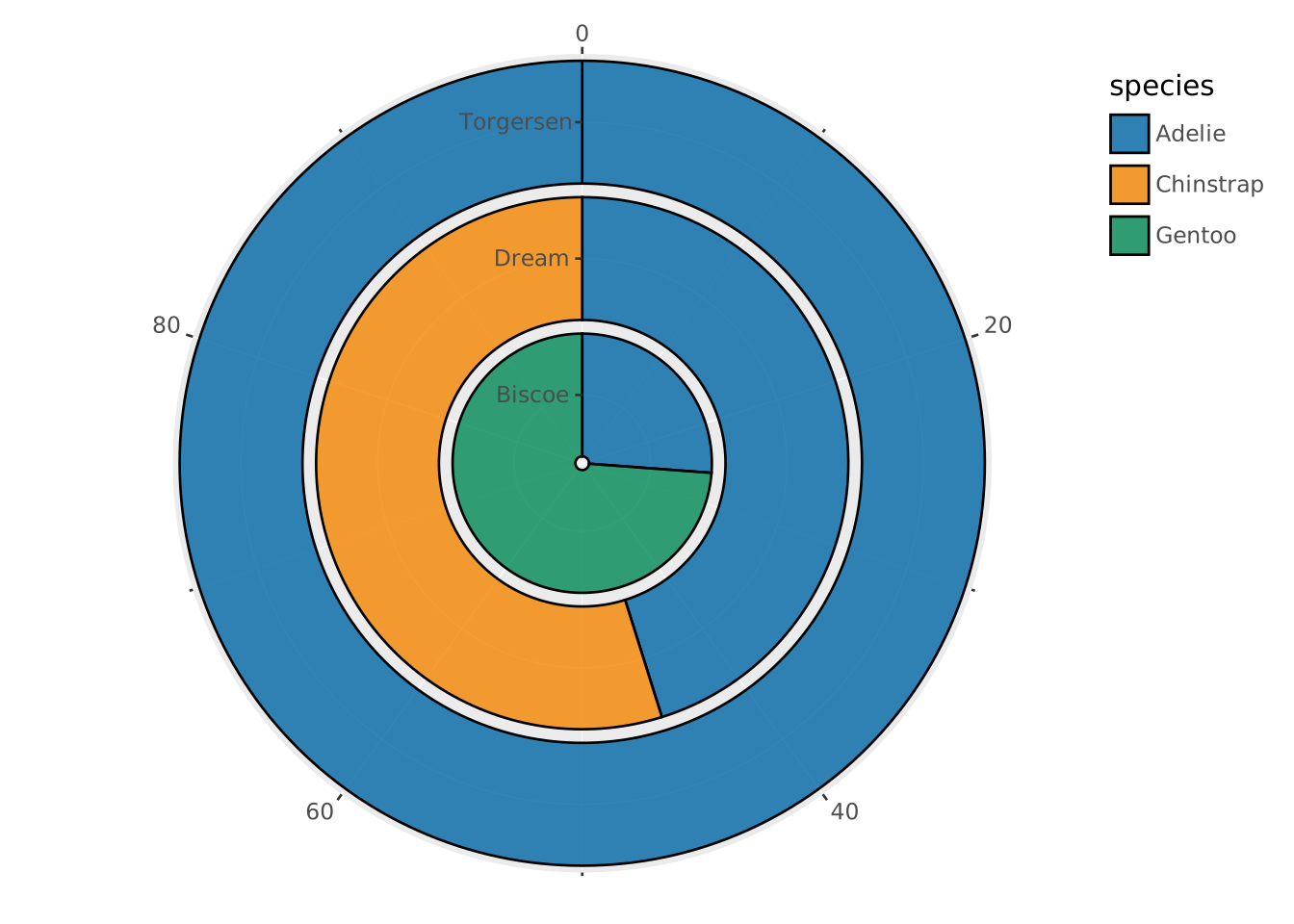
Donut charts are a variation of the pie chart that shows a ring instead of a full circle. You can create a donut chart by setting the inner of the polar coordinate system.
VISUALISE island AS fill FROM ggsql:penguins
  DRAW bar
  PROJECT TO polar SETTING inner => 0.5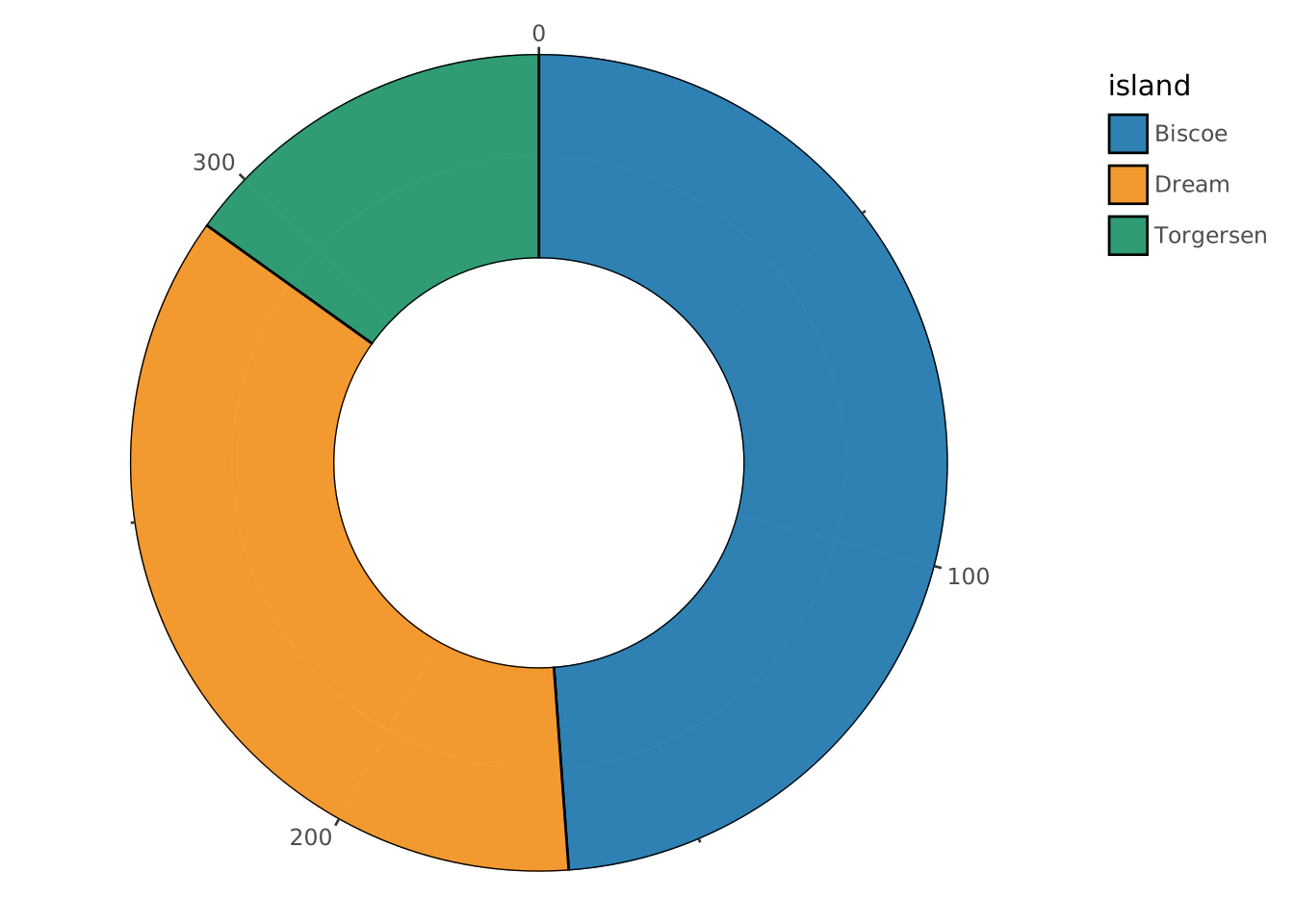
These plots are a piece of cake. You can set their extent by tweaking the start and end setting in degrees. If you want the angle aesthetic to take up the full extent, you may turn off the expand setting in the angle scale.
VISUALISE island AS fill FROM ggsql:penguins
  DRAW bar
  PROJECT TO polar SETTING start => -90, end => 90
  SCALE angle SETTING expand => 0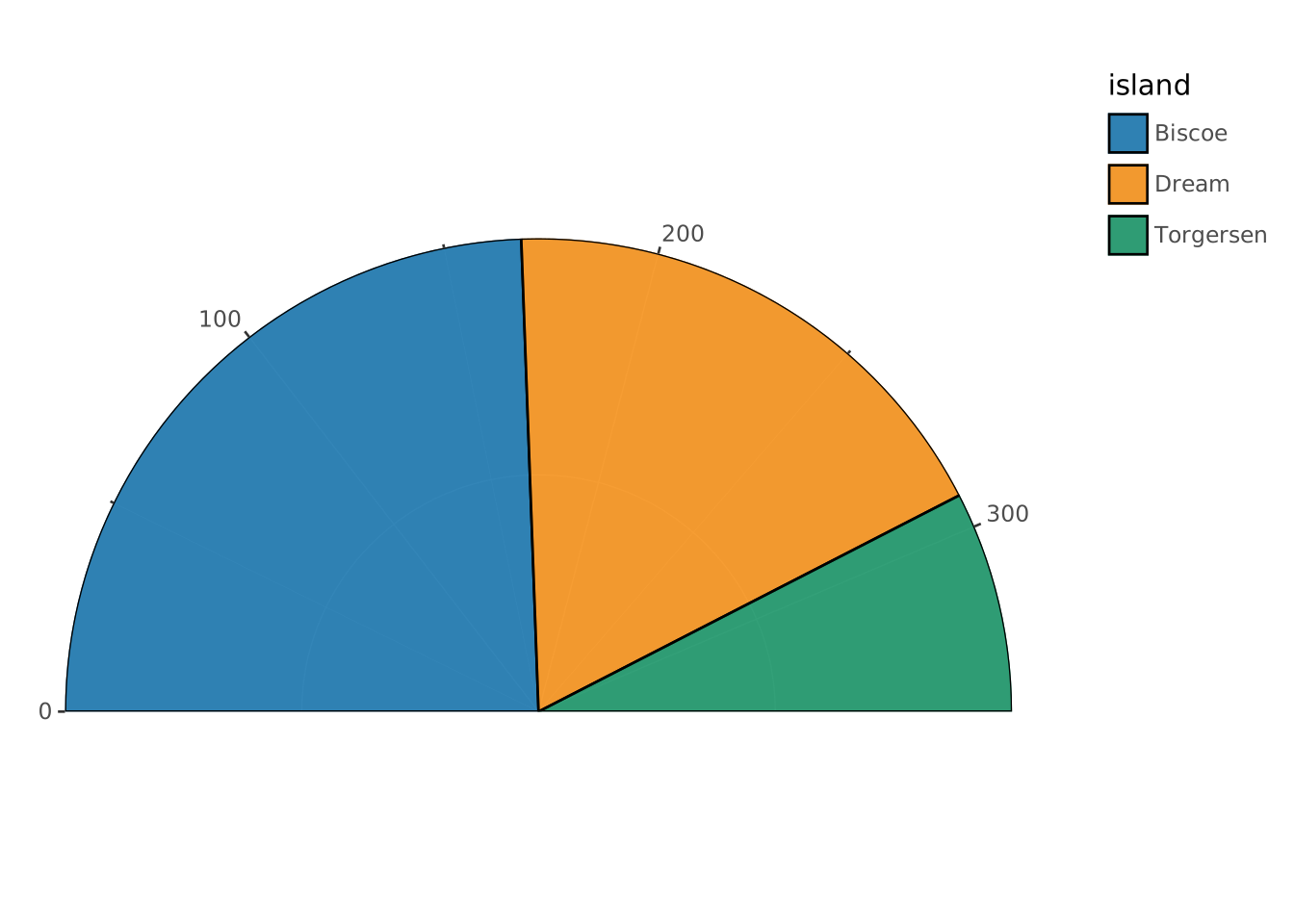
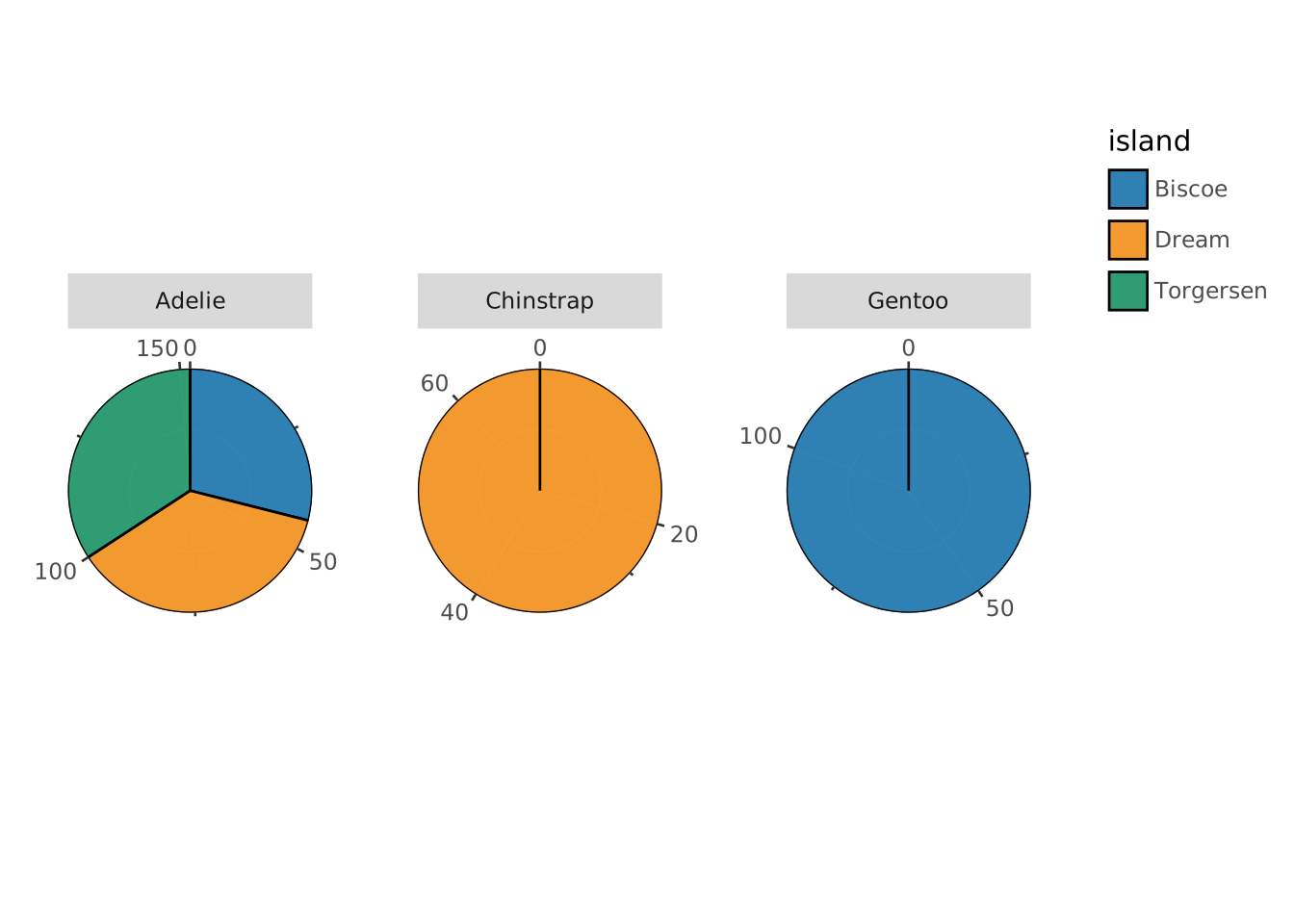
When faceting, you will typically want the pies to be whole, which requires the SETTING free => 'angle' specification.
VISUALISE island AS fill FROM ggsql:penguins
  DRAW bar
  PROJECT TO polar
  FACET species SETTING free => 'angle'