Create example data
CREATE TABLE df AS
WITH t(x, y, id) AS (VALUES
  (1.0, 1.0, 'A'),
  (2.0, 1.0, 'A'),
  (1.0, 3.0, 'A'),
  (3.0, 1.0, 'B'),
  (2.0, 3.0, 'B'),
  (3.0, 3.0, 'B')
)
SELECT * FROM tLayers are declared with the
DRAWclause. Read the documentation for this clause for a thorough description of how to use it.
The path layer is used to create lineplots, but contrary to the line layer the data will not be connected along the x-axis. Instead records are connected in the order they appear in the data. Lines are divided due to their grouping, which is the combination of the discrete mapped aesthetics and the columns specified in the layers PARTITION BY.
The following aesthetics are recognised by the path layer.
x): Position along the primary axis.y): Position along the secondary axis.colour/stroke: The colour of the path.opacity: The opacity of the path.linewidth: The width of the path. If linewidth varies within a group, linetype is incompatible.linetype: The type of path, i.e. the dashing pattern.position: Position adjustment. One of 'identity' (default), 'stack', 'dodge', or 'jitter'The path layer does not transform its data but passes it through unchanged. If the path has a variable stroke or opacity aesthetic within groups, the line is broken into segments. Each segment gets the property of the preceding datapoint, so the last datapoint in a group does not transfer these properties.
The path layer has no orientation. The axes are treated symmetrically.
CREATE TABLE df AS
WITH t(x, y, id) AS (VALUES
(1.0, 1.0, 'A'),
(2.0, 1.0, 'A'),
(1.0, 3.0, 'A'),
(3.0, 1.0, 'B'),
(2.0, 3.0, 'B'),
(3.0, 3.0, 'B')
)
SELECT * FROM tSimple example path.
VISUALISE x, y FROM df
DRAW path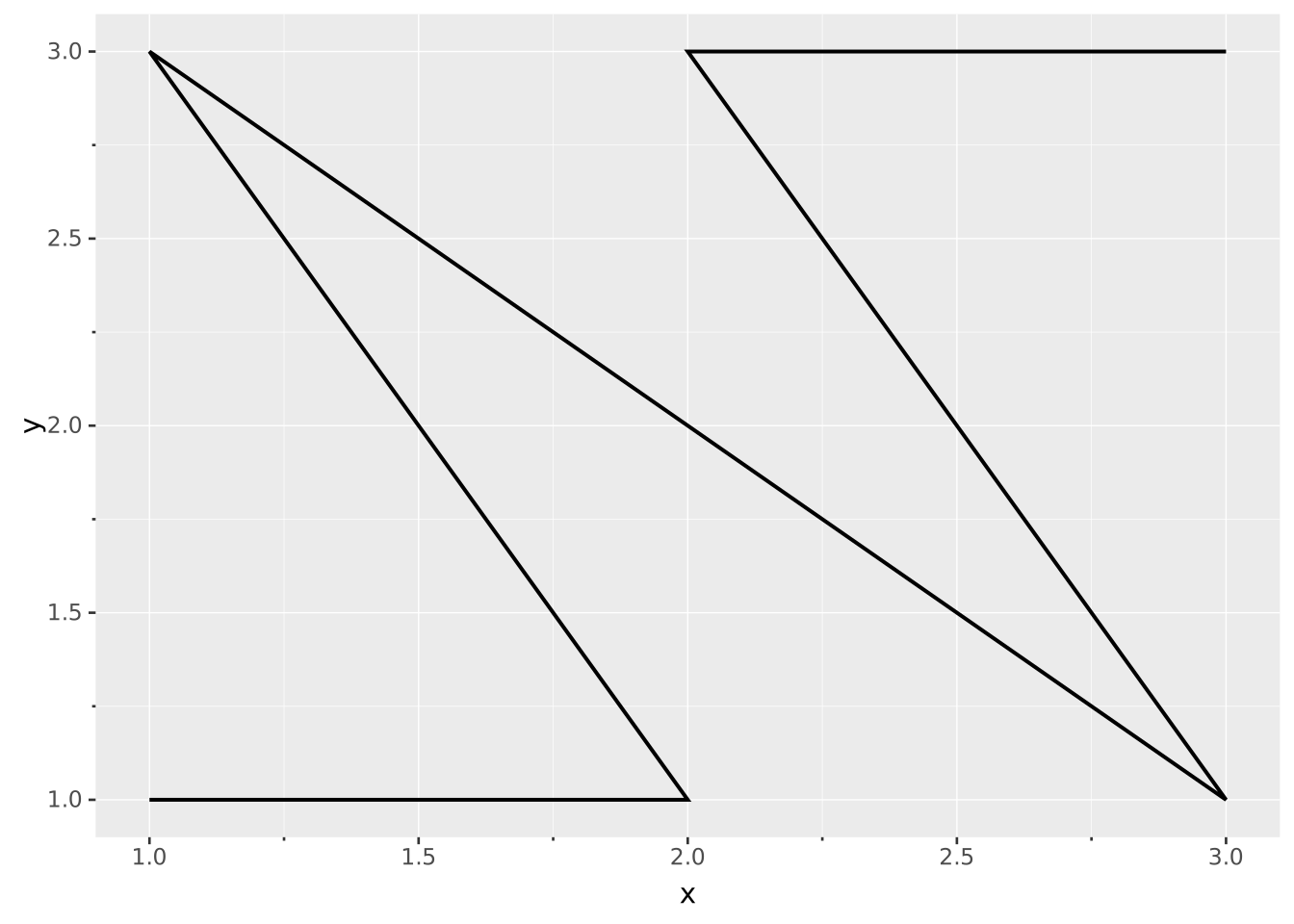
Contrary to line drawings, path is not forced to follow the order along the axis.
VISUALISE x, y FROM df
DRAW path
  MAPPING 'Path' AS colour
DRAW line
  MAPPING 'Line' AS colour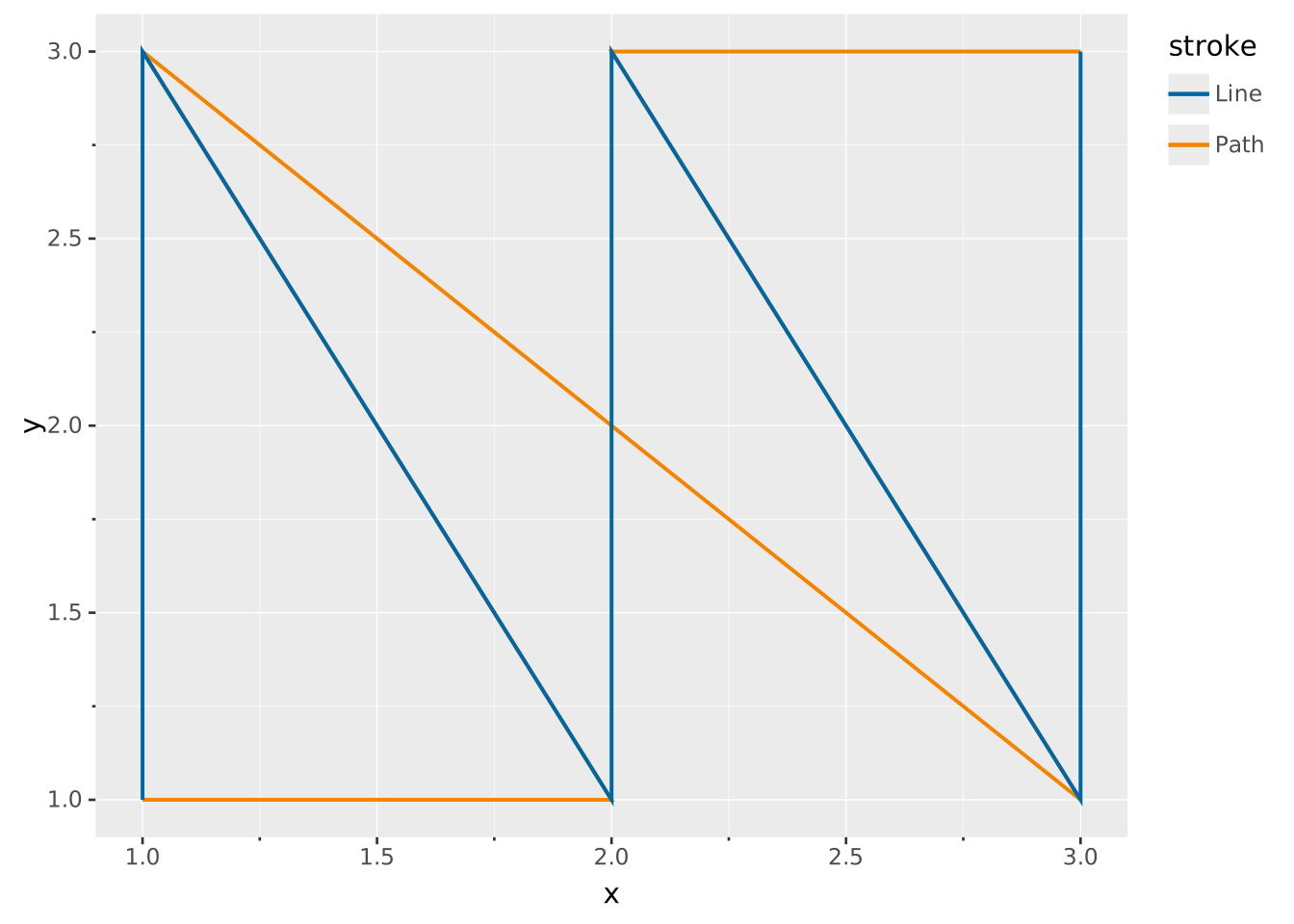
Groups of individual paths can be declared via PARTITION BY.
VISUALISE x, y FROM df
DRAW path
  PARTITION BY id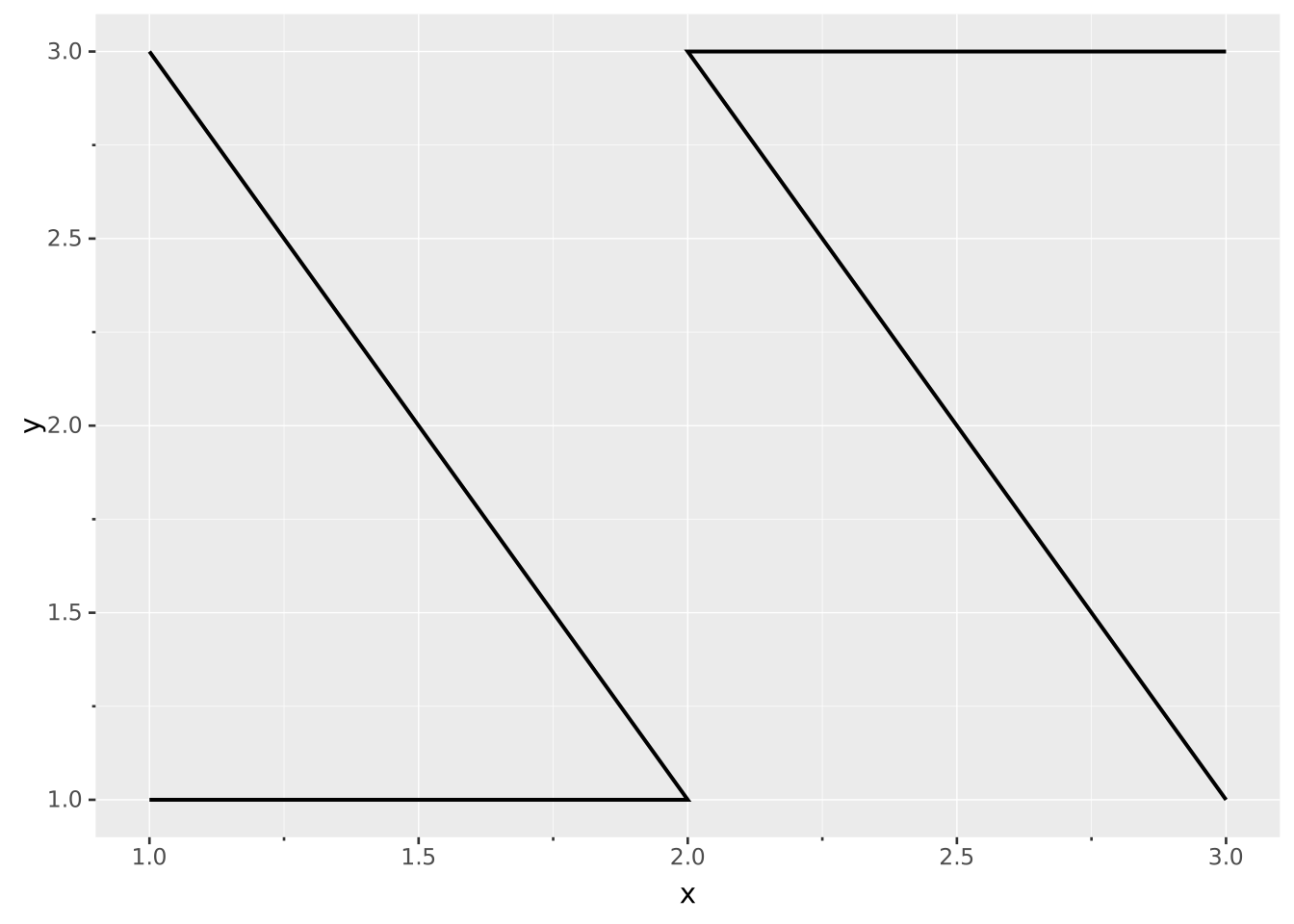
Invoking a group through discrete aesthetics works as well.
VISUALISE x, y FROM df
DRAW path
  MAPPING id AS colour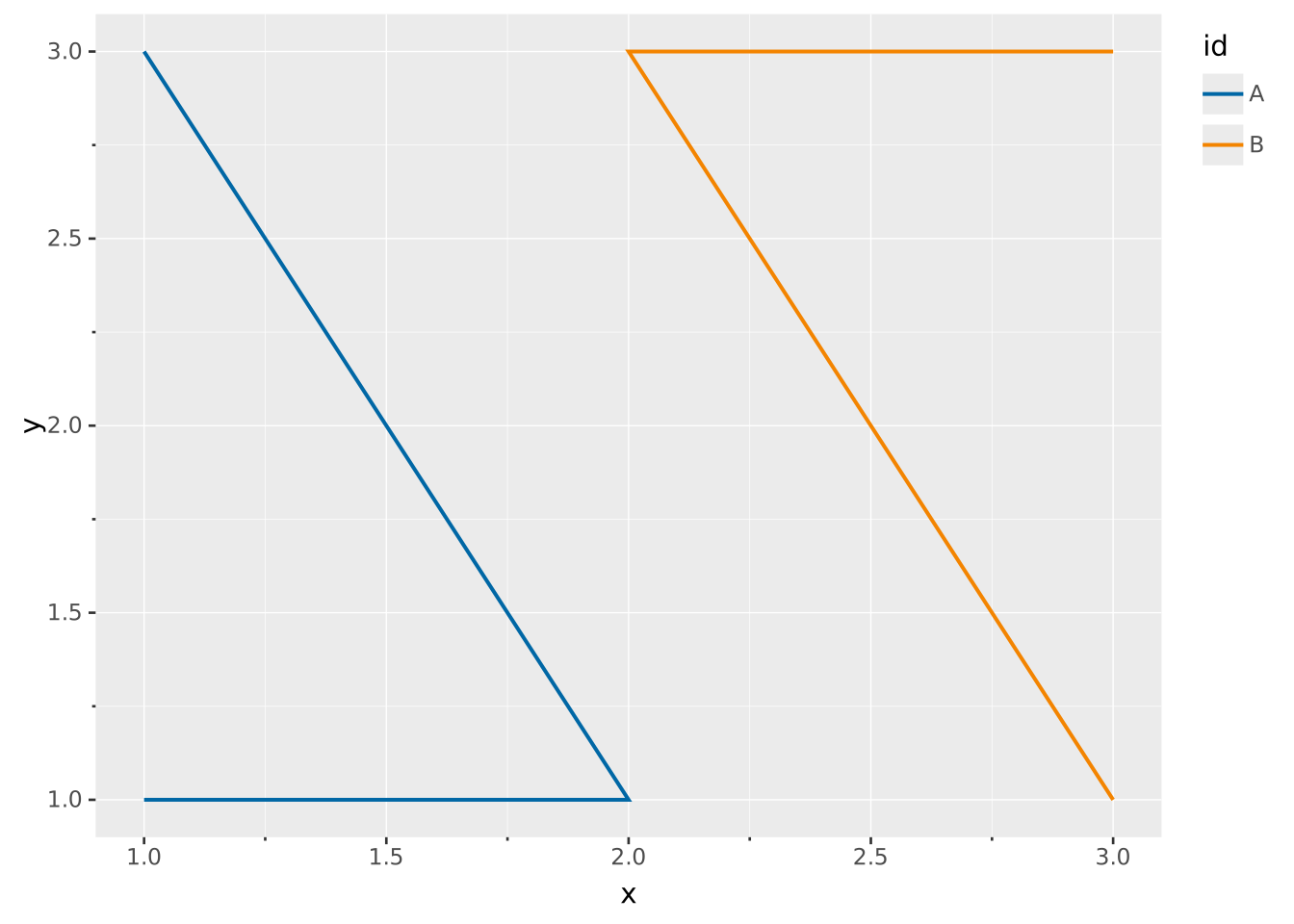
Compared to polygons, paths don’t close their shapes and fill their interiors.
VISUALISE x, y FROM df
DRAW polygon
  MAPPING 'Polygon' AS stroke
DRAW path
  MAPPING 'Path' AS stroke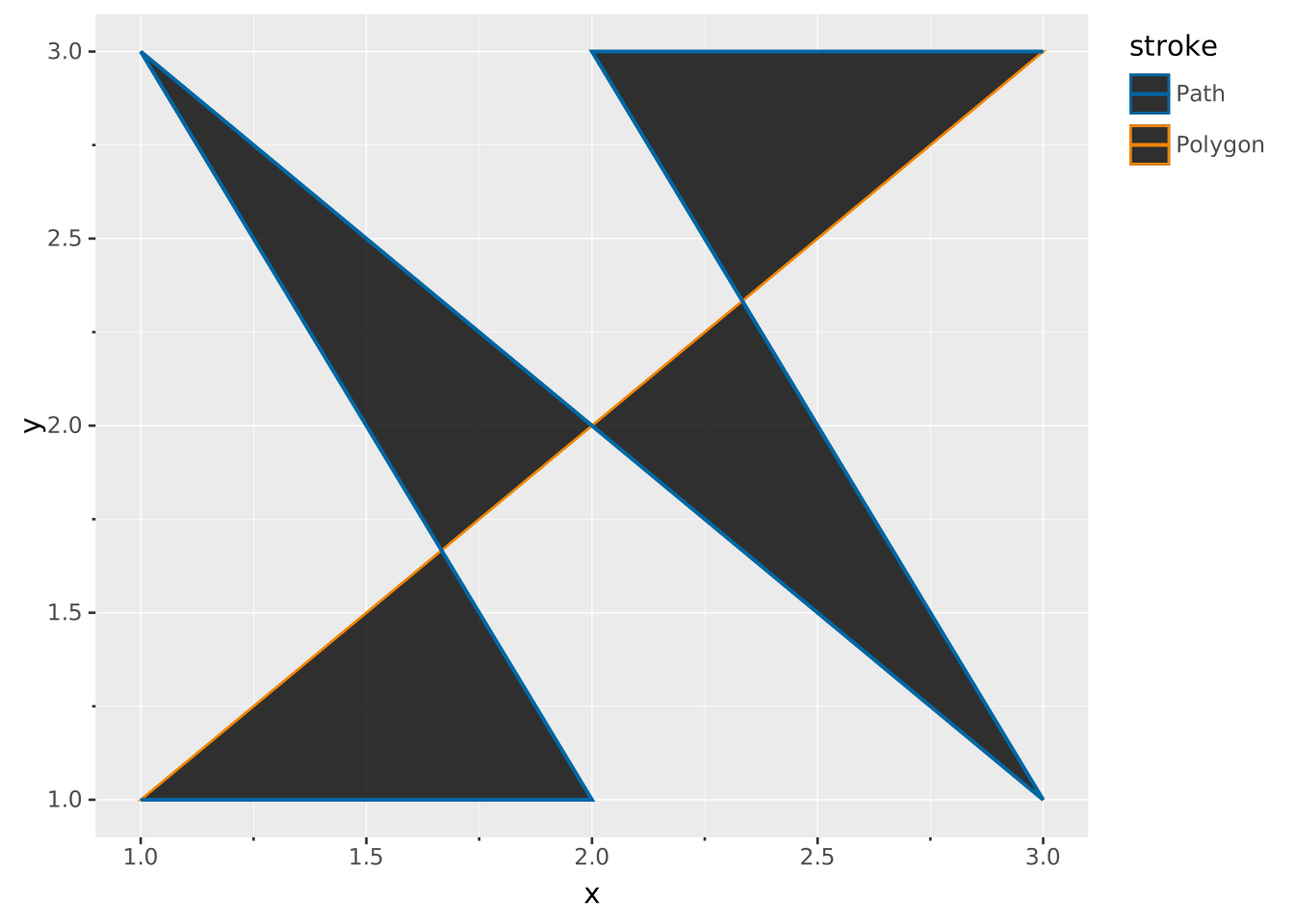
When stroke or opacity varies, the properties of the preceding datapoint carry over. In the case below, we don’t see the blue of the last datapoint.
WITH data(x, y, z) AS (VALUES
  (1, 2, 1),
  (3, 3, 3),
  (2, 5, 5),
)

VISUALISE x, y FROM data
DRAW path
  MAPPING z AS stroke
SCALE stroke TO ('red', 'green', 'blue')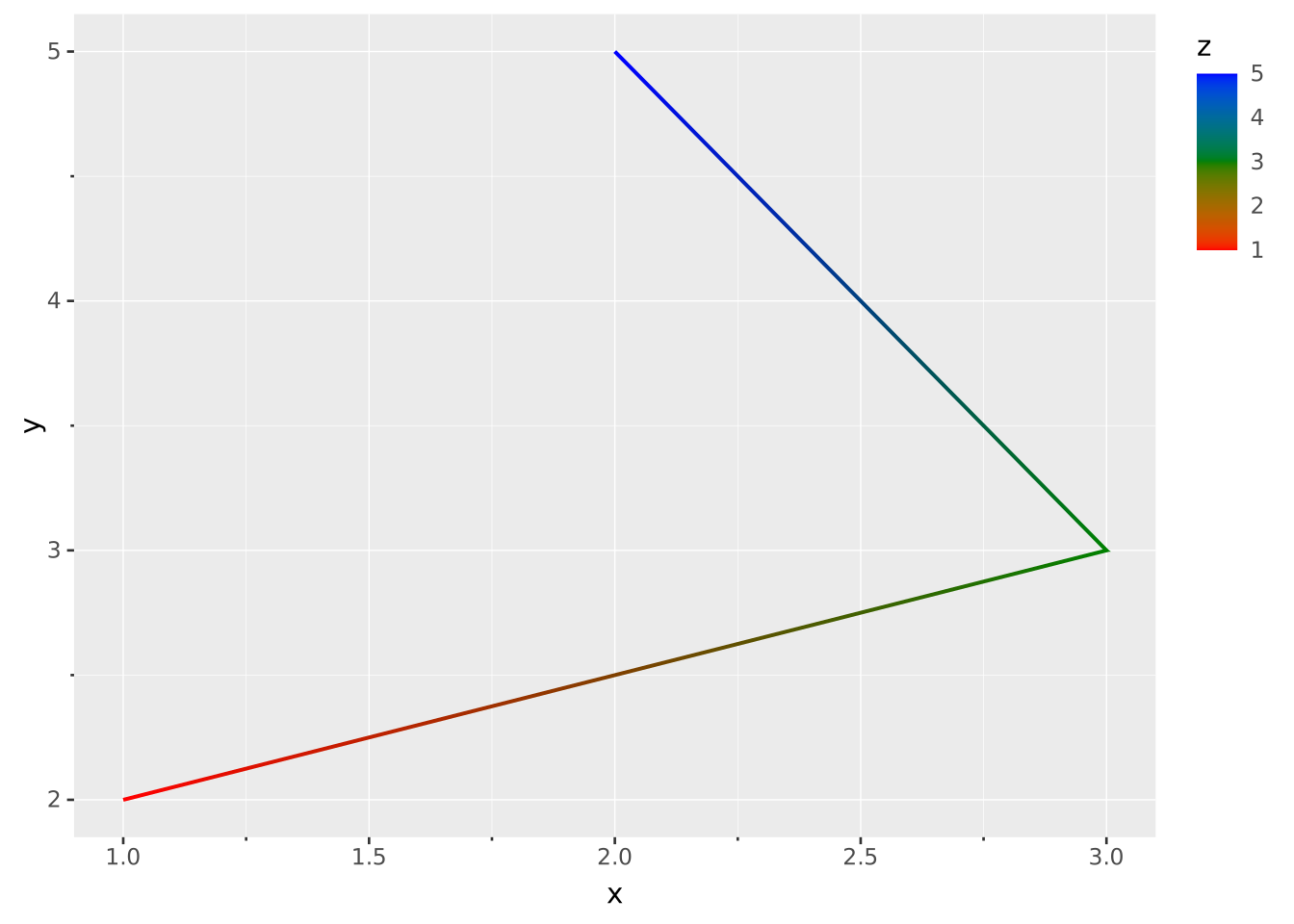
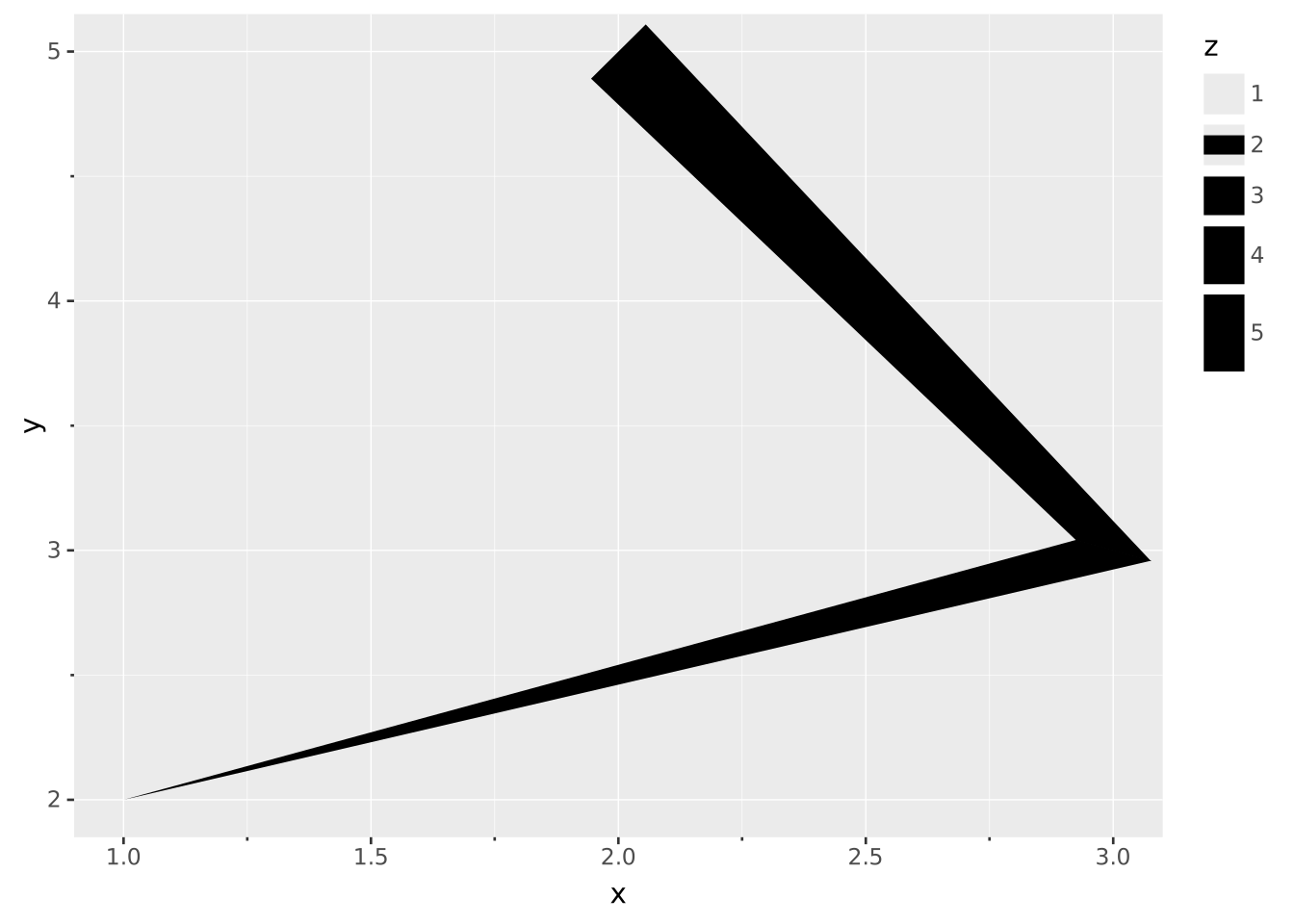
The linewidth aesthetic can vary point to point.
WITH data(x, y, z) AS (VALUES
  (1, 2, 1),
  (3, 3, 3),
  (2, 5, 5),
)

VISUALISE x, y FROM data
DRAW path
  MAPPING z AS linewidth
SCALE linewidth TO (0, 30)