Scales are declared with the SCALE clause. Read the documentation for this clause for a thorough description of its syntax.
The ordinal scale type maps ordered discrete data types into a discrete output domain. It can be used to apply sequential palettes to discrete data to reflect their ordered nature. In contrast to discrete scales values from palettes are interpolated across the palette rather than being picked directly if possible.
The ordinal scale is never chosen automatically so it must be selected explicitly if needed using SCALE ORDINAL ...
Input range
The input range for ordinal scales consists of all the unique values that the scale understand. Their ordering in the input range will determine their internal ordering. Values in the data that do not exist in the input range will be set to null.
The output range can either be given as an array of values or a named palette. For interpretable aesthetics (color, opacity, size, and linewidth) the value for each value will be interpolated from the output range. For linetype there is a special sequential palette which is used by default. It will construct linetype patterns that gradually increase in ink-density for the number of bins needed (up to 15 bins). For shape the values will be selected directly from the output range. If there are fewer values in the palette than there are in the input range an error is emitted.
All aesthetics have a default output range so it is never required to provide one unless you want to change from the default. The defaults are as follows:
x/y: Ignored (values used directly)
stroke/fill: The ggsql palette
size/linewidth: (1, 6) (points)
opacity: (0.1, 1.0) (0 being fully transparent and 1 being fully opaque)
linetype: The sequential palette
shape: The shapes palette
While it is possible to use an ordinal scale to map ordered discrete data to linetype and shape you should generally refrain from doing this. Even with the sequential linetype palette it is one of the weakest visual mappings only surpassed by shape which doesn’t show an inherent order in its representation at all.
Examples
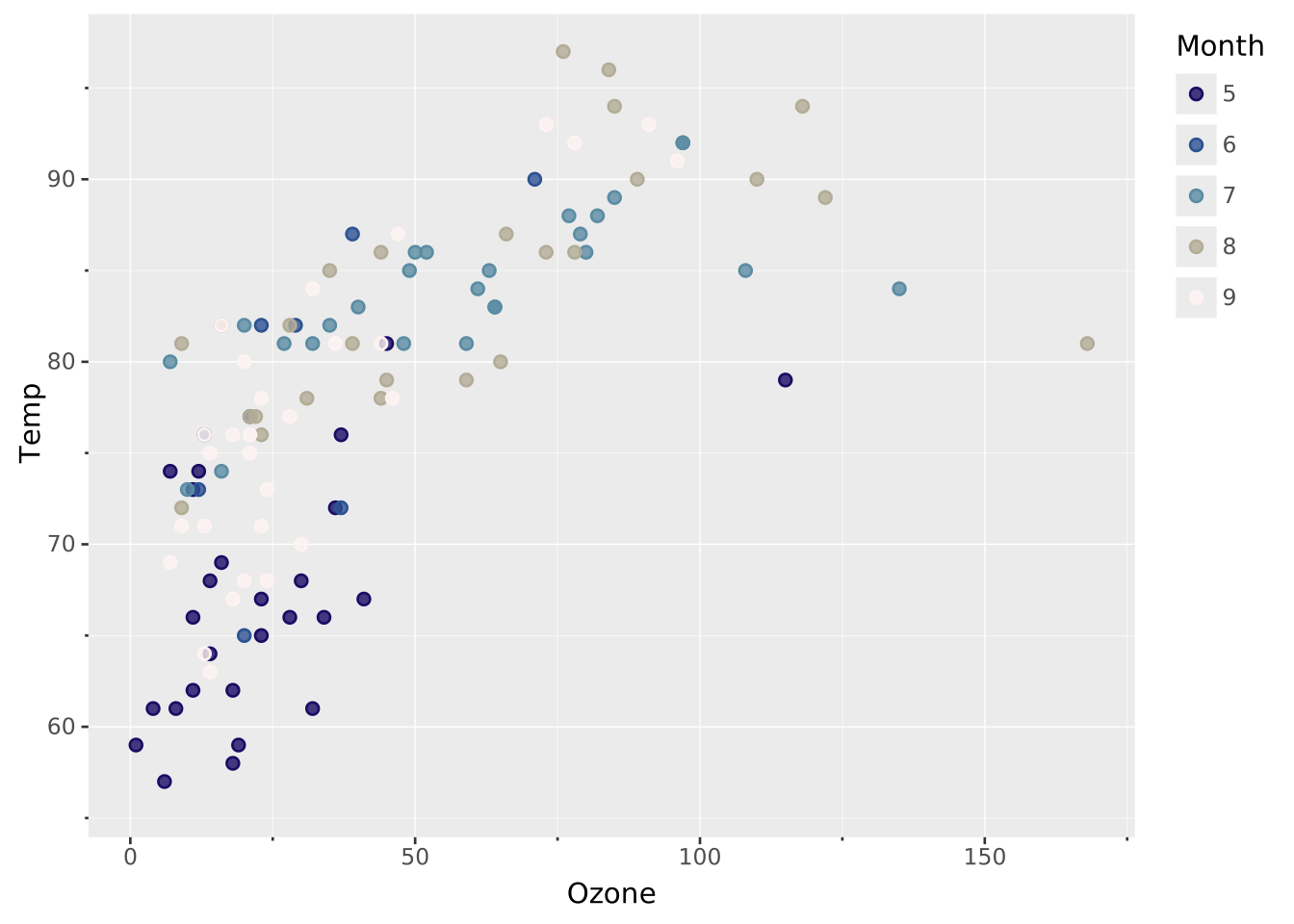
Use a continuous color palette with discrete
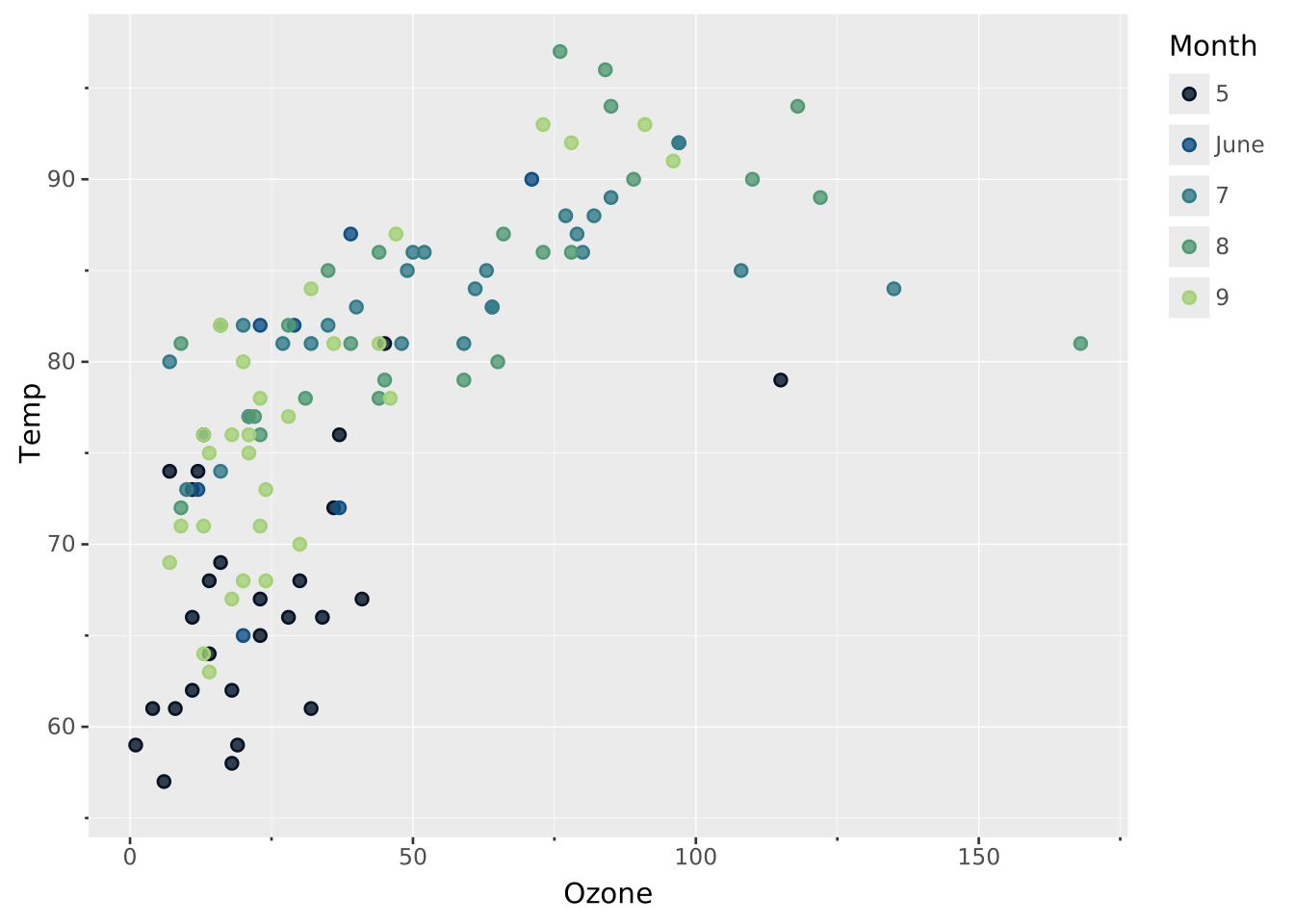
VISUALISE Ozone ASx, Temp ASyFROM ggsql:airqualityDRAWpointMAPPING Month AS colorSCALEORDINALcolorTO lapaz
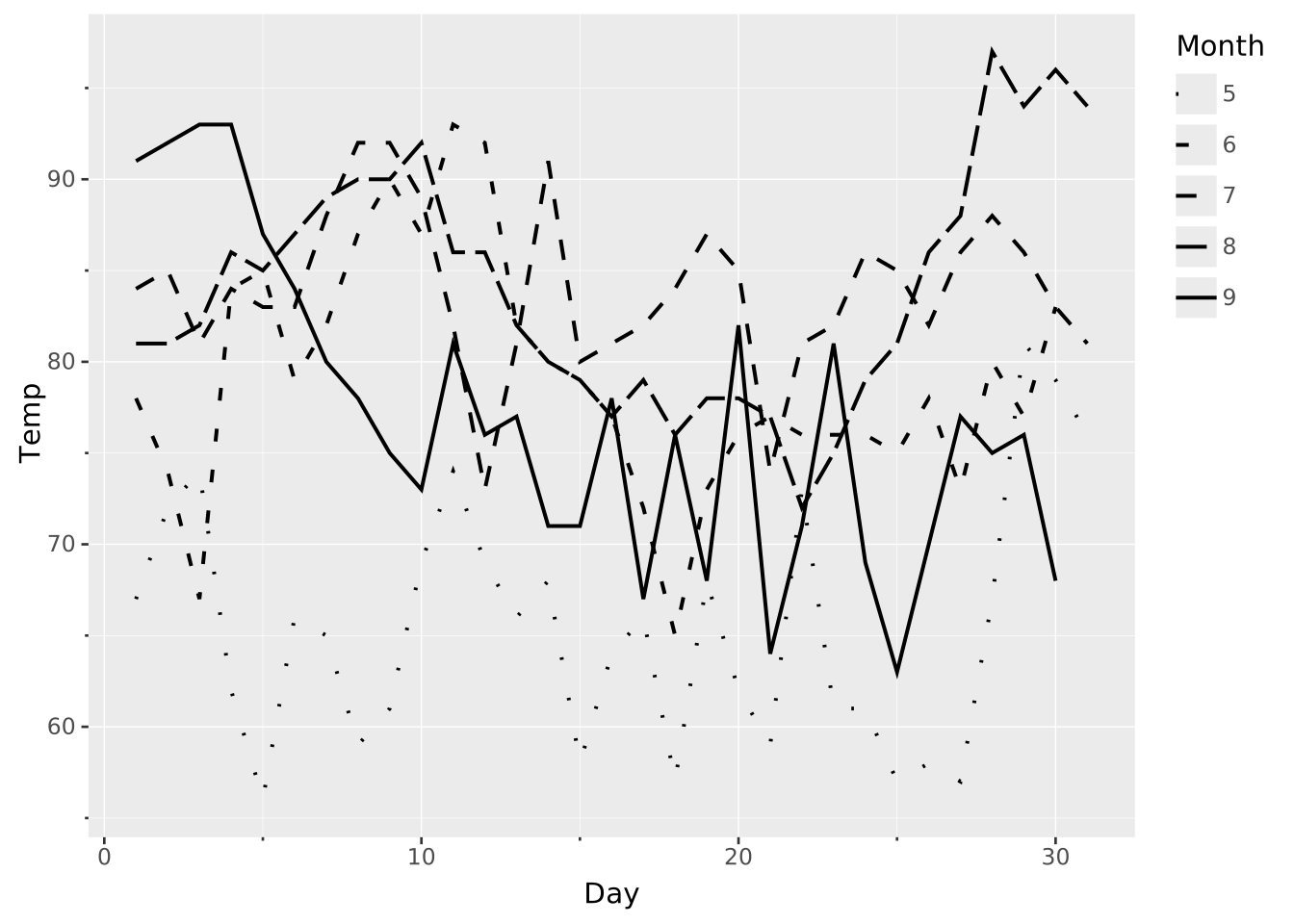
Use linetype for sequential data
VISUALISE Day ASx, Temp ASyFROM ggsql:airqualityDRAWlineMAPPING Month AS linetypeSCALEORDINALlinetype
Transform
There are two transforms relevant to ordinal scales and they are only used for casting the data. The string transform converts all data mapped to the scale into strings, and the bool transform will cast all mapped data into a booleans. Apart from this, they have no effect.
Settings
There is only one setting relevant for ordinal scales:
reverse: Reverses the order of the scale. Defaults to false
Examples
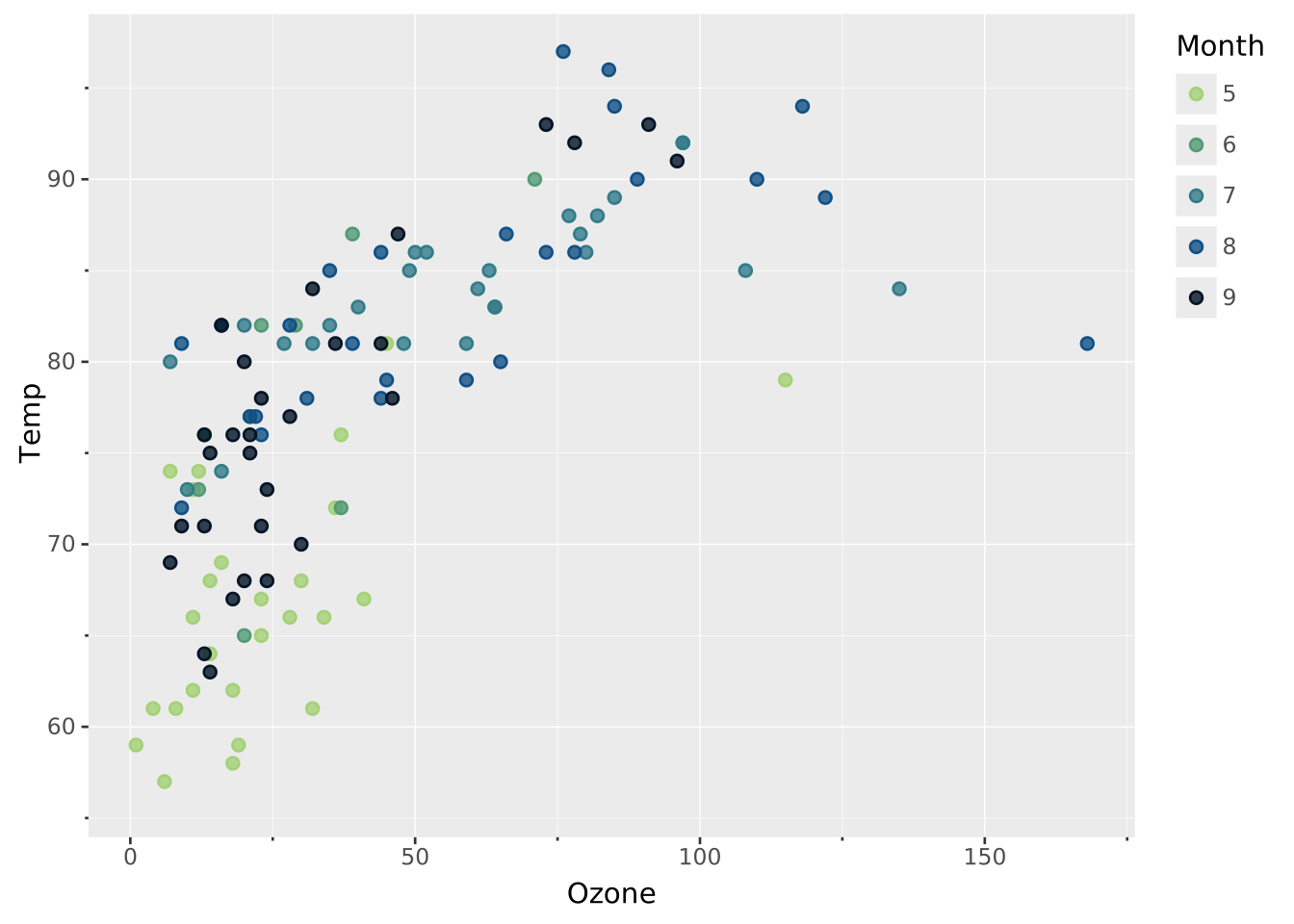
Reverse the scale to swap the color mapping
VISUALISE Ozone ASx, Temp ASyFROM ggsql:airqualityDRAWpointMAPPING Month AS colorSCALEORDINALcolorSETTINGreverse=> true
Renaming
Breaks are generally named by their value. However, you may wish to rename one, several, or all of these. The RENAMING clause allows you to do that both by directly renaming a specific break or by providing a formatting function.
Direct renaming
When you provide a break value on the left and a break exists at that value then it will take on the label specified on the right. For example adding RENAMING 6 => ‘June’ will ensure that a month given as an integer gets the right name.
Label formatting
Besides direct renaming you can also provide a formatting string if you want the same to happen to all labels, e.g. add a prefix or suffix. The syntax for this is RENAMING * => '... {} ...'. The current label will be inserted into the {} to produce the new label. Besides simply inserting the break value into the string, we can also provide a formatter. Of special interest to ordinal scales are the :Title, :lower, and :UPPER formatters which lets you control the casing of strings. You can read more about these formatters in the break formatting section of the SCALE documentation
You can combine formatting with direct renaming in which case the direct renaming has priority over the formatting.
Examples
Selectively rename a label
VISUALISE Ozone ASx, Temp ASyFROM ggsql:airqualityDRAWpointMAPPING Month AS colorSCALEORDINALcolorRENAMING6=>'June'
Use string interpolation to add a suffix
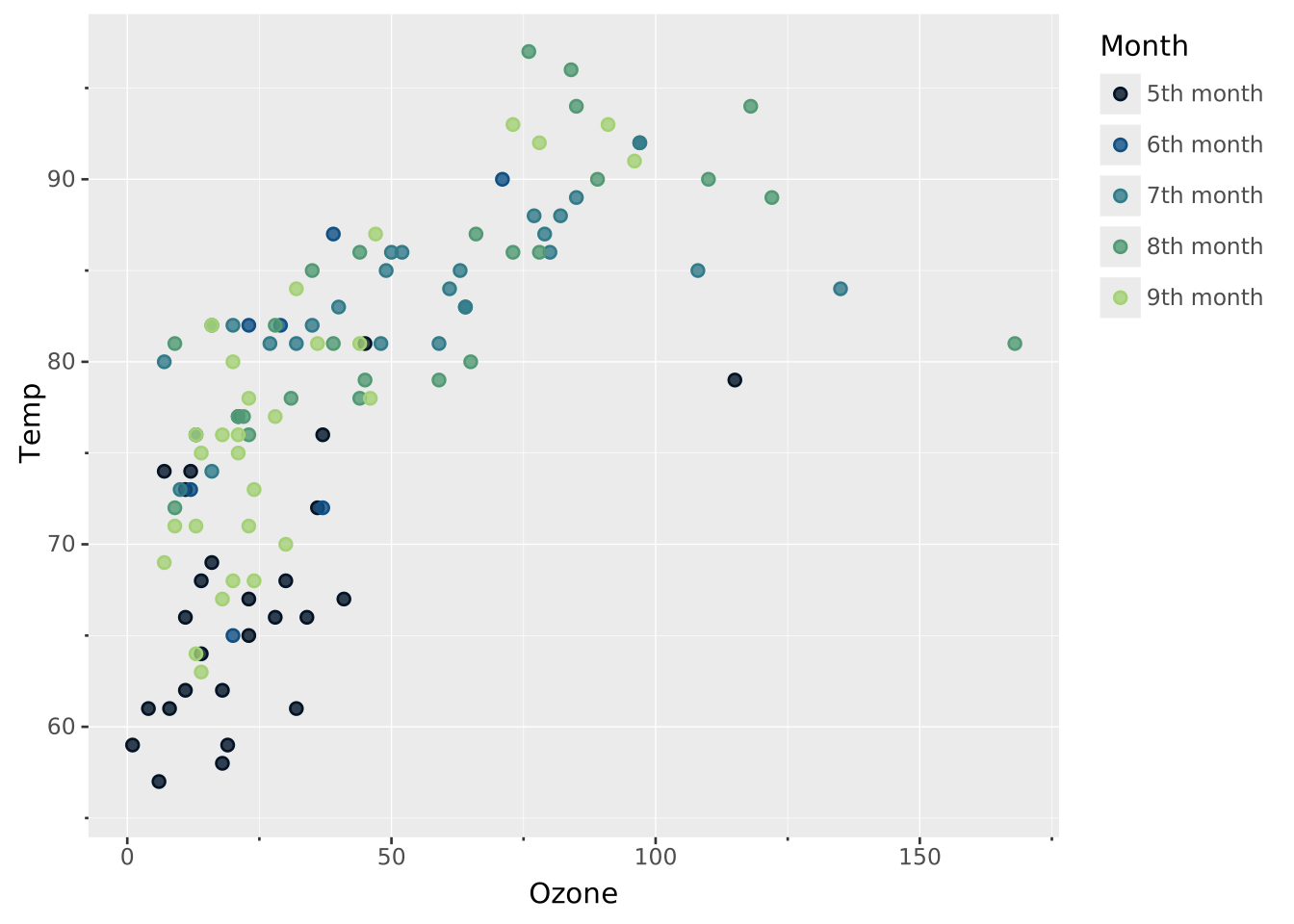
VISUALISE Ozone ASx, Temp ASyFROM ggsql:airqualityDRAWpointMAPPING Month AS colorSCALEORDINALcolorRENAMING*=>'{}th month'