VISUALISE species AS x, bill_dep AS y, sex AS fill FROM ggsql:penguins
DRAW point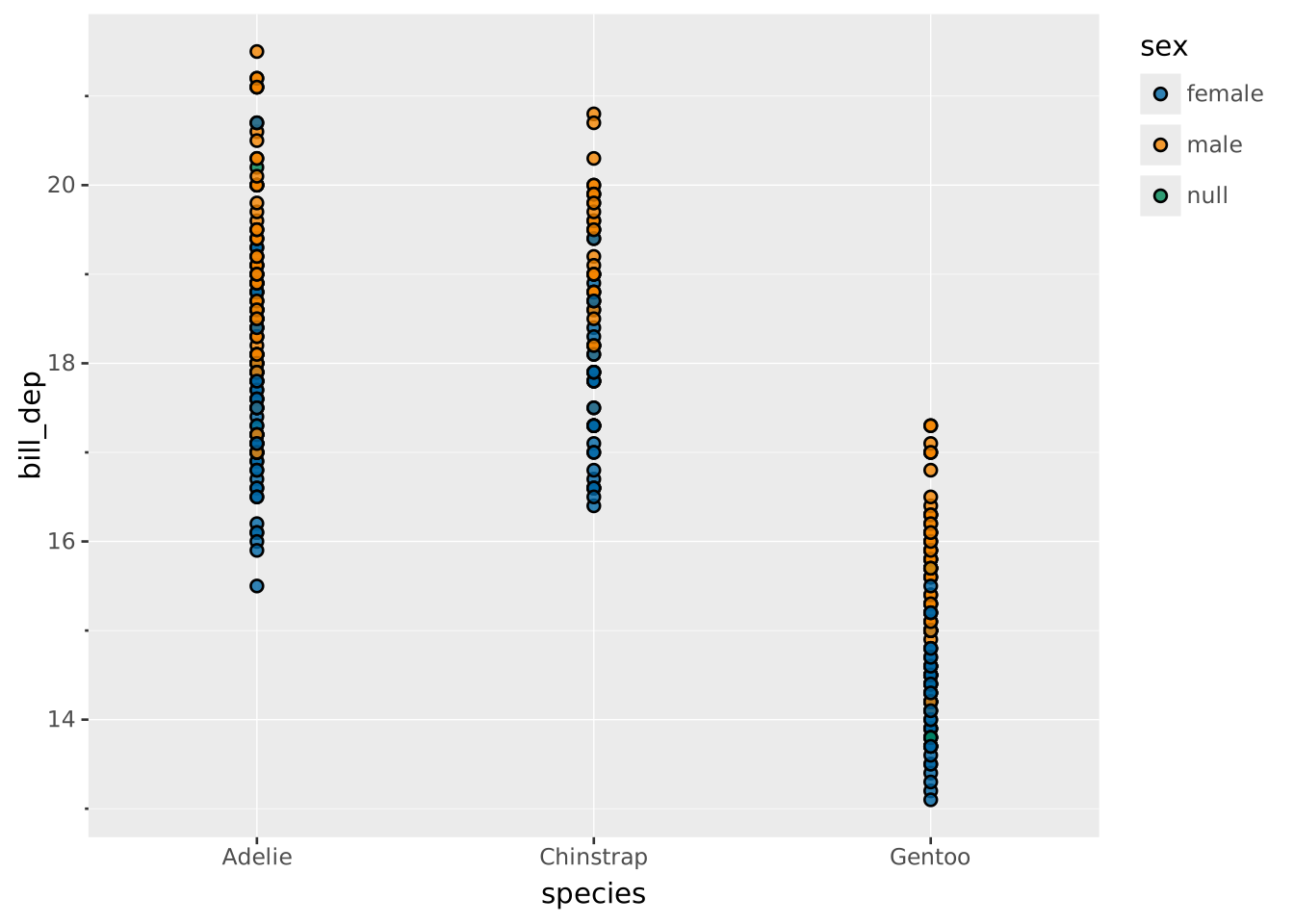
Positions are set within the
DRAWclause, using theSETTINGsubclause. Read the documentation for this clause for a thorough description of how to use it.
Jitter adjustment adds a random offset to the data point to avoid overplotting on discrete axes. It is mainly used in conjunction with point layers.
Jitter requires at least one axis to be discrete as it only jitters along discrete axes.
Apart from the settings of the layer type, setting position => 'jitter' will allow these additional settings:
width: The total width the jittering will occupy as a proportion of the space available on the scale (0 to 1). Defaults to 0.4dodge: Should dodging be applied before jittering. The dodging behavior follows the dodge position behavior? Default to truedistribution: Which kind of distribution should the jittering follow? One of:
'uniform' (default): Jittering is sampled from a uniform distribution between -width/2 and width/2'normal': Jittering is sampled from a normal distribution with σ as width/4 resulting in 95% of the points falling inside the given width'density': Jittering follows the density distribution within the group so that the jitter occupies the same area as an equivalent violin plot with density remapped to offset'intensity': Jittering follows the intensity distribution within the group so that the jitter occupies the same area as an equivalent violin plot with intensity remapped to offsetdistribution is either 'density' or 'intensity' then one of the axes must be continuousbandwidth: Smoothing bandwidth for the 'density' and 'intensity' distributions (must be > 0). If absent (default), the bandwidth will be computed using Silverman’s rule of thumb.adjust: Multiplier for the bandwidth setting (must be > 0). Defaults to 1.side: Constrains the jitter to one side of the original position by folding the sample into half of the width. Dodge centers and per-group widths are computed from the full width, so a one-sided jitter sits inside half of the same allocated band that a two-sided jitter would fill — pairing cleanly with a half-violin or half-boxplot on the other side. One of:
'both' (default) jitters in both directions equally.'left' or 'bottom' jitters only toward negative offsets.'right' or 'top' jitters only toward positive offsets.side applies independently to each axis (e.g. 'right' produces non-negative offsets on both axes).When plotting points on a discrete axis they are all placed in the middle
VISUALISE species AS x, bill_dep AS y, sex AS fill FROM ggsql:penguins
DRAW point
Use jittering to better see the individual points
VISUALISE species AS x, bill_dep AS y, sex AS fill FROM ggsql:penguins
DRAW point
  SETTING position => 'jitter'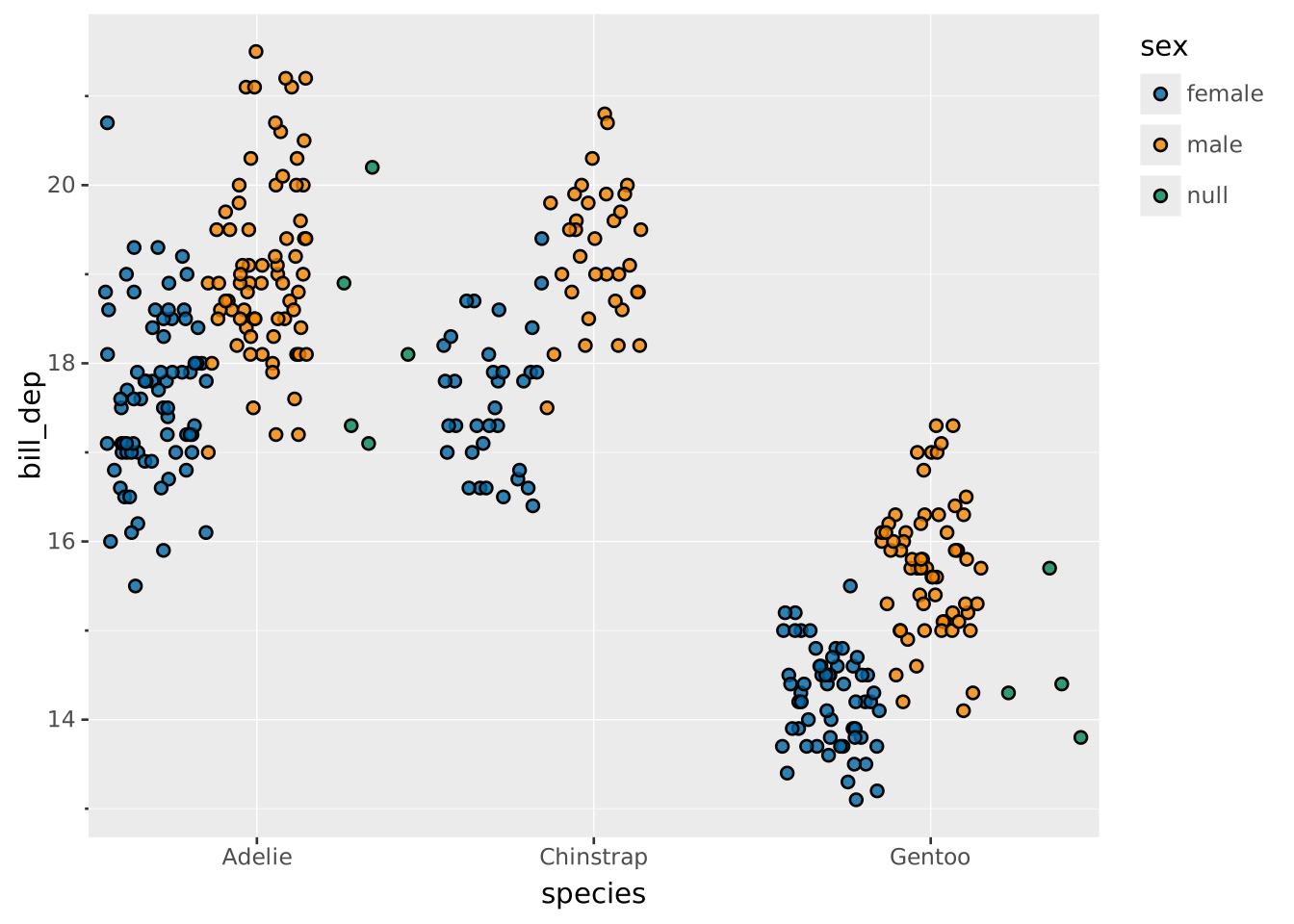
By default, dodging is applied to separate the groups. Turn this off if you want the jitter to occupy the same space regardless of grouping
VISUALISE species AS x, bill_dep AS y, sex AS fill FROM ggsql:penguins
DRAW point
  SETTING position => 'jitter', dodge => false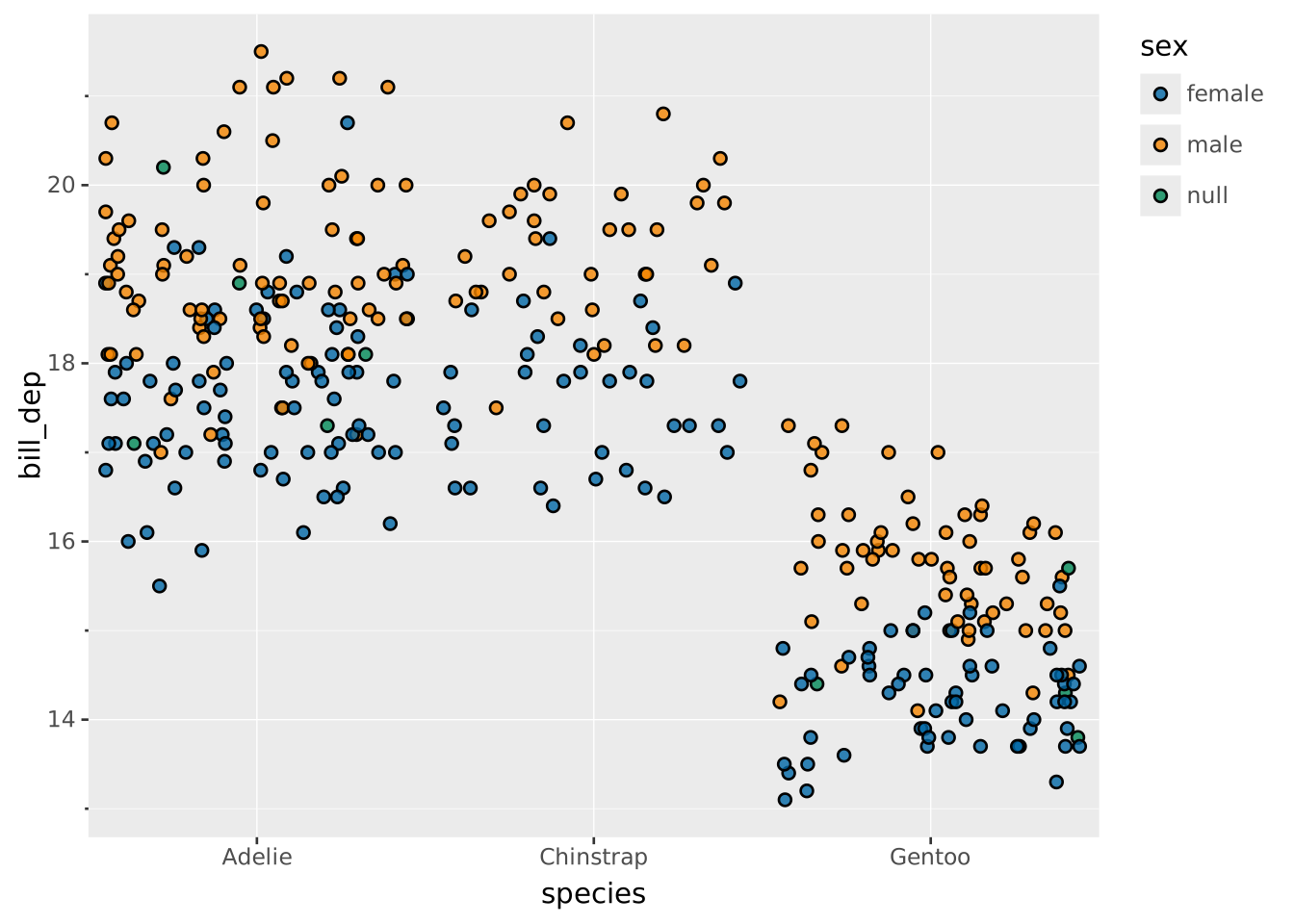
Use a 'density' distribution to also indicate the distribution shape with the jitter
VISUALISE species AS x, bill_dep AS y FROM ggsql:penguins
DRAW point
  SETTING position => 'jitter', distribution => 'density'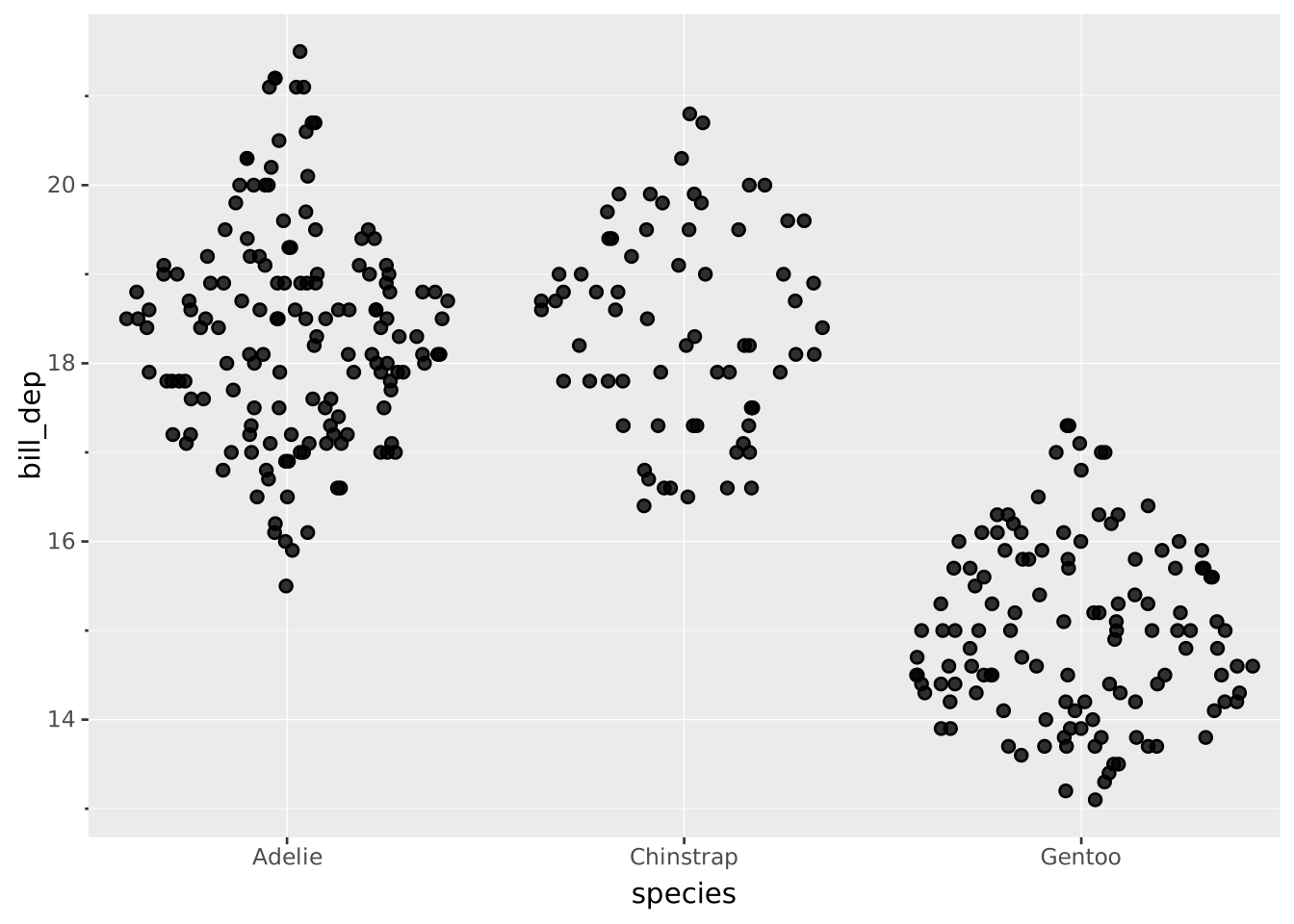
When both axes are discrete the dodging follows a grid
VISUALISE species AS x, sex AS y, body_mass AS fill FROM ggsql:penguins
DRAW point
  SETTING position => 'jitter'
SCALE BINNED fill
  SETTING breaks => 4, pretty => false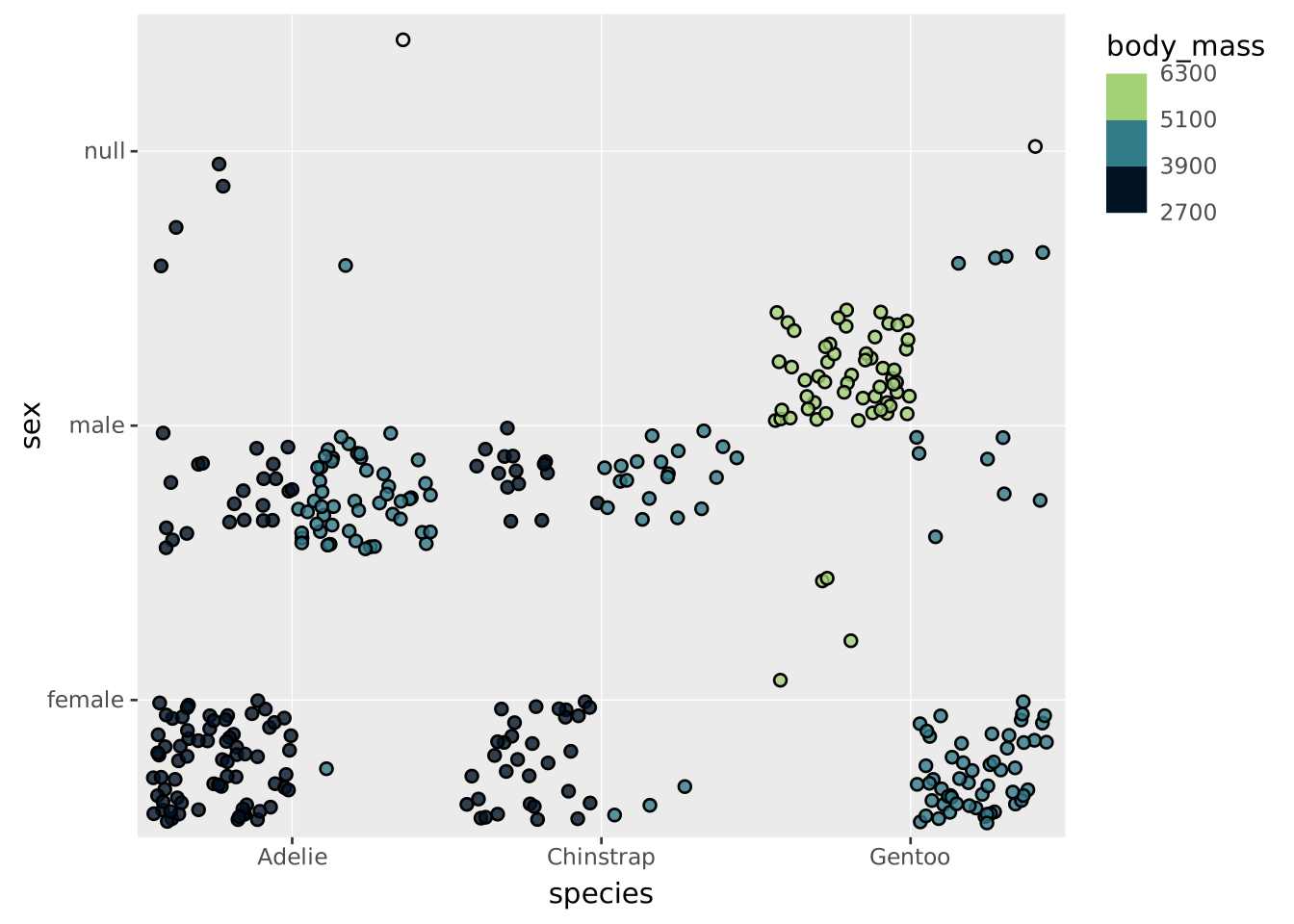
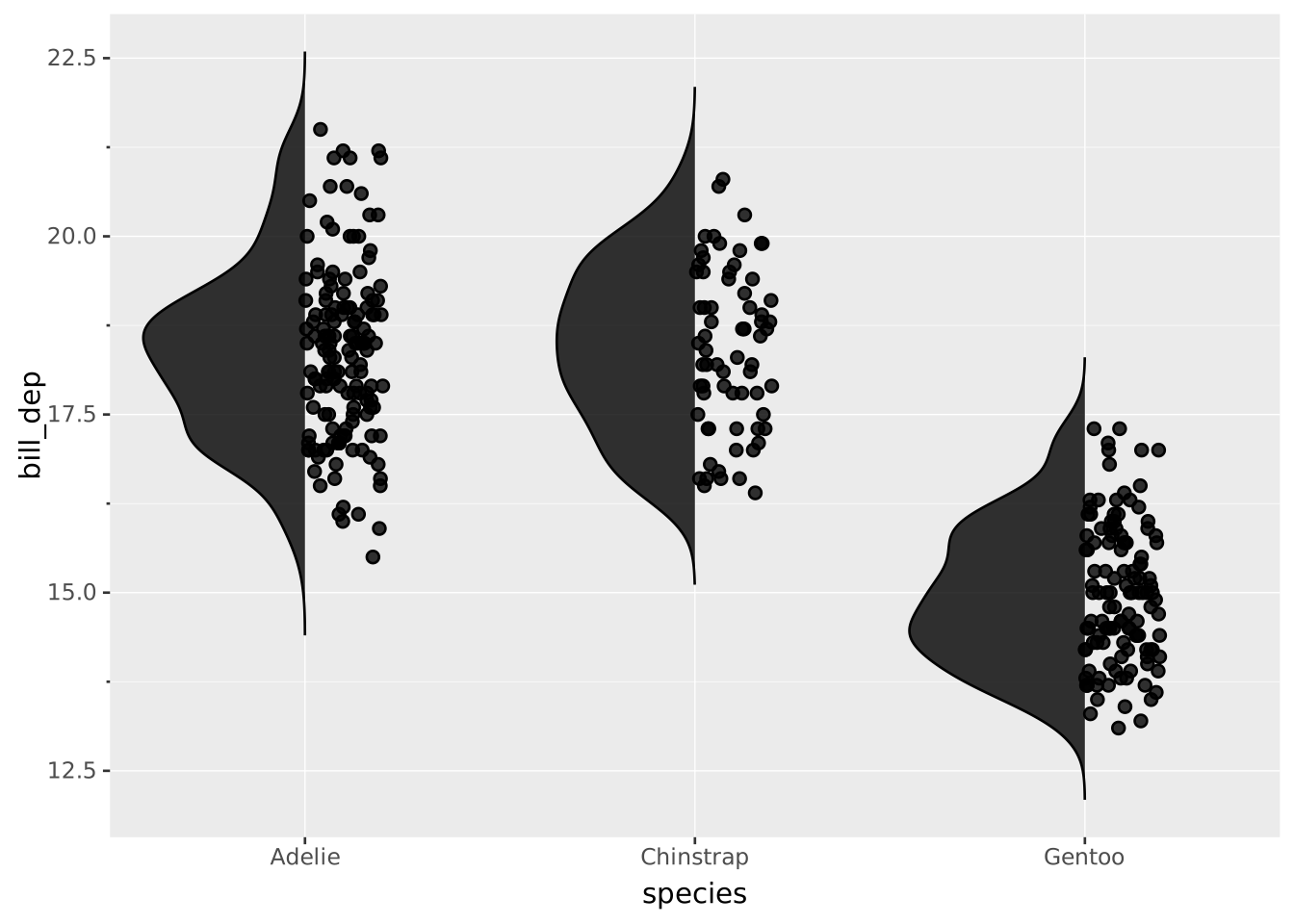
Pair a half-violin with one-sided jittered points by setting opposite side values:
VISUALISE species AS x, bill_dep AS y FROM ggsql:penguins
DRAW violin SETTING side => 'left'
DRAW point SETTING position => 'jitter', side => 'right', width => 0.4