VISUALISE species AS fill FROM ggsql:penguins
DRAW bar
PROJECT TO polar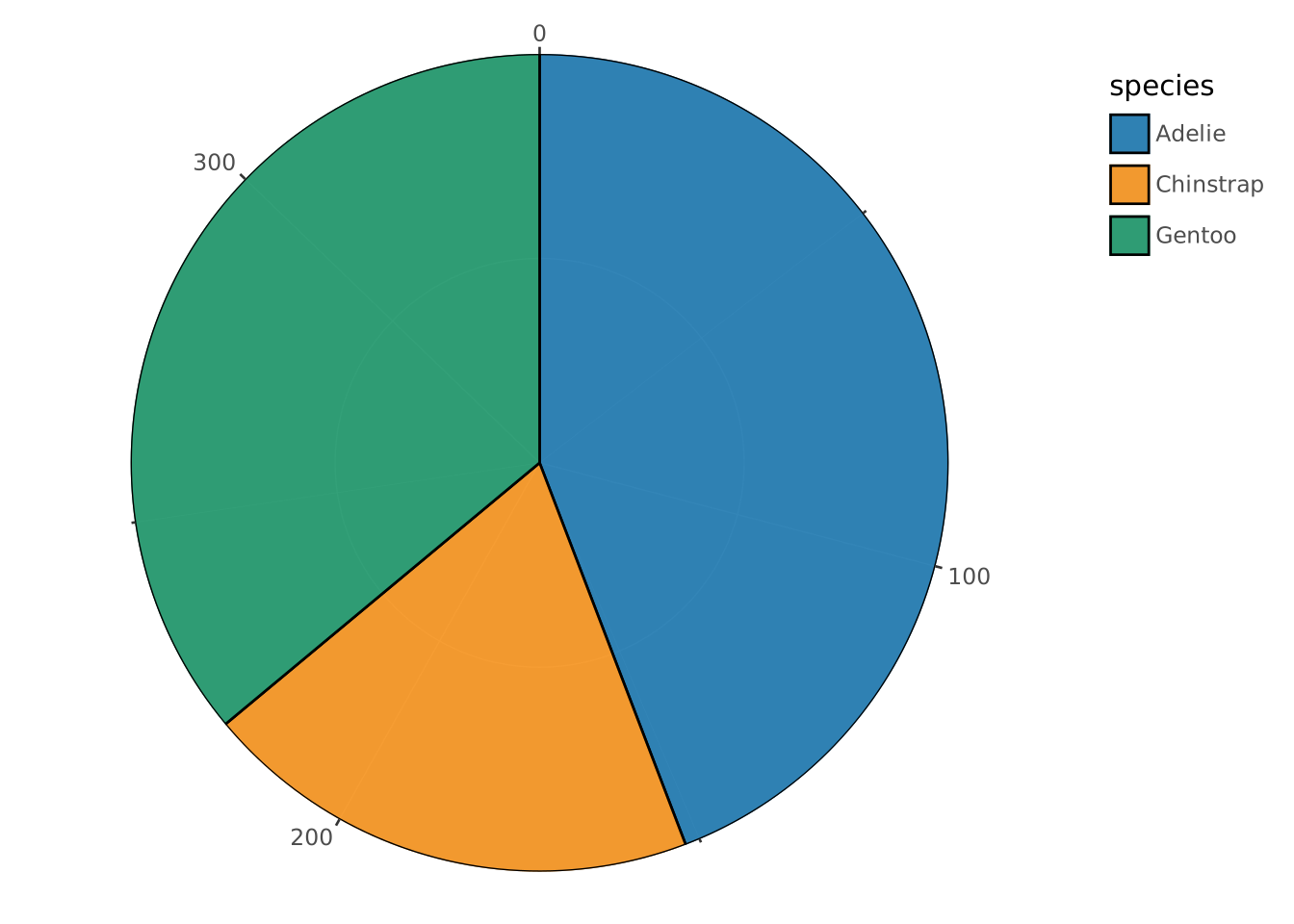
The polar coordinate system interprets its primary aesthetic as the angular position relative to the center, and the secondary aesthetic as the distance from the center. It is most often used for pie-charts and radar plots.
The polar coordinate system has the following default position aesthetics which will be used if no others have been provided:
radius (distance from center)angle (angular position)Users can provide their own aesthetic names if needed. For example, if using x and y aesthetics:
PROJECT y, x TO polarThis maps y to radius and x to angle. This is useful when converting from a Cartesian coordinate system without editing all the mappings.
clip: Should data be removed if it appears outside the bounds of the coordinate system. Defaults to truestart: The starting angle in degrees for the theta scale (-360 to 360). Controls where “0” on the angular axis begins. Defaults to 0 (12 o’clock position).
0 = 12 o’clock position (top)90 = 3 o’clock position (right)-90 or 270 = 9 o’clock position (left)180 = 6 o’clock position (bottom)end: The ending angle in degrees for the theta scale (-360 to 360). Defaults to start + 360 (a full circle). Use this with start to create partial polar plots like gauge charts or half-circle visualizations.inner: The inner radius as a proportion (0 to 1) of the outer radius. Defaults to 0 (no hole). Setting this creates a donut chart where the inner portion is empty.
0 = full pie (no hole)0.3 = donut with 30% hole0.5 = donut with 50% holeradar: Should the plot be displayed as a radar plot? Defaults to null.
null = Detect whether there is discrete data at the angle scale with more than 2 categories, in which case this becomes true, otherwise false.true = Display discrete data as a radar plot. This is incompatible with continuous data at the angle scale.false = Display classic, circular polar coordinates.VISUALISE species AS fill FROM ggsql:penguins
DRAW bar
PROJECT TO polar
VISUALISE species AS fill FROM ggsql:penguins
DRAW bar
PROJECT TO polar
  SETTING start => 90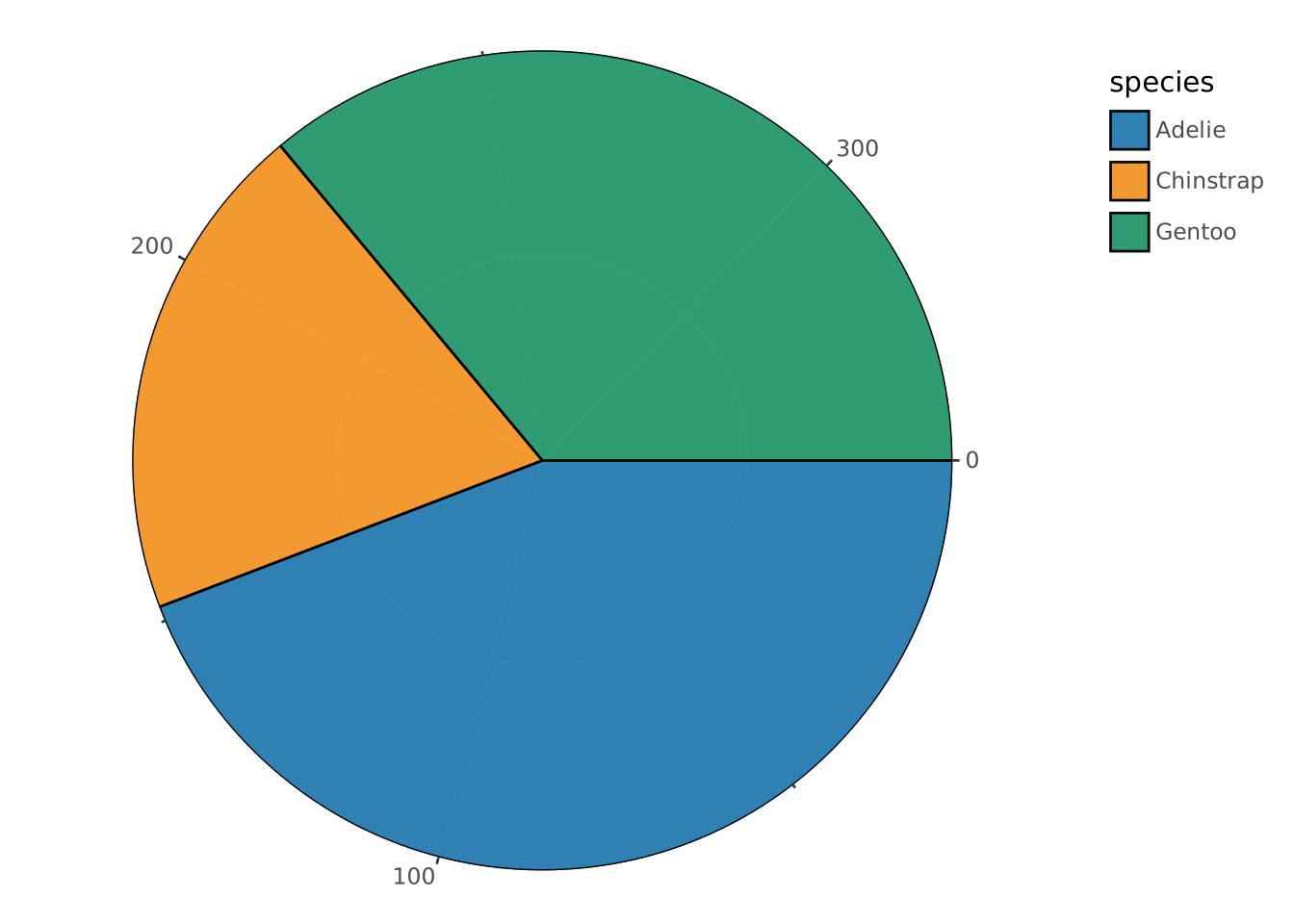
VISUALISE species AS fill FROM ggsql:penguins
DRAW bar
PROJECT TO polar
  SETTING start => -90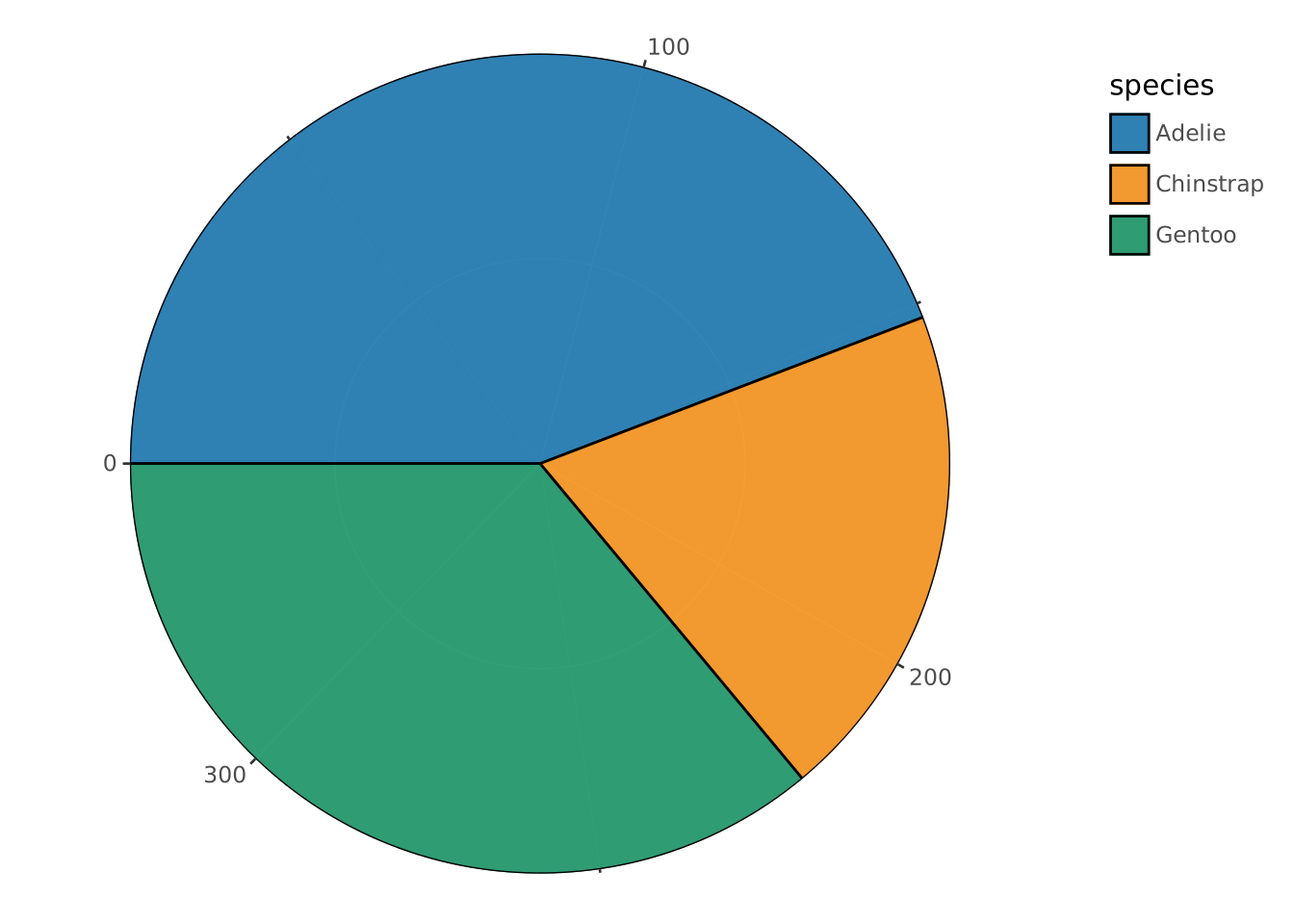
VISUALISE species AS fill FROM ggsql:penguins
DRAW bar
PROJECT TO polar
  SETTING start => -90, end => 90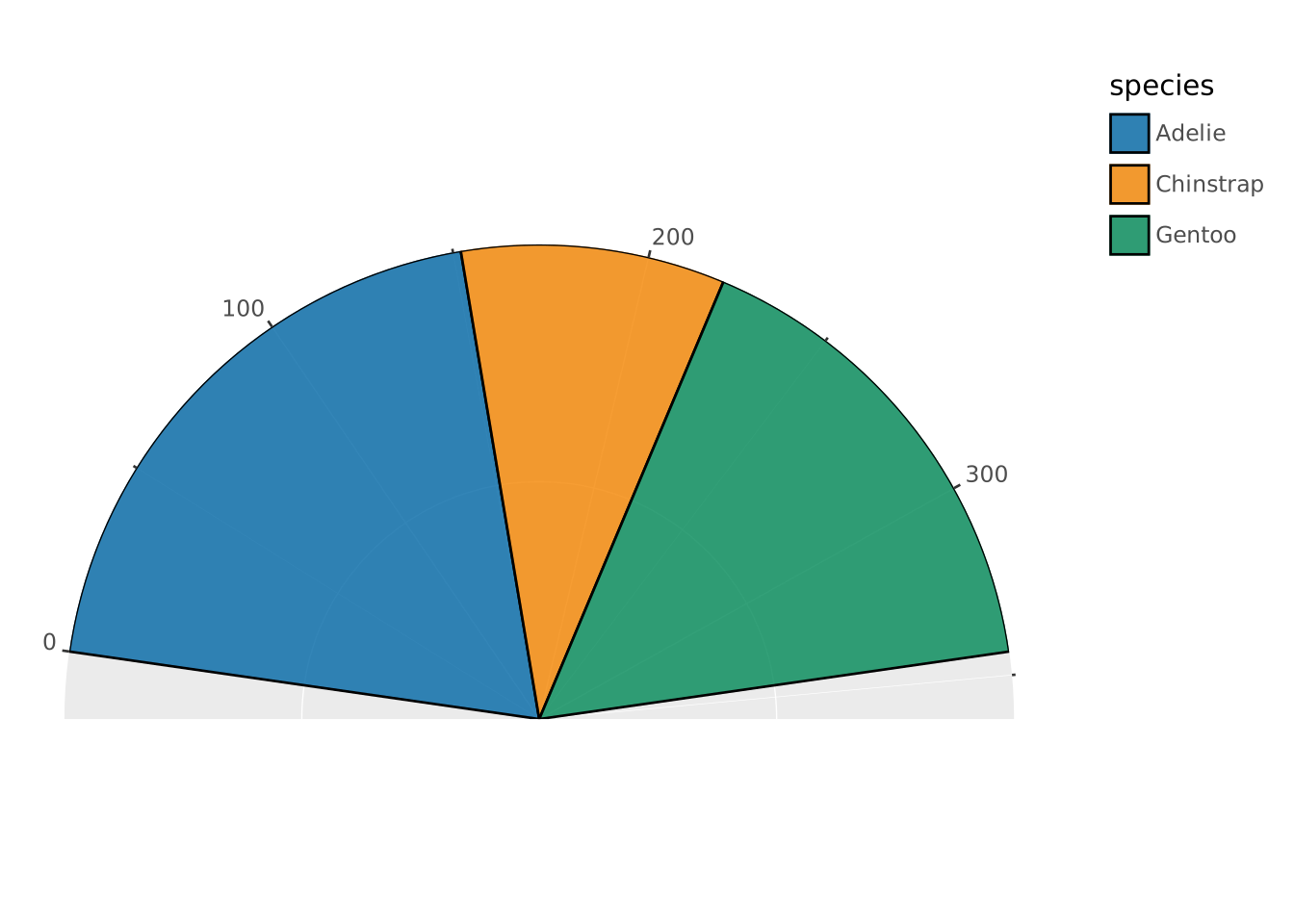
This creates a gauge chart spanning from the 9 o’clock to 3 o’clock position (a 180° arc at the top). Note that scale expansion is applied by default so the data does not fill the whole half-circle.
VISUALISE species AS fill FROM ggsql:penguins
DRAW bar
SCALE angle SETTING expand => 0
PROJECT TO polar
  SETTING end => 270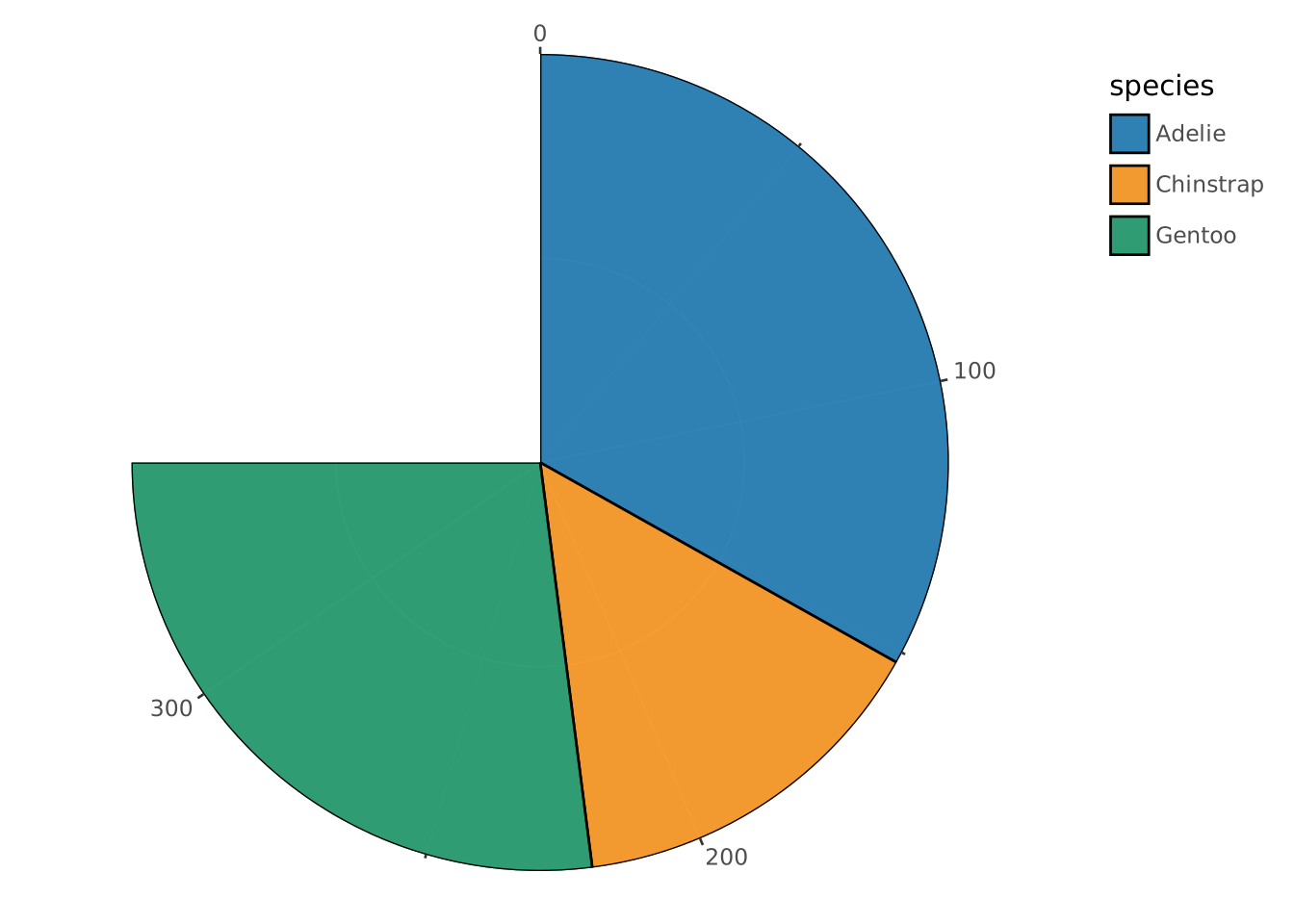
This creates a pie chart using only 270° (three-quarters of a circle), starting from 0° (12 o’clock) and ending at 270° (9 o’clock). We have turned off the scale expansion by using SCALE angle SETTING expand => 0.
VISUALISE species AS fill FROM ggsql:penguins
DRAW bar
PROJECT TO polar
  SETTING inner => 0.5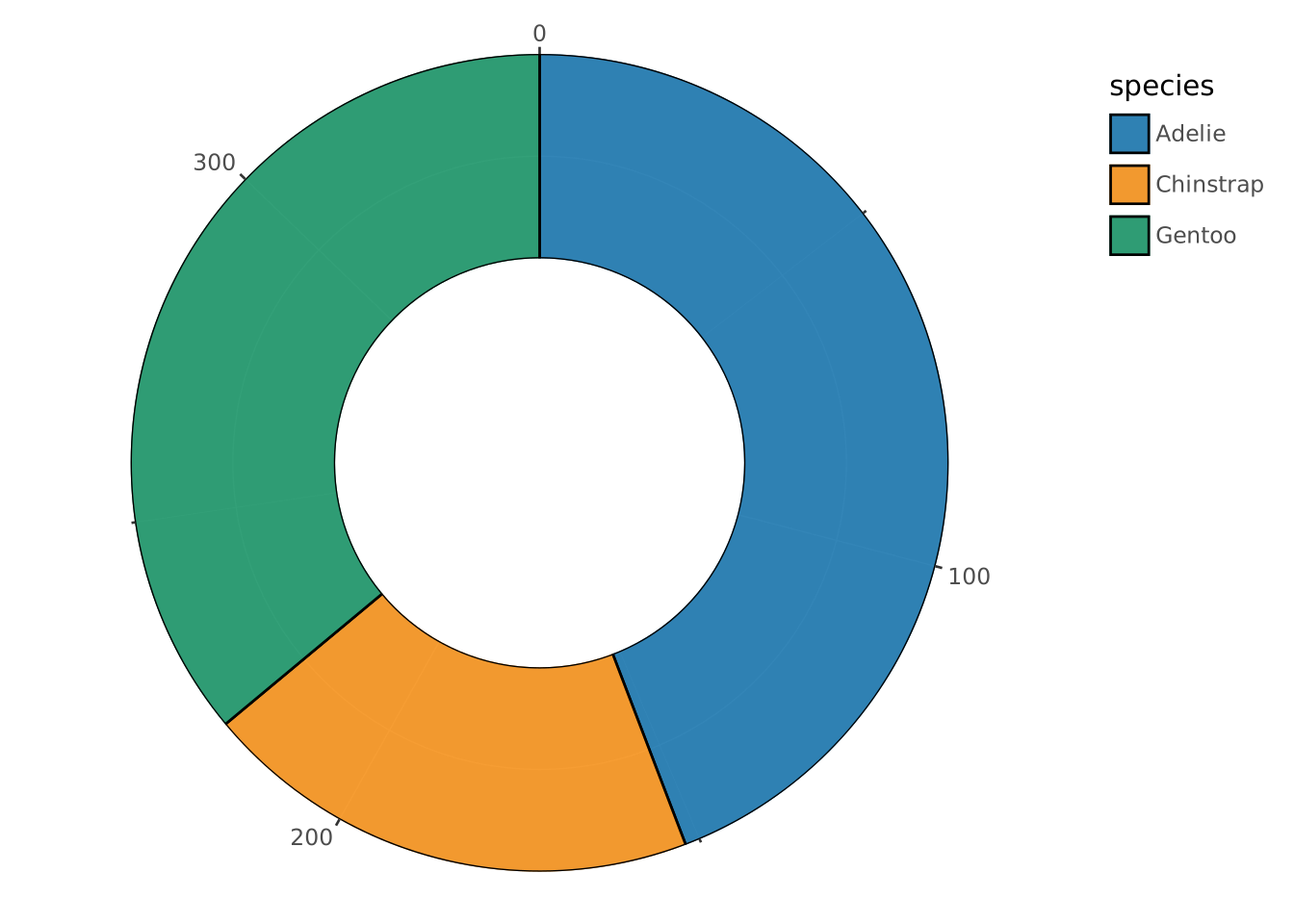
This creates a donut chart where the inner 50% of the radius is empty, leaving a ring-shaped visualization.
VISUALISE species AS fill FROM ggsql:penguins
DRAW bar
PROJECT TO polar
  SETTING inner => 0.3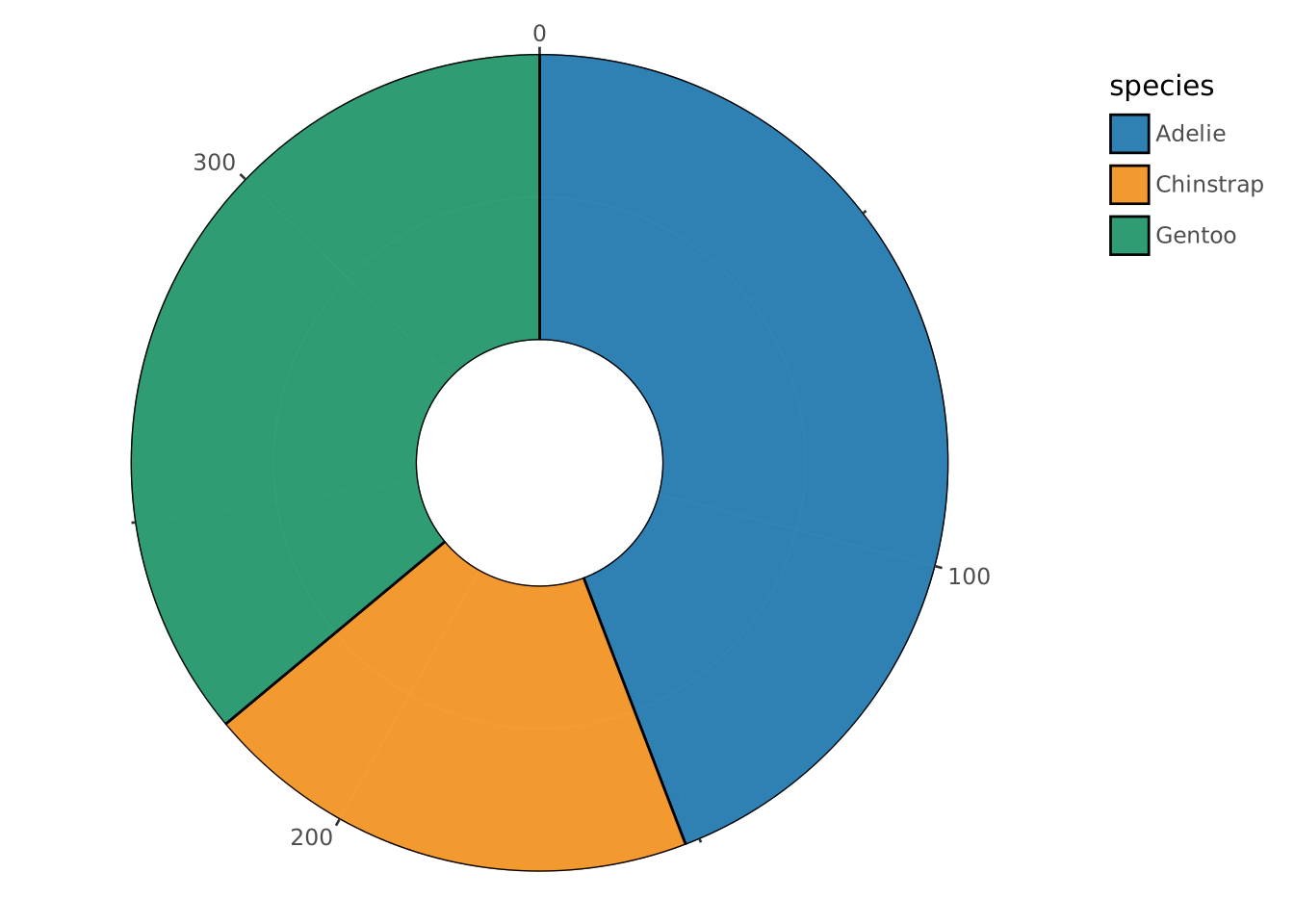
This creates a donut chart with a smaller hole (30% of the radius).
VISUALISE species AS fill FROM ggsql:penguins
DRAW bar
SCALE angle SETTING expand => 0
PROJECT TO polar
  SETTING start => -90, end => 90, inner => 0.5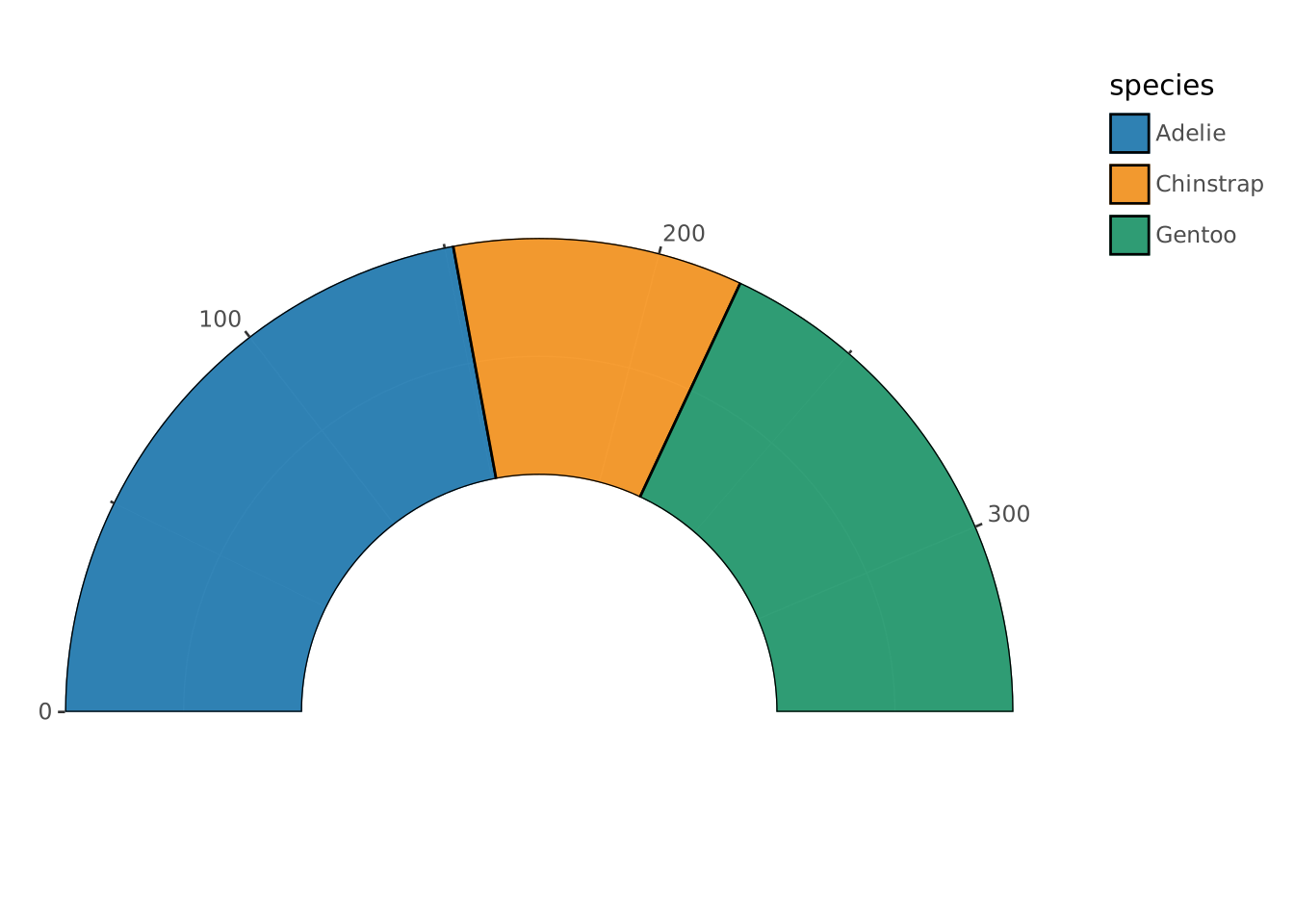
This combines the start, end, and inner settings to create a half-circle donut chart (gauge style) spanning from 9 o’clock to 3 o’clock with a 50% hole.
WITH data(angle, radius) AS (VALUES
  ('A', 5),
  ('B', 2),
  ('C', 4),
  ('D', 7),
  ('E', 6)
)
VISUALISE angle, radius FROM data
DRAW polygon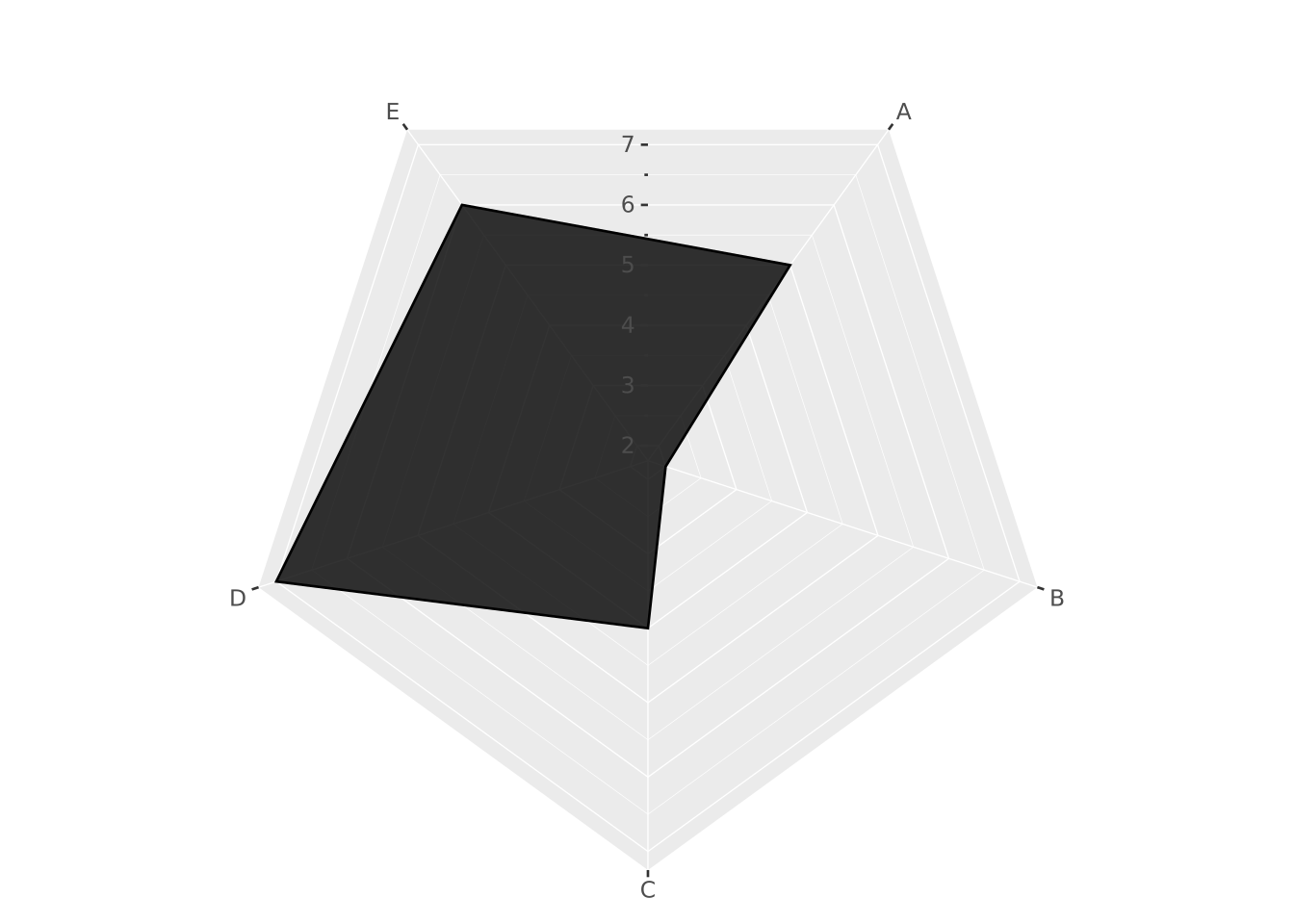
The key to drawing a radar chart is having discrete data for the angle aesthetic. You can turn off the radar chart by using PROJECT TO polar SETTING radar => false.