VISUALISE FROM ggsql:penguins
DRAW histogram
  MAPPING body_mass AS x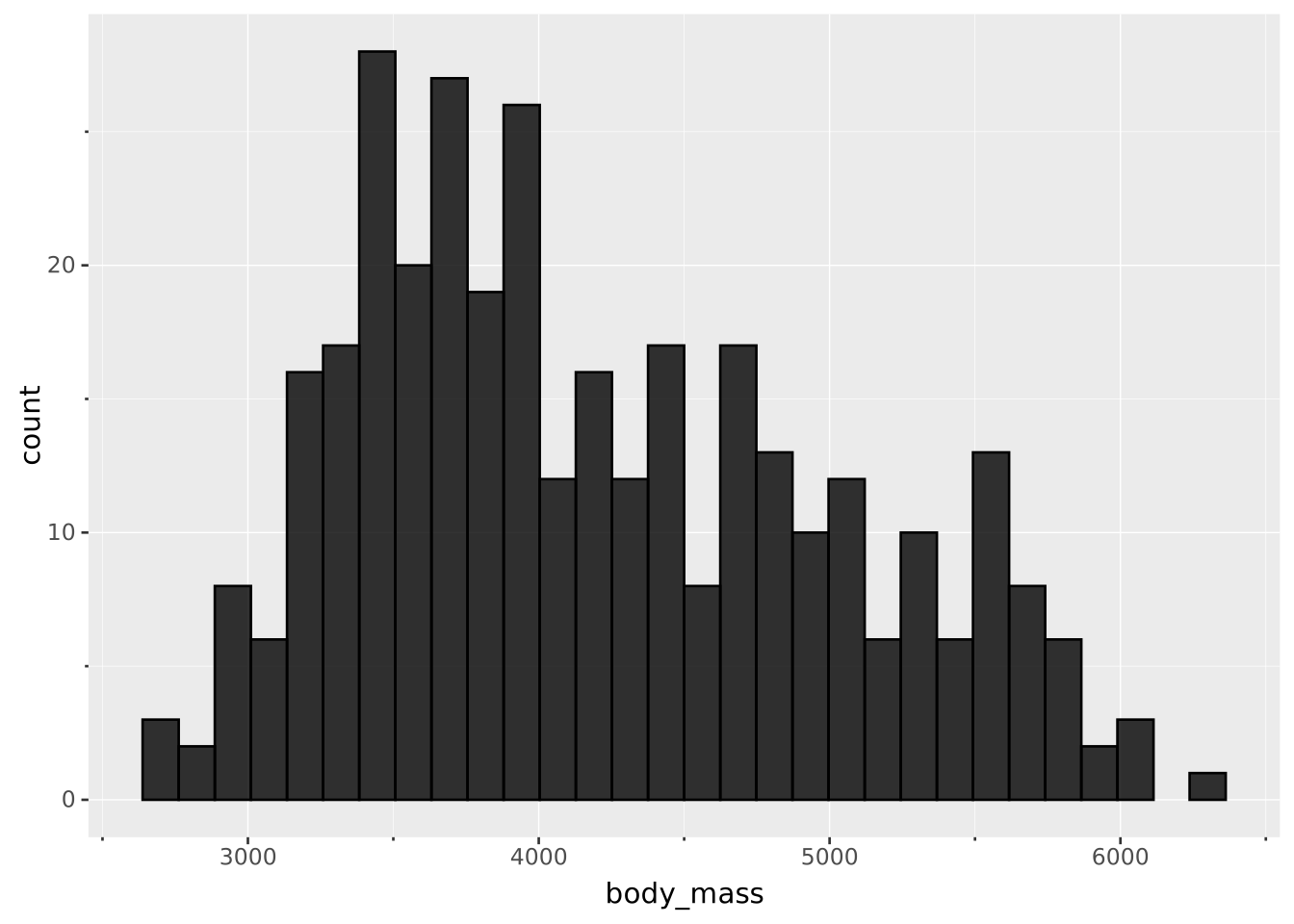
Layers are declared with the
DRAWclause. Read the documentation for this clause for a thorough description of how to use it.
Visualise the distribution of a single continuous variable by dividing the primary axis into bins and counting the number of observations in each bin. If providing a weight then a weighted histogram is calculated instead.
The following aesthetics are recognised by the histogram layer.
x): The continuous variable to bincolour: The default colour of each barstroke: The colour of the stroke around each bar. Overrides colourfill: The fill colour of each bar. Overrides colouropacity: The opacity of the bar filllinewidth: The width of the strokelinetype: The type of stroke, i.e. the dashing patternposition: Position adjustment. One of 'identity', 'stack' (default), 'dodge', or 'jitter'bins: The number of bins to calculate. Whole number >= 1. Defaults to 30binwidth: The width of each bin (must be > 0). If provided it will override the binwidth calculated from binsclosed: Either 'left' or 'right' (default). Determines whether the bin intervals are closed to the left or right sideThe histogram layer will bin the records in each group and count them. By default it will map the count to the secondary axis.
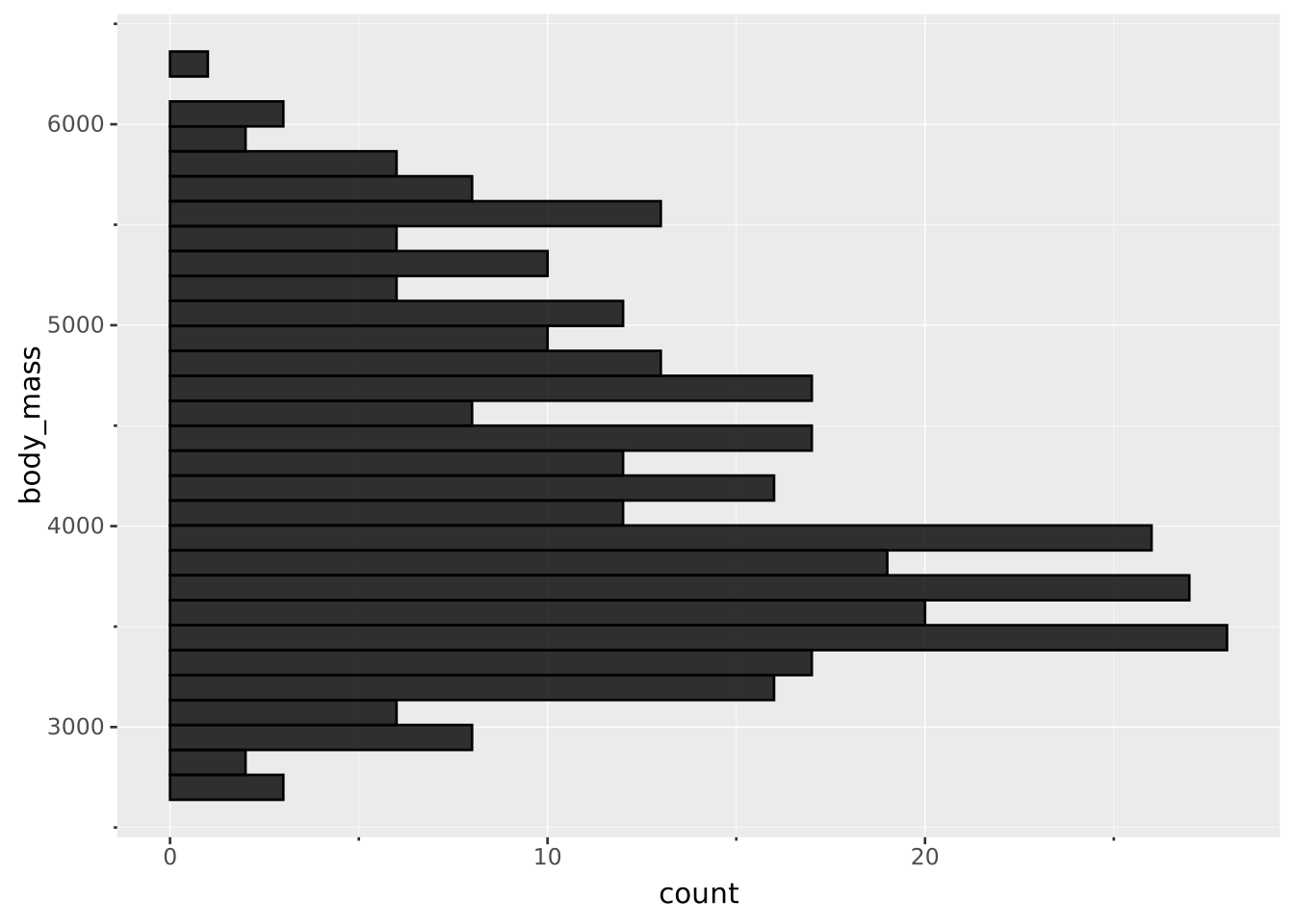
weight: If mapped, the sum of the weights within each bin is calculated instead of the count in each bincount: The count or, if weight have been mapped, sum of weights in each bin.density: The groupwise density, i.e. the count divided by the sum of count among all bins within each groupcount AS <secondary axis>: By default the histogram will show count as the height of the barsThe histogram has its primary axis along the binned variable. The orientation is deduced directly from the mapping. To create a horizontal histogram, you map the variable to y instead of x (assuming a default Cartesian coordinate system).
Show the number of each species in the data
VISUALISE FROM ggsql:penguins
DRAW histogram
MAPPING body_mass AS x
Split the histogram in two by mapping sex to fill
VISUALISE FROM ggsql:penguins
DRAW histogram
  MAPPING body_mass AS x, sex AS fill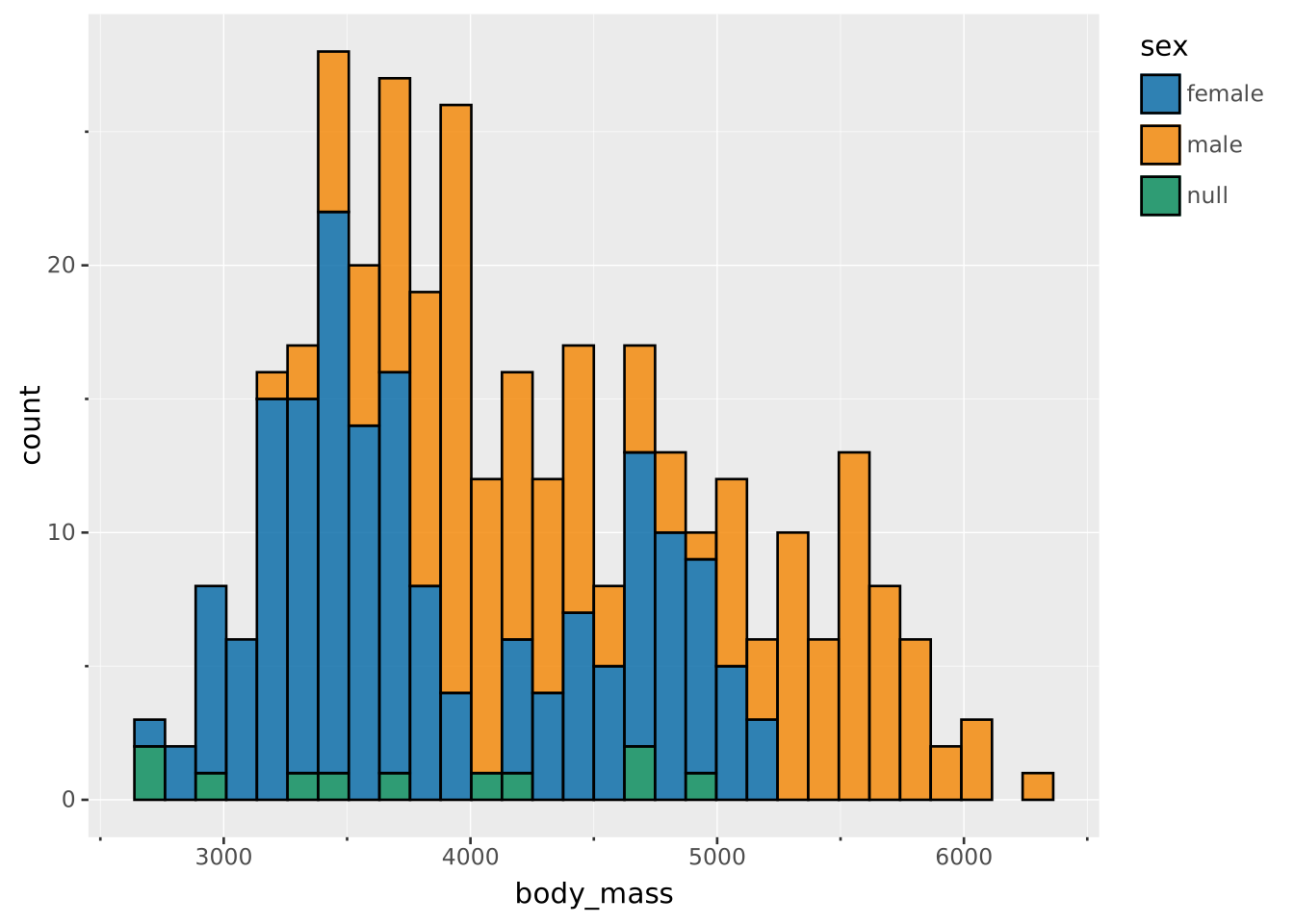
The default is to stack multiple histograms. To compare them from a baseline of 0 set position to identity
VISUALISE FROM ggsql:penguins
DRAW histogram
  MAPPING body_mass AS x, sex AS fill
  SETTING position => 'identity'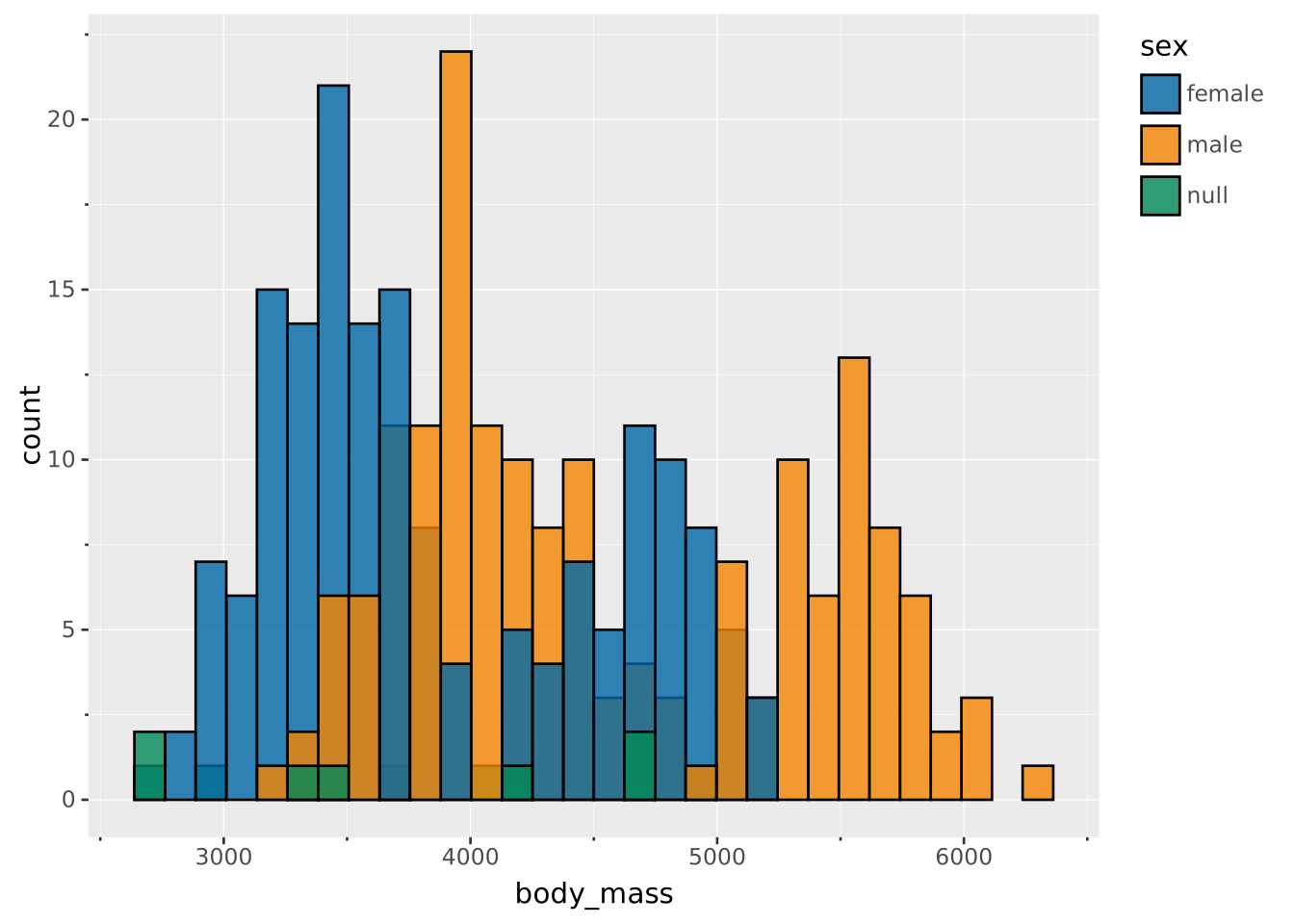
Make the two histograms the same scale by remapping to density
VISUALISE FROM ggsql:penguins
DRAW histogram
  MAPPING body_mass AS x, sex AS fill
  REMAPPING density AS y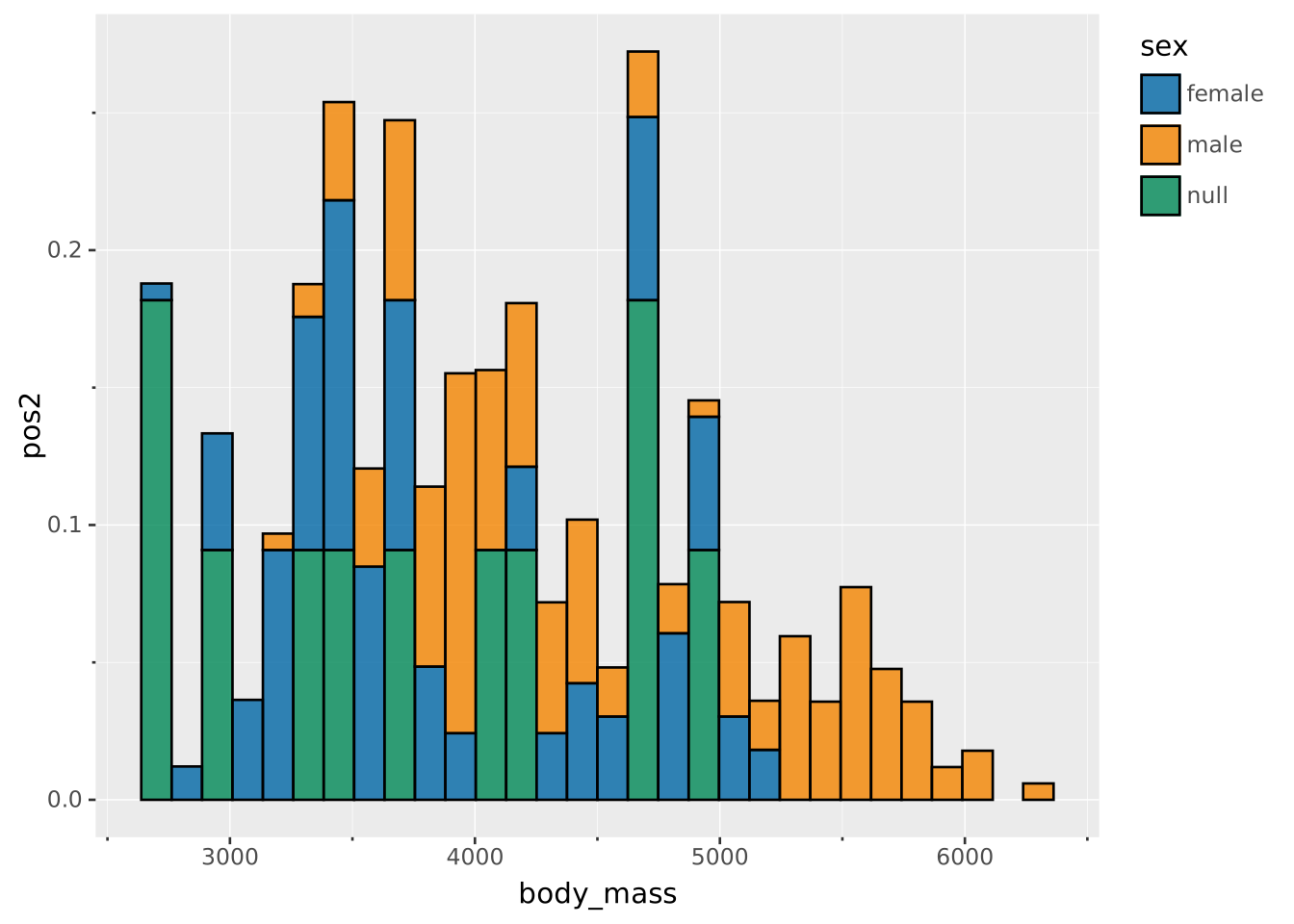
Specify an exact binwidth if needed
VISUALISE FROM ggsql:penguins
DRAW histogram
  MAPPING body_mass AS x
  SETTING binwidth => 100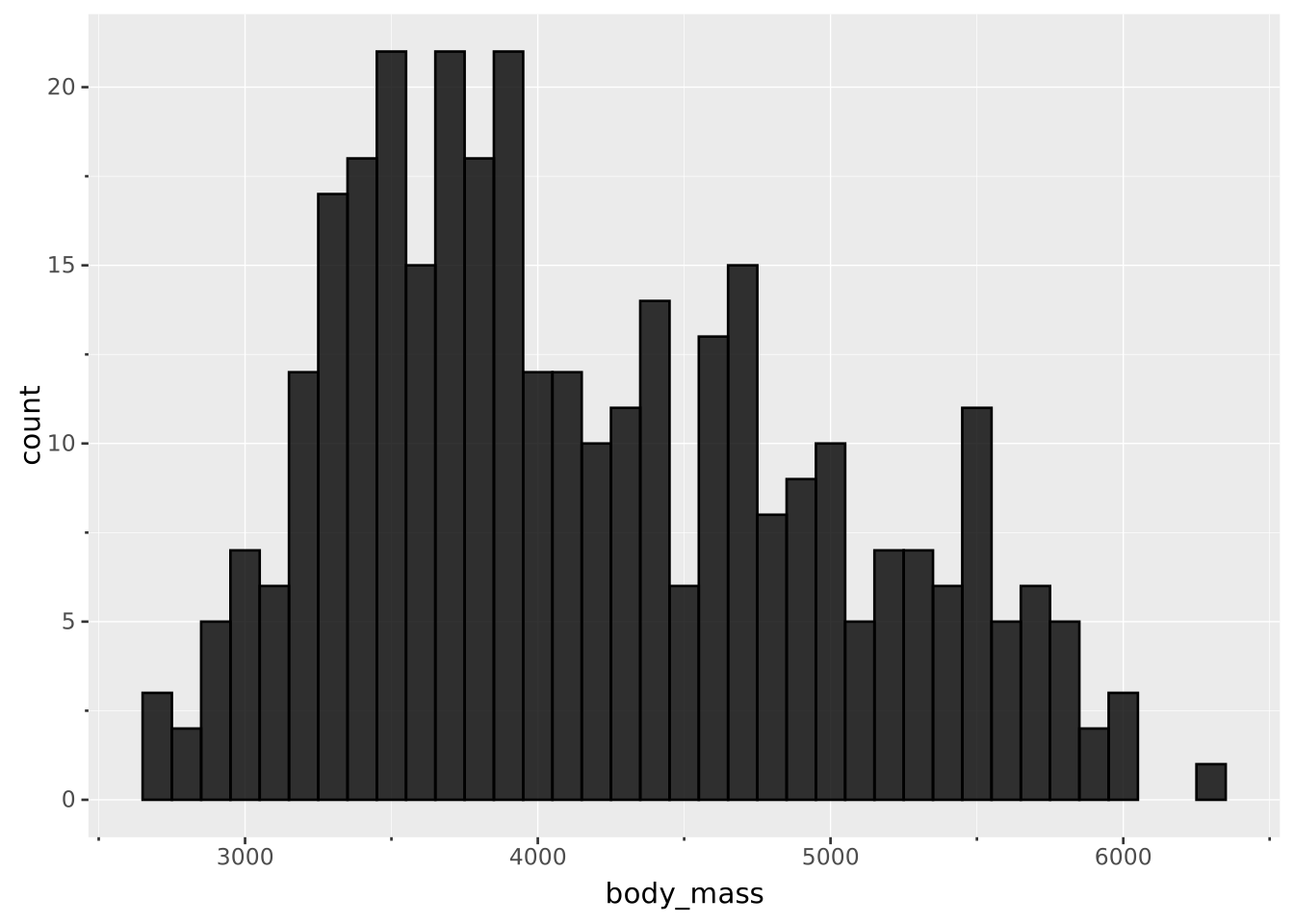
Create a histogram along the y axis by changing the mapping
VISUALISE FROM ggsql:penguins
DRAW histogram
  MAPPING body_mass AS y