-- For example, for DuckDB, one could use:
INSTALL spatial;
LOAD spatial;Spatial
Layers are declared with the
DRAWclause. Read the documentation for this clause for a thorough description of how to use it.
The spatial layer is used to render geographic geometries consisting of polygons, lines and points used to make maps like choropleths. It differs from other layers in that it uses a special simple features geometry column that defines the shapes.
Aesthetics
The following aesthetics are recognised by the spatial layer.
Required
geometry: a column of simple features.
Note that the geometry column is required, but an attempt is made to detect such a column automatically. In practise, this mapping does not often need to be declared.
Optional
strokeThe colour of the lines.fillThe colour of the inner area.colourShorthand for settingstrokeandfillsimultaneously.opacityThe opacity of colours.linewidthThe width of the lines.linetypeThe dash pattern of the line.
Settings
The spatial layer has no additional settings.
Data transformation
The spatial layer transforms the geometry column to Well-Known Binary.
Orientation
The spatial layer has no orientations.
Examples
Note that depending on your reader, you may need to activate modules for spatial analysis.
A basic map of the world using built-in data. Note that the geometry column is automatically detected.
VISUALISE FROM ggsql:world
DRAW spatial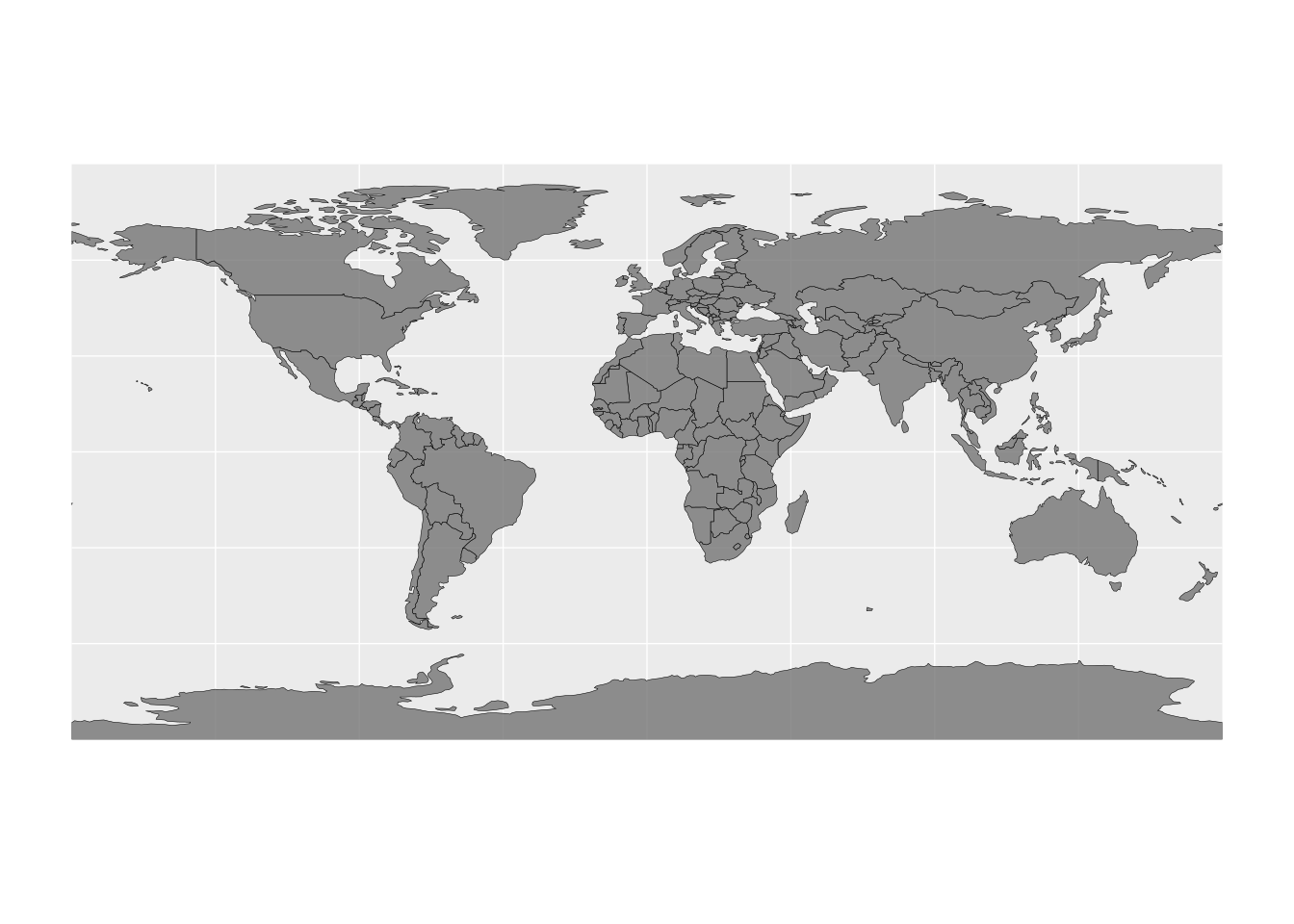
If the geometry column isn’t automatically detected —for example because it has a non-standard name— you may need to declare the mapping explicitly.
SELECT geom AS foo FROM ggsql:world
VISUALISE
DRAW spatial
  MAPPING foo AS geometry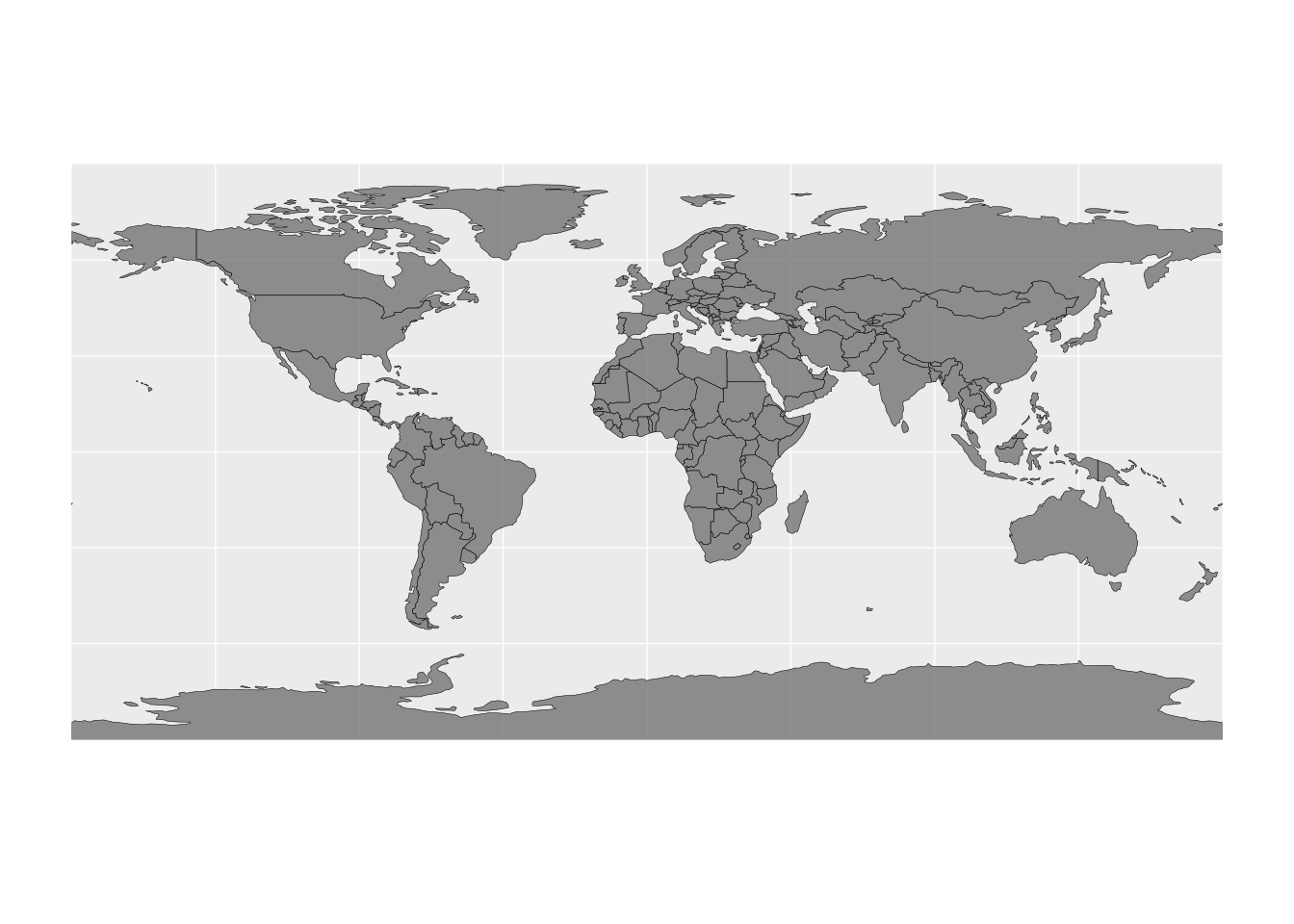
Filtering on other columns.
VISUALISE FROM ggsql:world
DRAW spatial
  FILTER continent == 'Asia'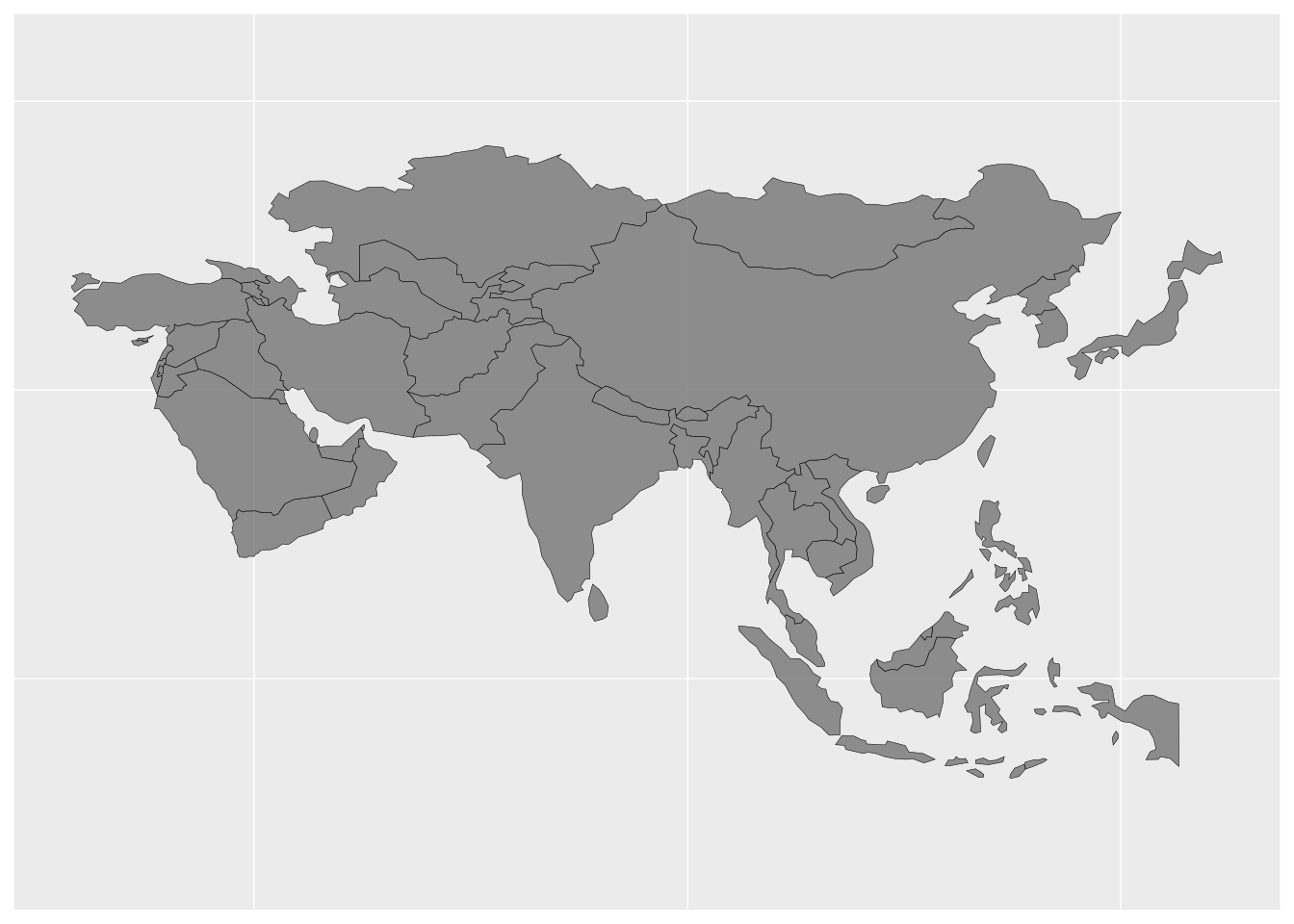
Filtering based on spatial operations.
VISUALISE FROM ggsql:world
DRAW spatial
  FILTER ST_Intersects(ST_GeomFromWKB(geom), ST_MakeEnvelope(-20.0, -35.0, 55.0, 38.0))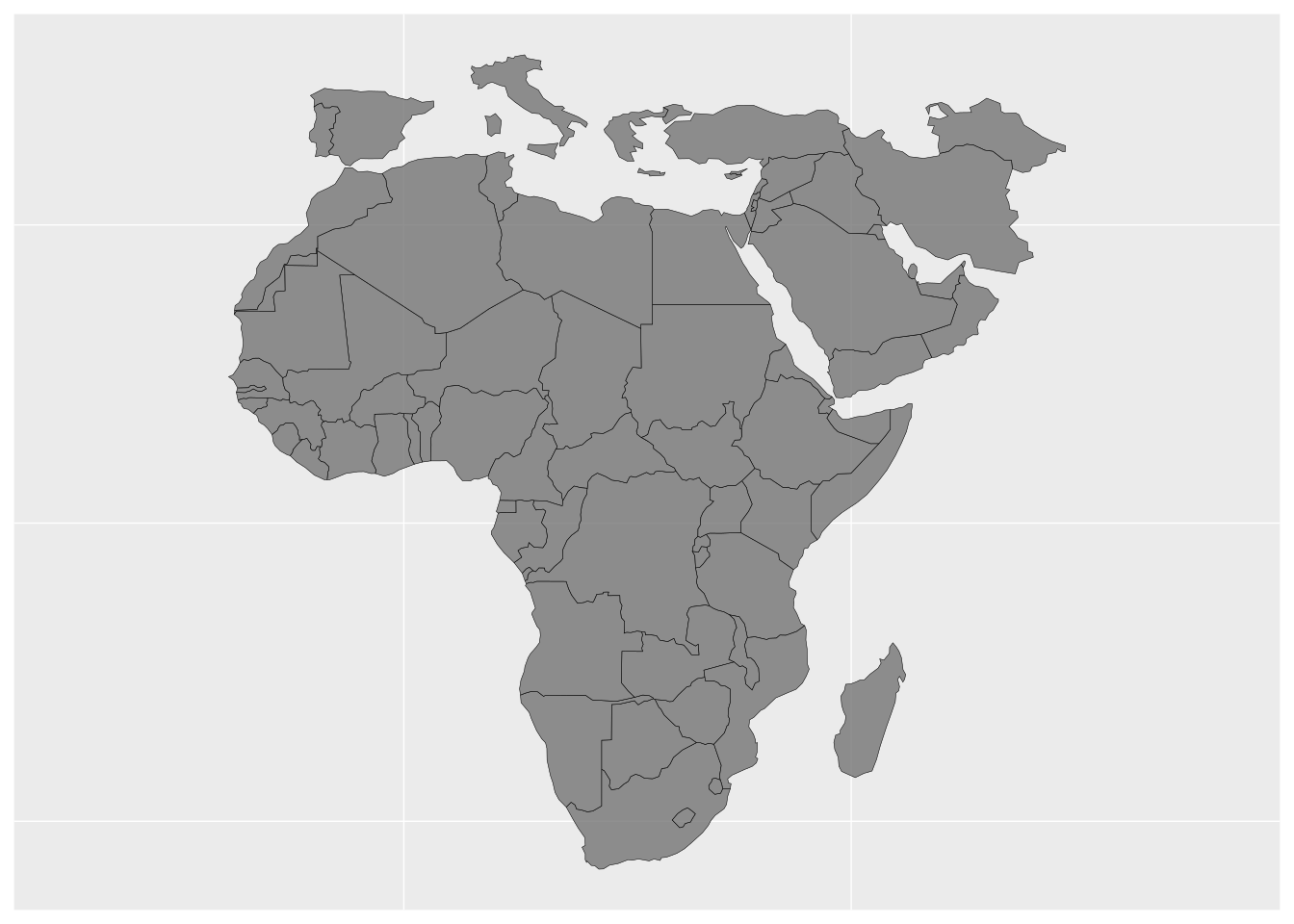
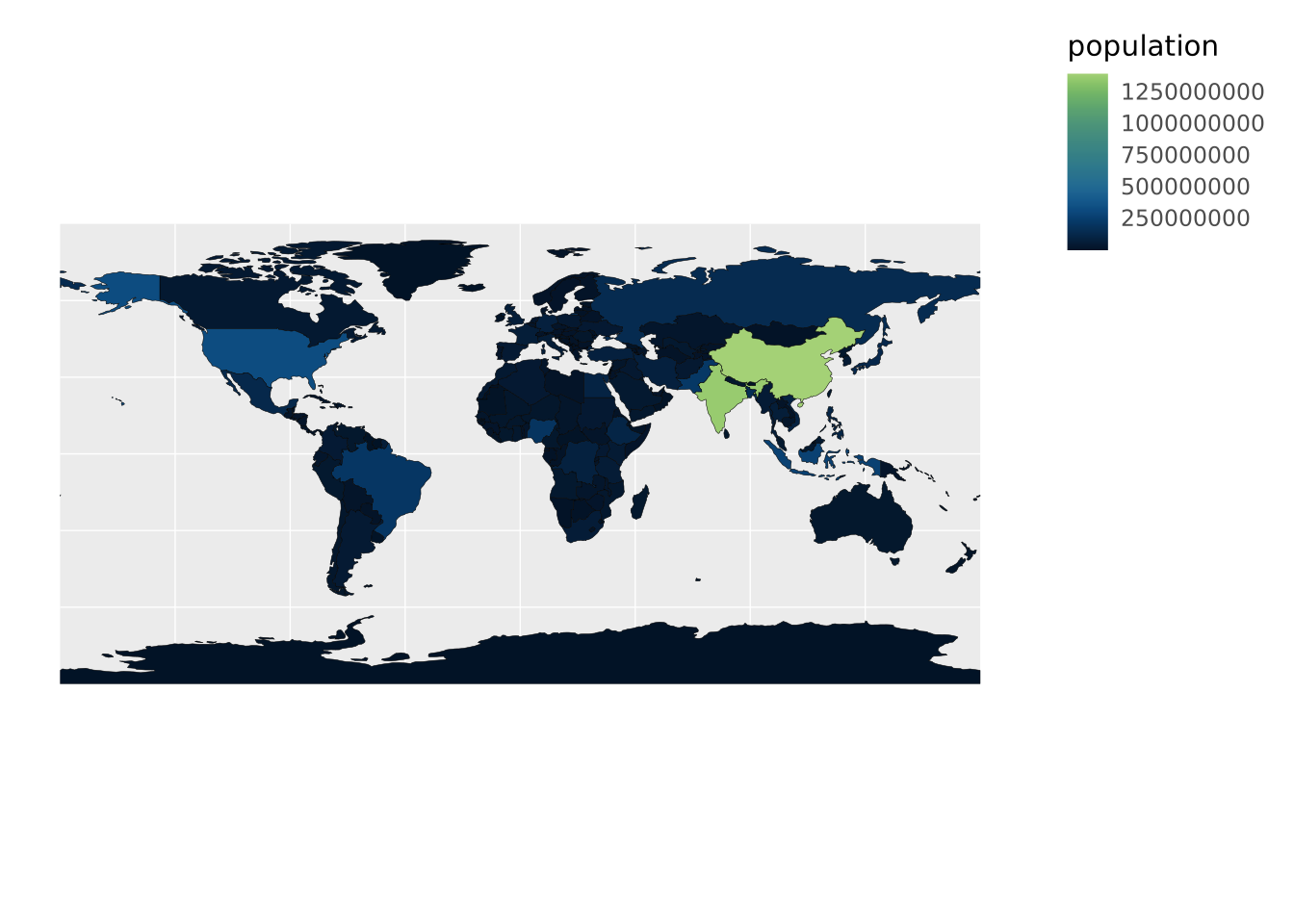
Make a choropleth map by mapping a variable to a fill aesthetic.
VISUALISE FROM ggsql:world
DRAW spatial
  MAPPING population AS fill
  SETTING opacity => 1