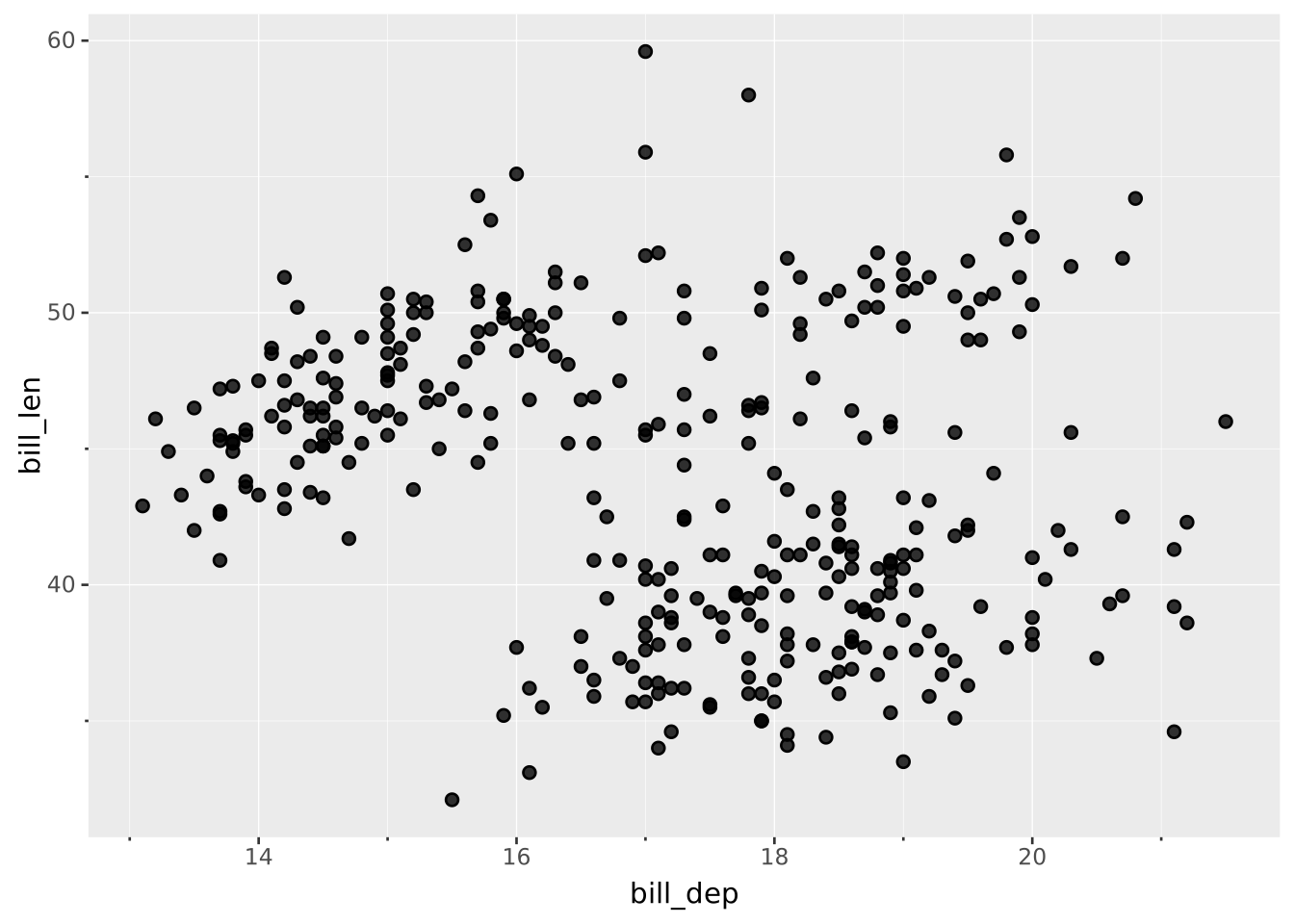
VISUALISE bill_len AS p, bill_dep AS q FROM ggsql:penguins
DRAW point
PROJECT p, q TO cartesian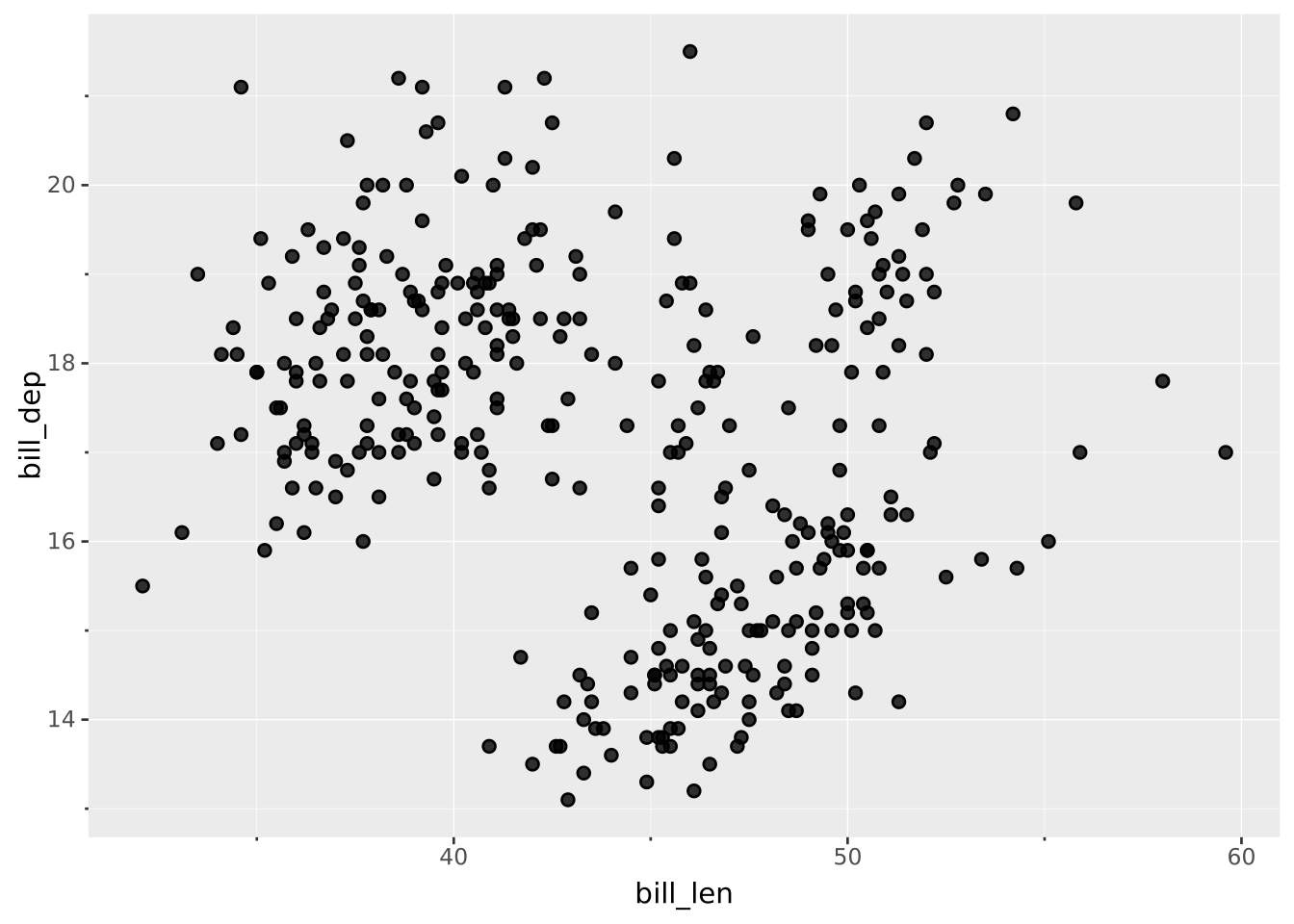
The Cartesian coordinate system is the most well-known and the default for ggsql. It maps the primary position aesthetic along a horizontal axis and the secondary along a perpendicular vertical axis.
The Cartesian coordinate system has the following default position aesthetics which will be used if no others have been provided:
x (horizontal position)y (vertical position)Users can provide their own aesthetic names if needed, e.g.
PROJECT p, q TO cartesianassuming they do not try to use a name that is already being used by any facet or material aesthetics (e.g. PROJECT fill, panel TO cartesian is not allowed).
clip: Should data be removed if it appears outside the bounds of the coordinate system. Defaults to trueratio: The aspect ratio between the steps on the vertical and horizontal axis (must be > 0 if specified). Defaults to null (no enforced aspect ratio)VISUALISE bill_len AS p, bill_dep AS q FROM ggsql:penguins
DRAW point
PROJECT p, q TO cartesian
VISUALISE bill_len AS x, bill_dep AS y FROM ggsql:penguins
DRAW point
PROJECT y, x TO cartesian