VISUALISE bill_len AS x, bill_dep AS y FROM ggsql:penguins
DRAW text
  MAPPING island AS label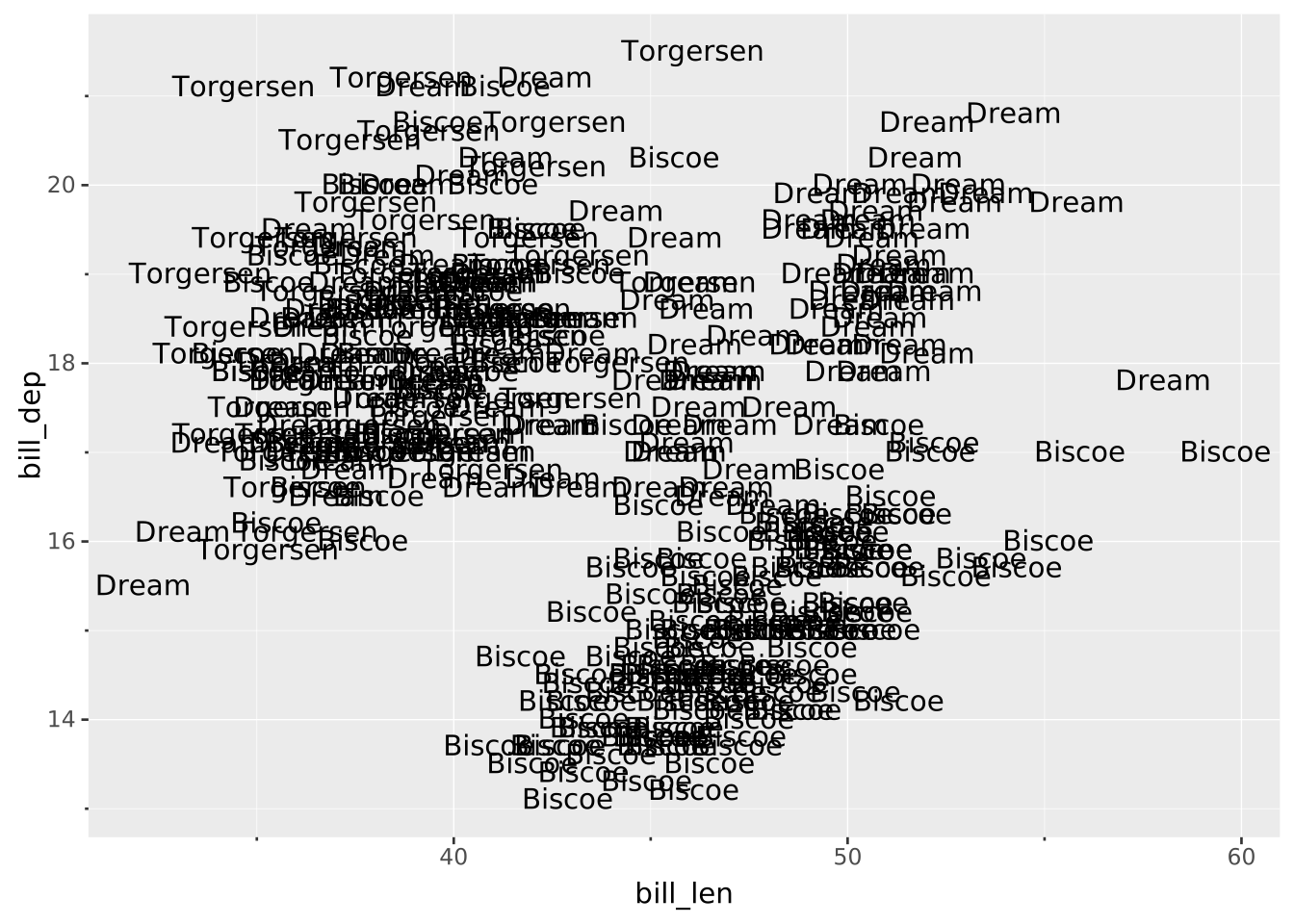
Layers are declared with the
DRAWclause. Read the documentation for this clause for a thorough description of how to use it.
The text layer displays rows in the data as text. It can be used as a visualisation itself, or used to annotate a different layer.
The following aesthetics are recognised by the text layer.
x): Position along the primary axis.y): Position along the secondary axis.label The text to display.stroke The colour of the contour lines of glyphs. Typically kept blank.fill The colour of the glyphs.colour Shorthand for setting stroke and fill simultaneously.opacity The opacity of the fill colour.typeface The typeface to style the lettering.fontsize The size of the text in points.fontweight Font weight. Interpretation is writer dependent. Vega-Lite converts everything to ‘normal’ or ‘bold’. Can be one of the following:
'thin', 'hairline', 'extra-light', 'ultra-light', 'light', 'normal' (default), 'regular', 'lighter', 'medium', 'semi-bold', 'demi-bold', 'bold', 'bolder', 'extra-bold', 'ultra-bold', 'black', 'heavy'italic Whether text should be italicised. Boolean value (true or false).hjust Horizontal justification. Can be a numeric value between 0-1 or one of "left", "right" or "centre" (default). Interpretation of numeric values is writer-dependent.vjust Vertical justification. Can be a numeric value between 0-1 or one of "top", "bottom" or "middle" (default). Interpretation of numeric values is writer-dependent.rotation Rotation of the text in degrees.offset Position offset expressed in absolute points. Can be one of the following:
[h, v] where the first number is the horizontal offset and the second number is the vertical offset.format Formatting specifier, see explanation below.parse Whether to read the label as rich text (markdown). Boolean value, true by default. See explanation below.position: Position adjustment. One of 'identity' (default), 'stack', 'dodge', or 'jitter'aggregate Aggregation functions to apply per group:
null apply no group aggregation (default).DRAW documentation and more information in the Data transformation section below.The format setting can take a string that will be used in formatting the label aesthetic. The basic syntax for this is that the label value will be inserted into any place where {} appears. This means that e.g. SETTING format => '{} species' will result in the label “adelie species” for a row where the label value is “adelie”. Besides simply inserting the value as-is, it is also possible to apply a formatter to label before insertion by naming a formatter inside the curly braces prefixed with :. Known formatters are:
{:Title} will title-case the value (make the first letter in each work upper case) before insertion, e.g. SETTING format => '{:Title} species' will become “Adelie species” for the “adelie” label.{:UPPER} will make the value upper-case, e.g. SETTING format => '{:UPPER} species' will become “ADELIE species” for the “adelie” label.{:lower} works much like {:UPPER} but changes the value to lower-case instead.{:time ...} will format a date/datetime/time value according to the format defined afterwards. The formatting follows strftime format using the Rust chrono library. You can see an overview of the supported syntax at the chrono docs. The basic usage is SETTING format => '{:time %B %Y} which would format a value at 2025-07-04 as “July 2025”.{:num ...} will format a numeric value according to the format defined afterwards. The format follows the printf format using the Rust sprintf library. The syntax is %[flags][width][.precision]type with the following meaning:
flags: One or more modifiers:
-: left-justify+: Force sign for positive numbers0: Zero-pad#: Alternate form (0x prefix for hex, etc)width: The minimum width of characters to render. Depending on the flags the string will be padded to be at least this widthprecision: The maximum precision of the number. For %g/%G it is the total number of digits whereas for the rest it is the number of digits to the right of the decimal pointtype: How to present the number. One of:
d/i: Signed decimal integersu: Unsigned decimal integersf/F: Decimal floating pointe/E: Scientific notationg/G: Shortest form of e and fo: Unsigned octalx/X: Unsigned hexadecimalBy default the label is read as markdown, so '**Adelie**' draws a bold Adelie rather than the asterisks around it. Set parse => false to draw the label exactly as it is, markers and all.
The markdown flavour recognised is CommonMark plus a few extensions. The most useful parts for a label are:
**bold** and *italic*. Note that _underline_ underlines rather than italicises.~~strikethrough~~.`code`, rendered in the monospace typeface.{selector body} spans, which style a fragment without a dedicated marker. The selector is a single token: a colour name or CSS colour ({.red hot}), a hex colour ({#0072B2 blue}), or a size in points ({.20 big}). Combine them by nesting: {.red {.20 big and red}}.Note that parse is not honoured by the Vega-Lite writer, which has no rich text and always draws the label literally, so a query meant for both writers should either avoid markdown in its labels or set parse => false.
This layer supports aggregation through the aggregate setting. Aggregation groups are defined by PARTITION BY and all discrete mappings. Within each group, every numeric mapping is replaced in place by its aggregated value. Use a default like 'mean' or target individual aesthetics with '<aes>:<func>'. See the DRAW documentation for the full setting shape.
The text layer has no orientation. The axes are treated symmetrically.
Standard drawing data points as labels.
VISUALISE bill_len AS x, bill_dep AS y FROM ggsql:penguins
DRAW text
MAPPING island AS label
You can use the format setting to tweak the display of the label.
VISUALISE bill_len AS x, bill_dep AS y FROM ggsql:penguins
DRAW text
  MAPPING island AS label
  SETTING format => '{:UPPER}'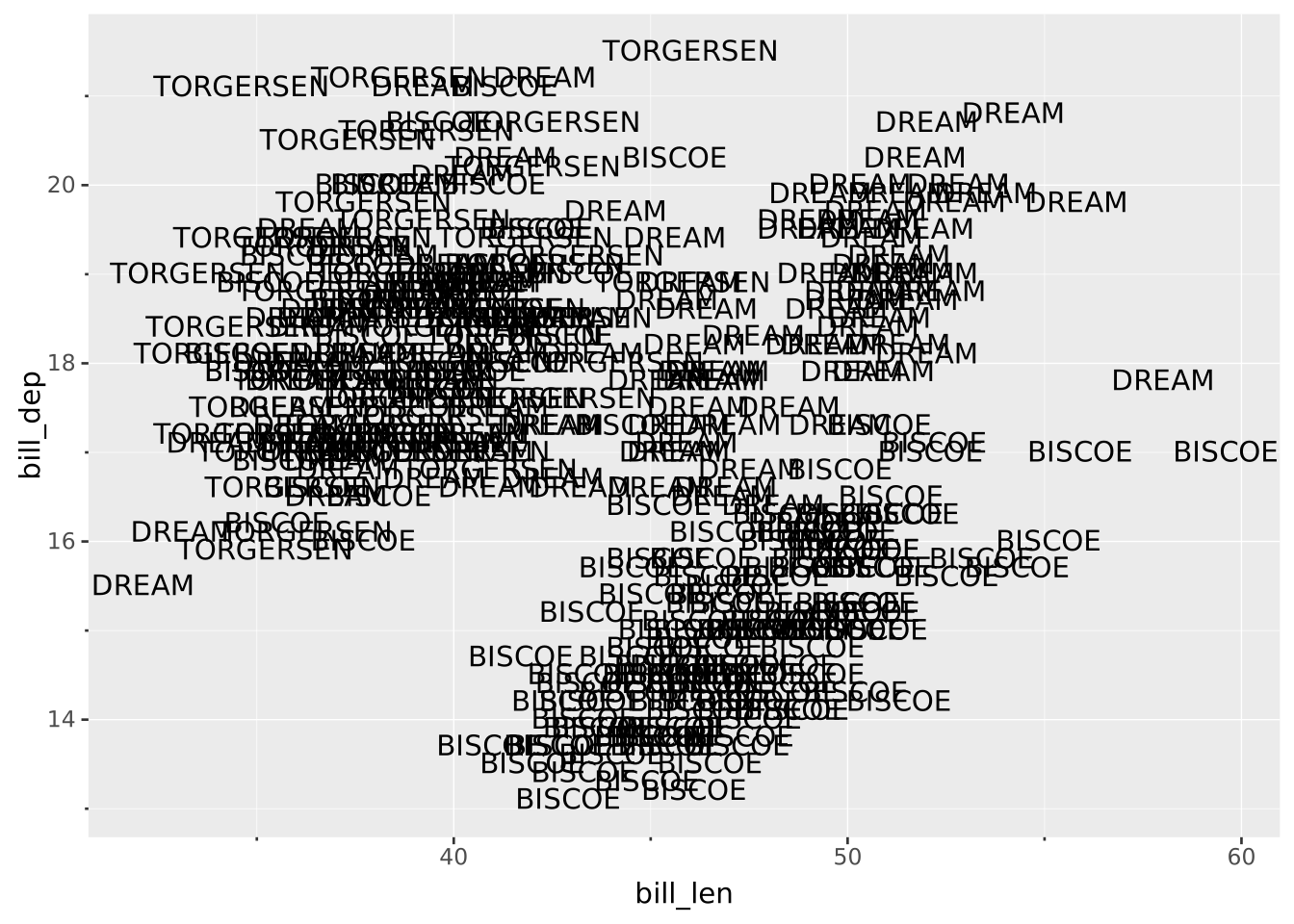
Setting font properties. Colours are typically mapped to the fill.
VISUALISE bill_len AS x, bill_dep AS y FROM ggsql:penguins
DRAW text
  MAPPING island AS label, species AS fill, flipper_len AS fontsize
  SETTING
    opacity => 0.8,
    fontweight => 'bold',
    typeface => 'Times New Roman'
SCALE fontsize TO (6, 20)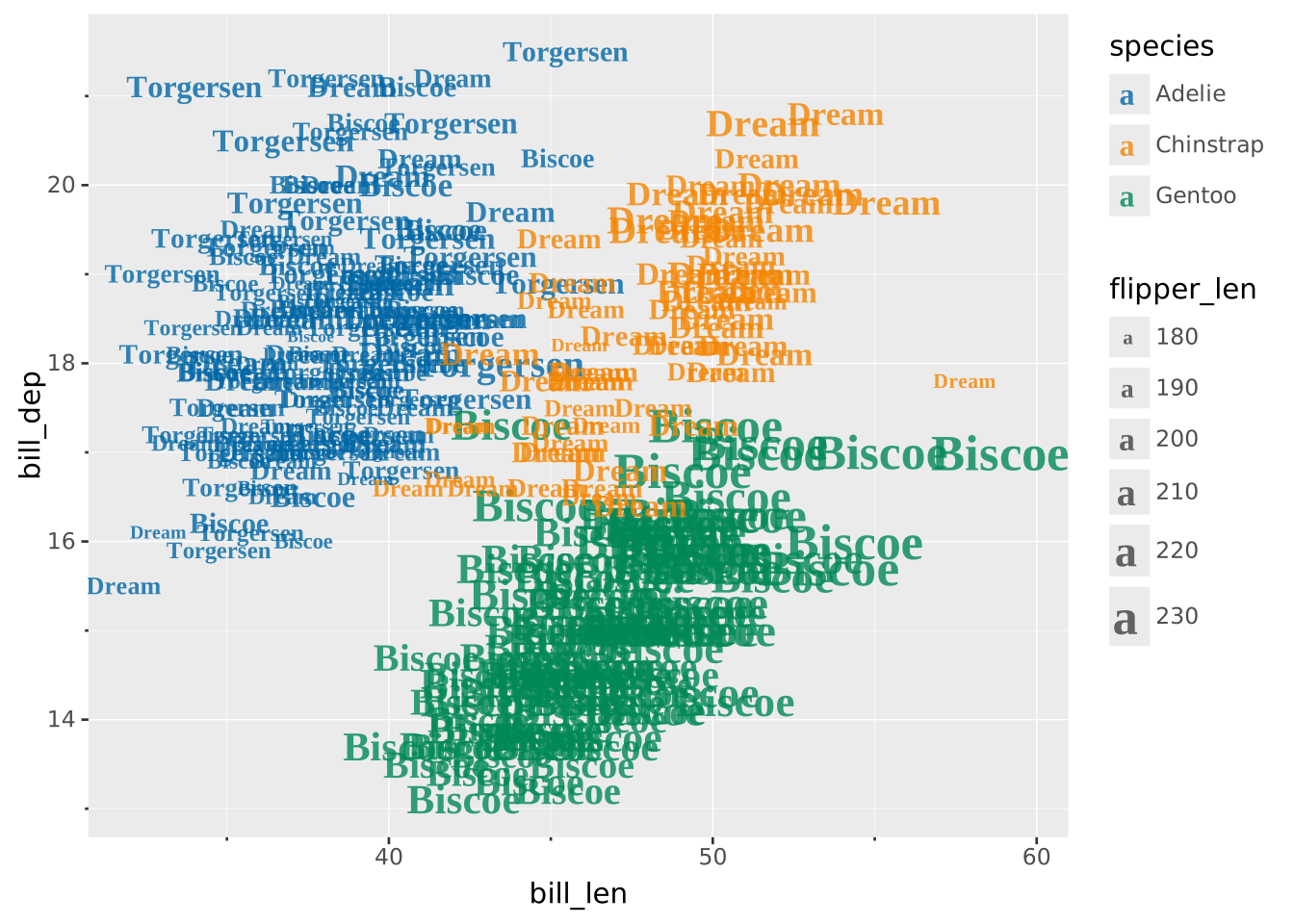
Labels are read as markdown, so a format template can style part of the label. This does not show up in Vega-Lite output, which has no rich text.
VISUALISE bill_len AS x, bill_dep AS y FROM ggsql:penguins
DRAW text
  MAPPING island AS label
  SETTING format => '{:Title} *island*'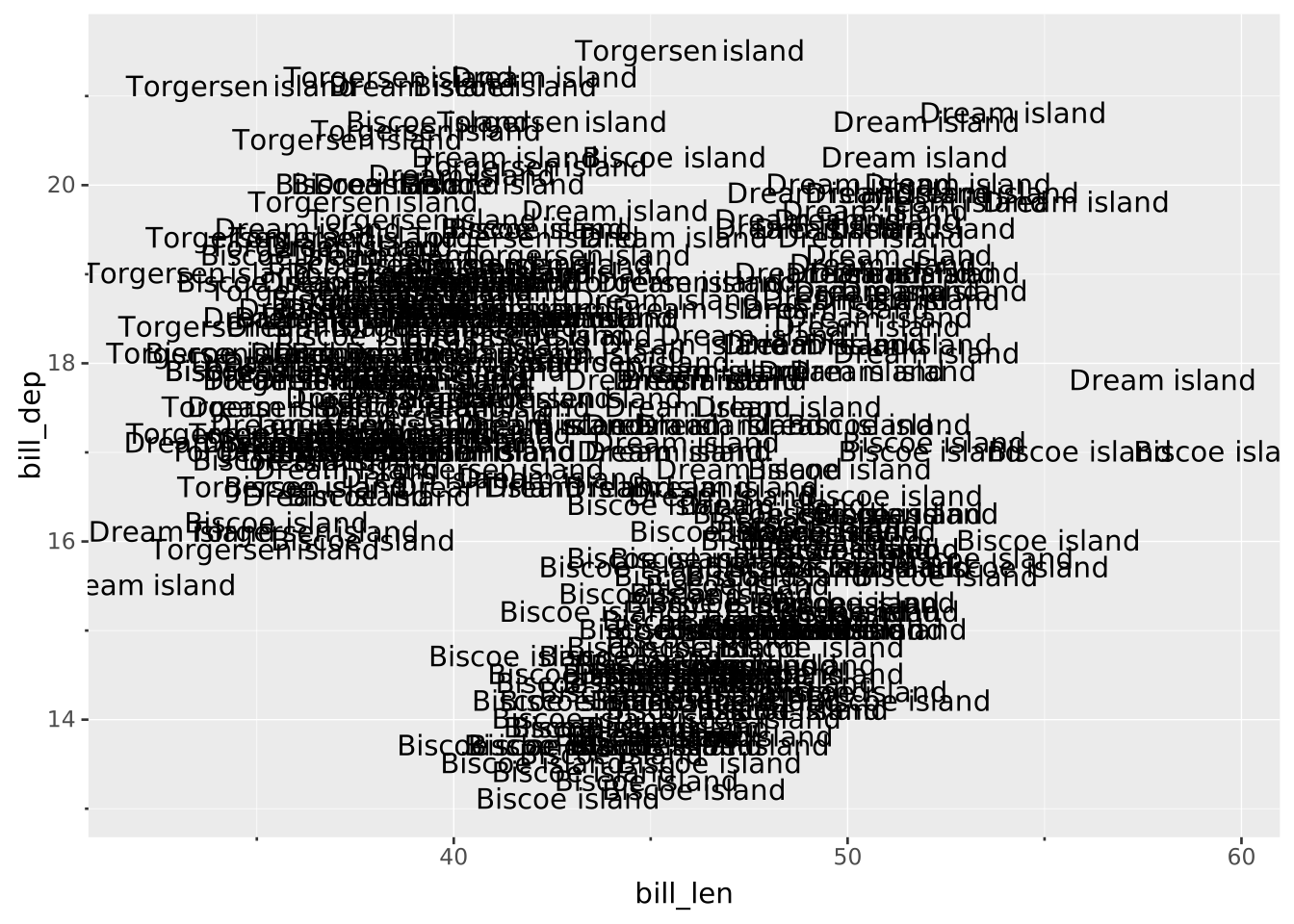
The ‘stroke’ aesthetic is applied to the outline of the text.
SELECT 1 as x, 1 as y
VISUALISE x, y, 'My Label' AS label
DRAW text
  SETTING fontsize => 30, stroke => 'red'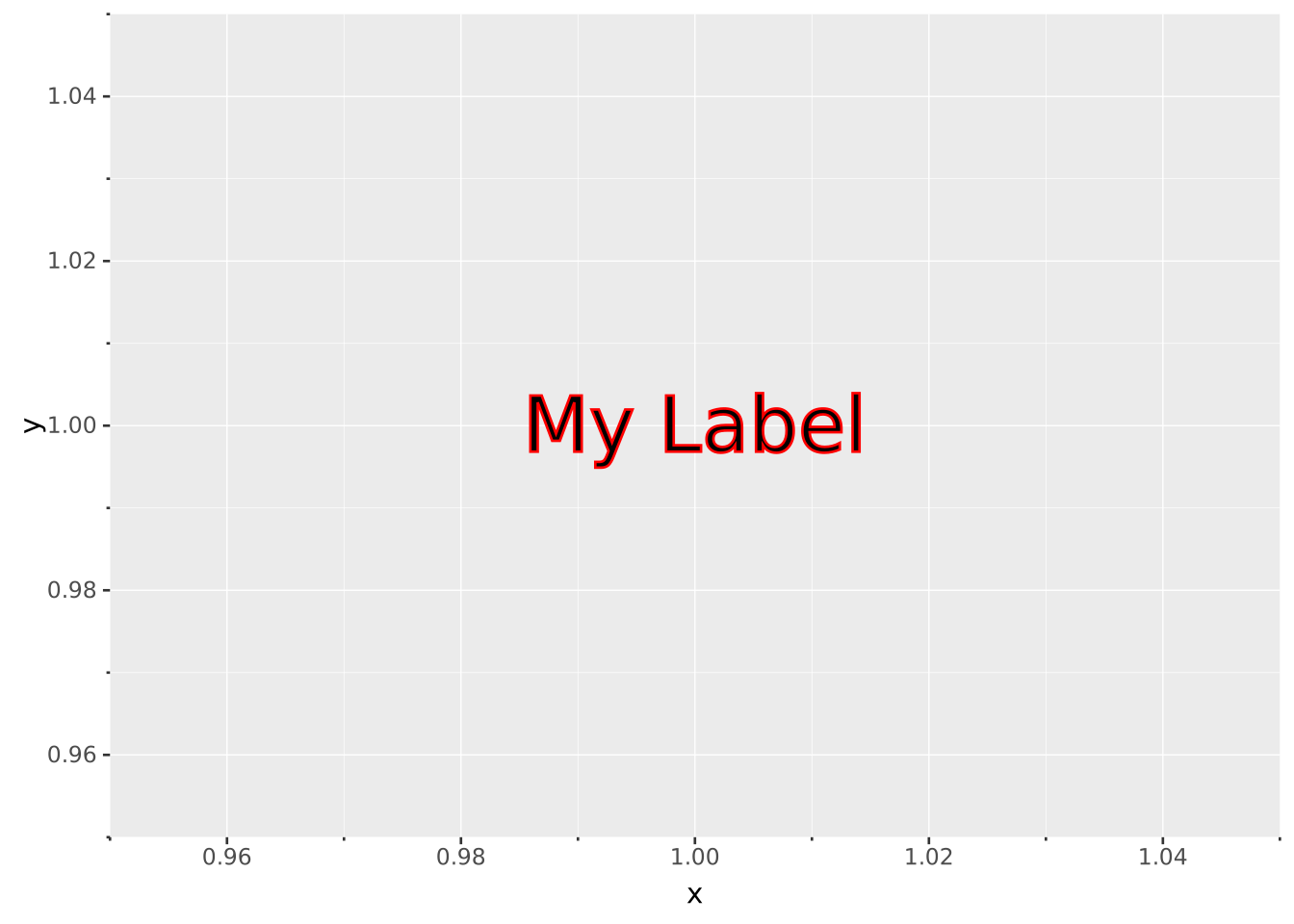
Labelling precomputed bars with the data value.
SELECT island, COUNT(*) AS n FROM ggsql:penguins GROUP BY island
VISUALISE island AS x, n AS y
DRAW bar
DRAW text
  MAPPING n AS label
  SETTING vjust => 'top', offset => (0, -11), fill => 'white'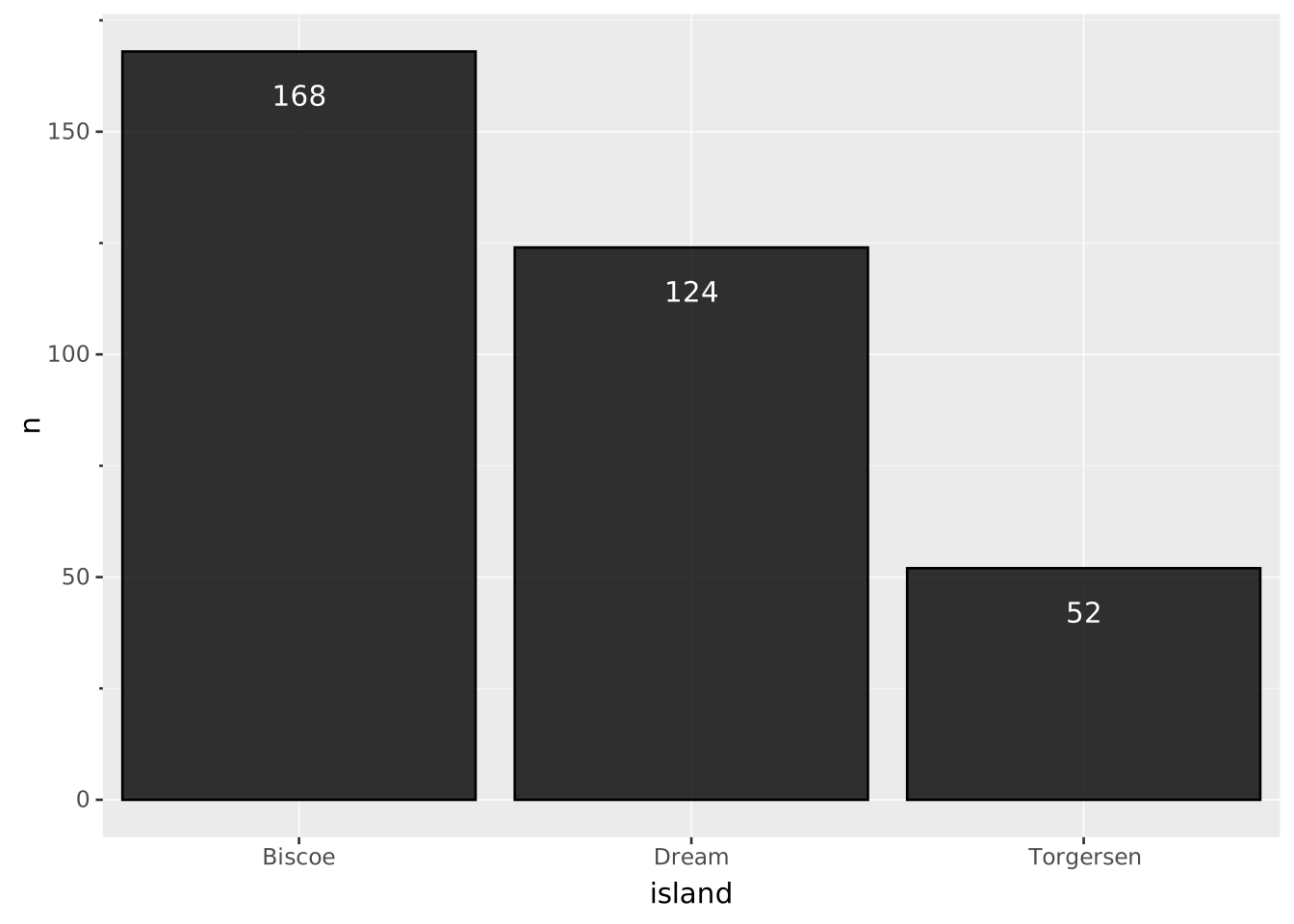
If you label bars at the extreme end, you may need to expand the scale to accommodate the labels.
SELECT island, COUNT(*) AS n FROM ggsql:penguins GROUP BY island
VISUALISE island AS x, n AS y
DRAW bar
DRAW text
  MAPPING n AS label
  SETTING vjust => 'bottom', offset => (0, 11)
SCALE y FROM (0, 200)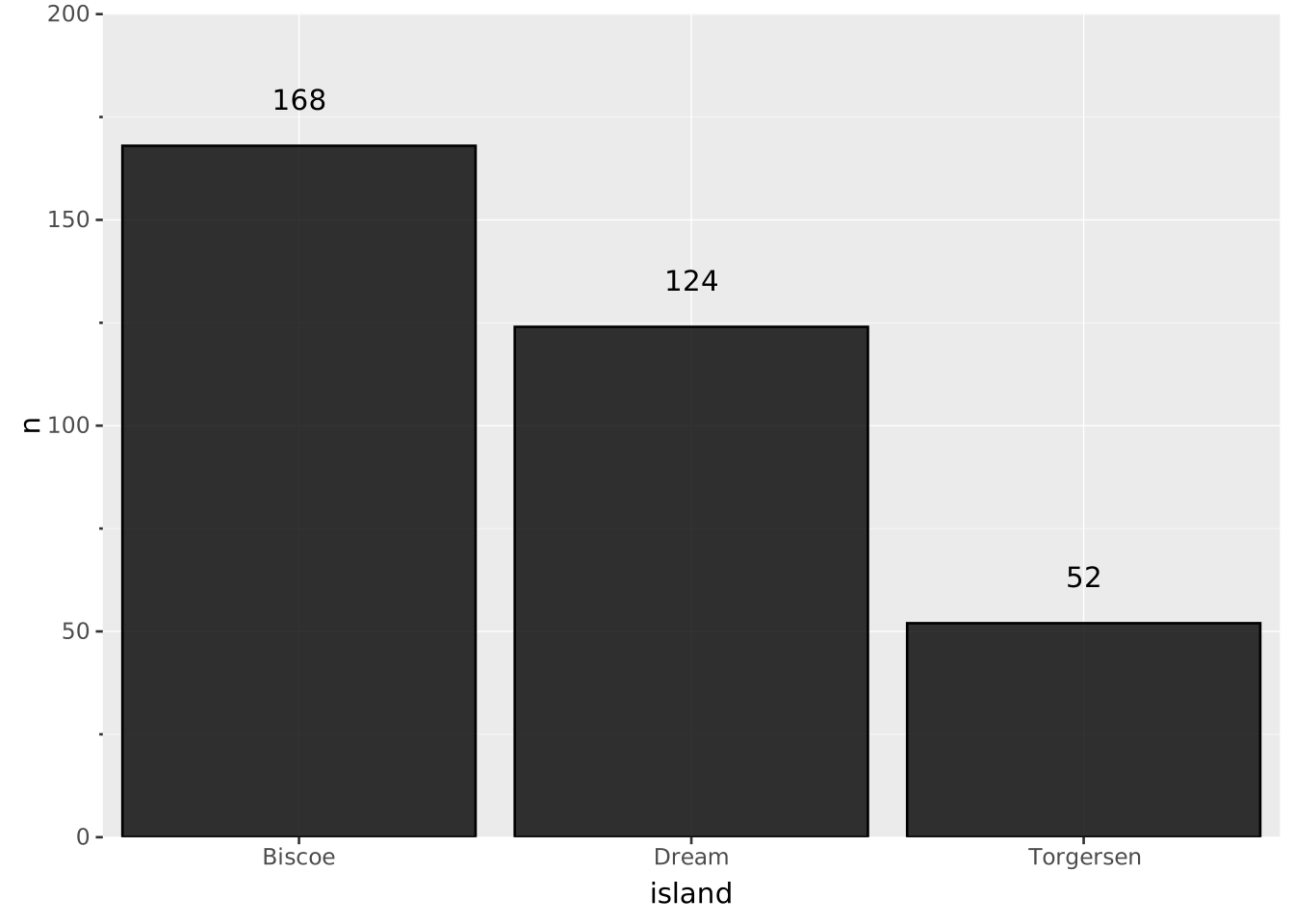
You can use PLACE to annotate a plot directly without needing to map data.
VISUALISE bill_len AS x, bill_dep AS y FROM ggsql:penguins
DRAW point MAPPING species AS colour
PLACE text
  SETTING
    label => ('Adelie', 'Chinstrap', 'Gentoo'),
    x => (40, 50, 50),
    y => (19, 19, 15)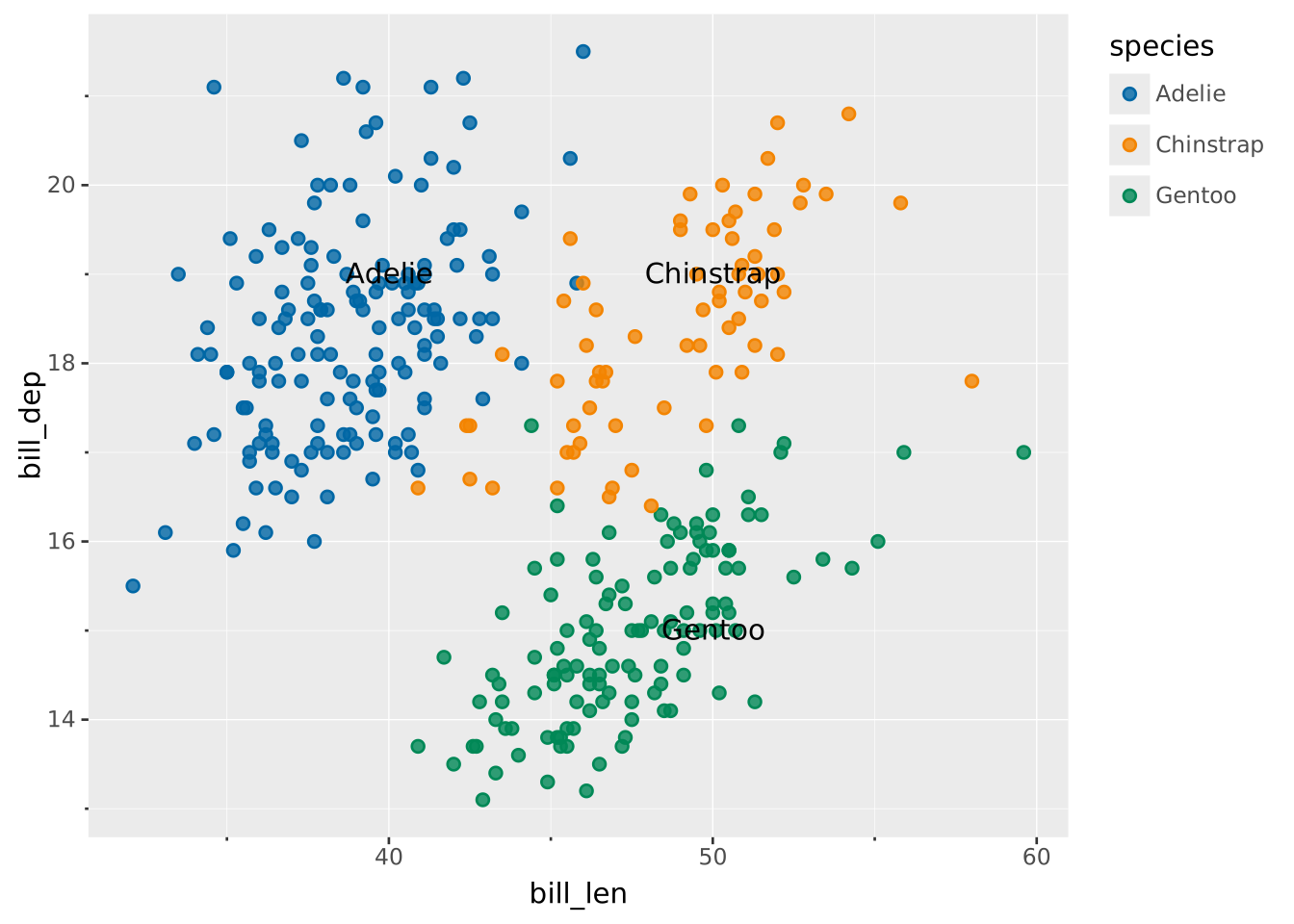
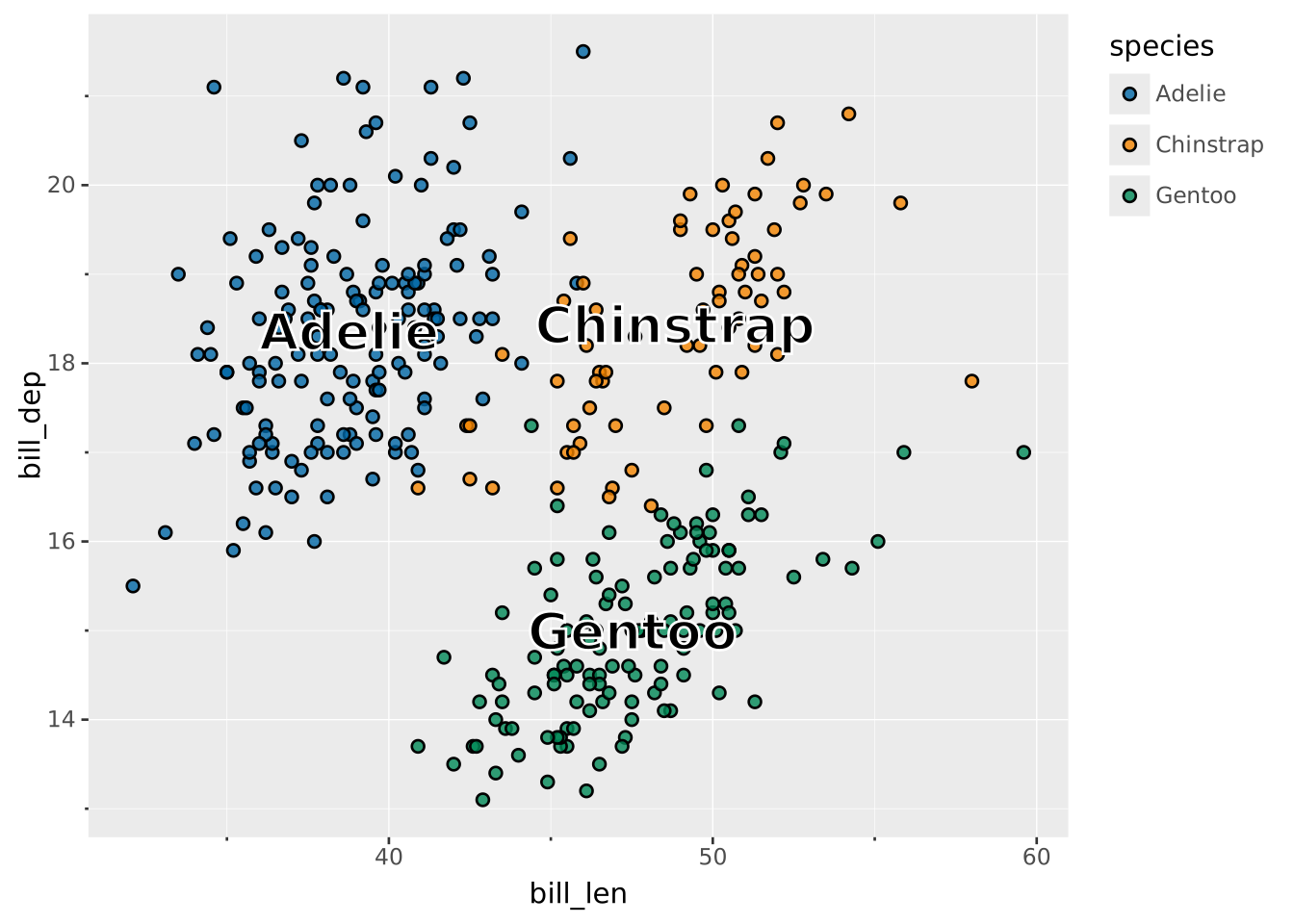
Use aggregation to place labels at their centroid.
VISUALISE bill_len AS x, bill_dep AS y FROM ggsql:penguins
DRAW point
  MAPPING species AS fill
DRAW text
  MAPPING species AS label
  SETTING aggregate => 'mean', stroke => 'white', fontweight => 'bold', fontsize => 20